




Microsoft Windows 11 Pro for Workstations – 1 PC, Lifetime License, Digital Download
USD $ 279.00
Customer Reviews
Microsoft Windows 11 Pro for Workstations – 1 PC, Lifetime License, Digital Download
A genuine perpetual Microsoft license for high-performance workstations and demanding professional workloads on one PC.
- Includes ReFS file system, persistent memory, SMB Direct, and Intel Xeon & AMD Opteron support
- Ideal for engineers, data analysts, and video editors
- Full Microsoft licensing compliance for Windows 11 Pro for Workstations
- Delivery: License key sent by email within minutes
- Lifetime license one payment, forever
- Guarantee: 100% satisfaction & money-back guarantee
Genuine Microsoft license — activated on Microsoft’s own servers
- Instant delivery: your product key, official download link and step-by-step activation guide arrive by email within minutes of payment — 24/7, USA & Canada.
- Lifetime license: pay once, activate forever. No subscription, no renewal fees, no expiry.
- 100% genuine & legal: every key is sourced through authorized supply chains and verified before it reaches your inbox.
- Money-back guarantee: 180-day refund policy plus a lifetime activation warranty — if a key ever fails, we replace it free.
- Secure checkout: Visa, Mastercard, Apple Pay, Google Pay, PayPal and Interac e-Transfer.
- Real human support: licensing and activation help across North American time zones.
How it works: 1) Add to cart and pay securely → 2) Check your inbox for the key and download link → 3) Install and activate with the included guide. Need help? See our activation guides or contact us.
Product Information
| Software Type | Operating System |
|---|---|
| Brand | Microsoft |
| Product / Edition | Windows 11 Pro for Workstations |
| Version | Windows 11 |
| Platform | Windows PC / workstation (64-bit) |
| Number of Users / Devices | 1 PC |
| License Type | Retail – Full version |
| License Term | Lifetime – one-time purchase, no subscription |
| Delivery Method | Instant email delivery (product key + guide link) |
| Format | Digital download – no physical media |
| Activation | Online activation via Microsoft (product key) |
| Languages Supported | Multilingual – all available languages |
| Region | USA & Canada (global activation) |
| Model | MMK-Win11ProforWorks |
| Support | 24/7 by email – Support@MMKeys.com |
Windows 11 Pro for Workstations – Genuine Lifetime License Key for 1 PC
Microsoft Windows 11 Pro for Workstations is the highest-performance desktop edition of Windows 11. Built specifically for professionals who run advanced hardware and compute-intensive workloads, it goes beyond Windows 11 Pro with exclusive enterprise-grade features that unlock the full potential of high-end workstation PCs including support for server-class processors, persistent memory, the Resilient File System, and dramatically faster file transfer speeds.
If you are running a workstation-class machine and using Windows 11 Pro, you are leaving performance and reliability on the table. Windows 11 Pro for Workstations removes the hardware ceilings, accelerates data-intensive operations, and delivers an OS that is engineered to keep up with the most demanding professional environments.
Your genuine Microsoft Windows 11 Pro for Workstations license key is delivered by email within minutes of purchase and activates directly on Microsoft’s official servers no workarounds, no grey-market codes, no compromises.
This product is for Windows-based PCs only. It is not compatible with macOS, Android, or Chromebook.
What Makes Windows 11 Pro for Workstations Different
Windows 11 Pro for Workstations is not simply a rebranded version of Windows 11 Pro. It includes a specific set of exclusive technologies found nowhere else in the Windows 11 consumer lineup. Here is what sets it apart.
Resilient File System (ReFS) – ReFS is Microsoft’s most advanced file system, originally developed for Windows Server environments. It is engineered for maximum data integrity, automatic error correction, and optimized handling of extremely large files and datasets. Where NTFS can encounter performance degradation with massive volumes of data, ReFS maintains consistent speed and reliability. For professionals working with large video files, scientific datasets, engineering project archives, or database-backed applications, ReFS is a meaningful upgrade that NTFS simply cannot match.
Persistent Memory (NVDIMM-N) Support – Windows 11 Pro for Workstations supports non-volatile dual in-line memory modules, commonly known as persistent memory or NVDIMM-N. This technology combines the speed of RAM with the data persistence of storage meaning your working memory is retained even through a power loss or system restart. For applications that benefit from extremely fast, persistent data access machine learning model training, real-time financial data processing, scientific simulation this feature delivers capabilities that standard DRAM-based systems cannot provide.
Server-Grade Processor Support – Standard editions of Windows 11, including Windows 11 Pro, are limited in the number of physical processors and total logical cores they can support. Windows 11 Pro for Workstations raises those limits significantly, supporting Intel Xeon and AMD Opteron processors the server-class CPUs found in professional workstation hardware from HP, Dell, Lenovo, and others. If your workstation runs a Xeon processor, this edition is designed for it.
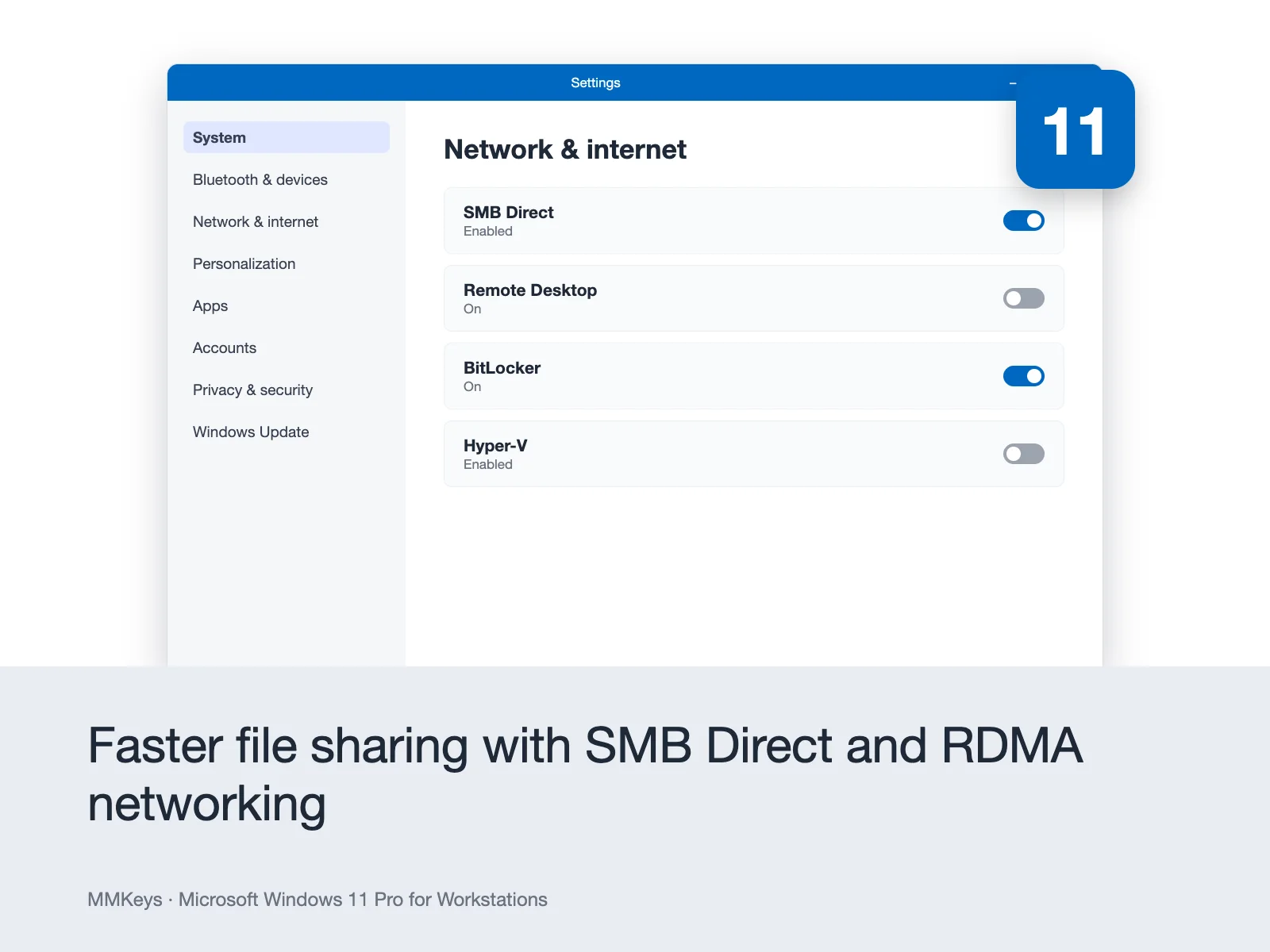
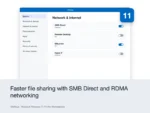
SMB Direct with RDMA – Server Message Block Direct (SMB Direct) with Remote Direct Memory Access (RDMA) support enables ultra-fast, low-latency network file transfers across high-speed network adapters. For professionals who regularly transfer large files across a local network video production teams, engineering firms, research institutions SMB Direct can reduce transfer times dramatically compared to standard network file sharing in Windows 11 Pro.
Faster File Sharing – Beyond SMB Direct, Windows 11 Pro for Workstations is optimized at the system level for faster file operations across all connected storage and network resources. Large file copies, reads, and writes complete in less time with fewer CPU cycles consumed, leaving more processing power available for your primary applications.
All Windows 11 Pro Features Included – Windows 11 Pro for Workstations includes everything in Windows 11 Pro as a foundation: BitLocker device encryption, Remote Desktop, Hyper-V virtualization, Windows Sandbox, Group Policy management, Azure Active Directory and domain join, Assigned Access, and the full Windows 11 security stack. You are not trading away any Pro features you are adding workstation-grade capabilities on top of them.
Who Is Windows 11 Pro for Workstations For?
This edition is purpose-built for professionals whose work makes serious demands on their hardware. It is the right choice for:
Engineers and CAD professionals running AutoCAD, SolidWorks, CATIA, or Revit on workstation-class hardware who need an OS that maximizes processor utilization and handles large project files without performance bottlenecks.
Video editors and motion graphics artists working with 4K, 6K, or 8K footage in DaVinci Resolve, Adobe Premiere Pro, or Avid Media Composer who need faster file system performance and reliable data integrity for large media assets.
3D artists and rendering professionals using Blender, Cinema 4D, 3ds Max, or V-Ray on multi-core workstations who need full support for high core-count processors and maximum RAM utilization.
Data scientists and machine learning engineers running model training workloads, data preprocessing pipelines, or statistical analysis on high-RAM, multi-CPU systems that exceed standard Windows 11 Pro hardware limits.
Scientific researchers and academics processing large experimental datasets, running simulations, or working with specialized instruments that output substantial volumes of raw data requiring a robust, high-integrity file system.
IT administrators and system builders configuring professional workstation deployments who need the most capable desktop Windows edition for specialized high-performance users in their organization.
Power users and enthusiasts who have invested in top-tier workstation hardware Xeon CPUs, ECC RAM, NVMe arrays and want an OS that is actually designed to leverage all of it.
Windows 11 Pro for Workstations vs Windows 11 Pro Which Do You Need?
This is the most common question buyers in the USA and Canada ask before purchasing. Here is a direct answer.
Choose Windows 11 Pro for Workstations if you run a workstation-class machine with a server-grade processor such as an Intel Xeon or AMD Opteron, work with extremely large files or datasets where file system integrity and speed matter, want to use persistent memory (NVDIMM-N) hardware, need SMB Direct for high-speed local network transfers, or simply want the most capable and unrestricted desktop edition of Windows 11 available.
Choose Windows 11 Pro if you are using a standard consumer or business PC with a mainstream Intel Core or AMD Ryzen processor, your workloads do not push hardware limits, and you do not need ReFS, persistent memory support, or the elevated processor and core count ceilings. Windows 11 Pro is an excellent OS for the vast majority of business and professional users Pro for Workstations is for the users who need more than Pro can give them.
Both are one-time purchases with no subscription required. The price difference between them at MMKeys reflects the additional capability for users who need it, the upgrade is well worth it.
Windows 11 Professioanl for Workstations vs Windows 11 Enterprise What Is the Difference?
Windows 11 Enterprise is a volume-licensing edition designed for large organizations managing dozens or hundreds of devices through Microsoft’s enterprise agreement programs. It requires volume licensing and is not available as a standalone retail purchase. Windows 11 Pro for Workstations is a retail edition that provides workstation-grade performance and hardware support as a single-device licence making it the highest-performance edition of Windows 11 available for individual purchase. For professionals and small teams who need workstation-class capabilities without enterprise volume licensing, Pro for Workstations is the right product.
Key Details at a Glance
Licence type: Perpetual one-time purchase,
lifetime activation Platform: Windows PC only not compatible with macOS, Android, or Chromebook
Devices: 1 PC
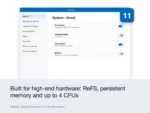
Exclusive features: ReFS file system, persistent memory (NVDIMM-N), server-grade CPU support, SMB Direct with RDMA
Includes all Windows 11 Professionals features: BitLocker, Remote Desktop, Hyper-V, Windows Sandbox, Group Policy, Azure AD join
Compatible hardware: Intel Core, Intel Xeon, AMD Ryzen, AMD Opteron, and other compatible 64-bit processors
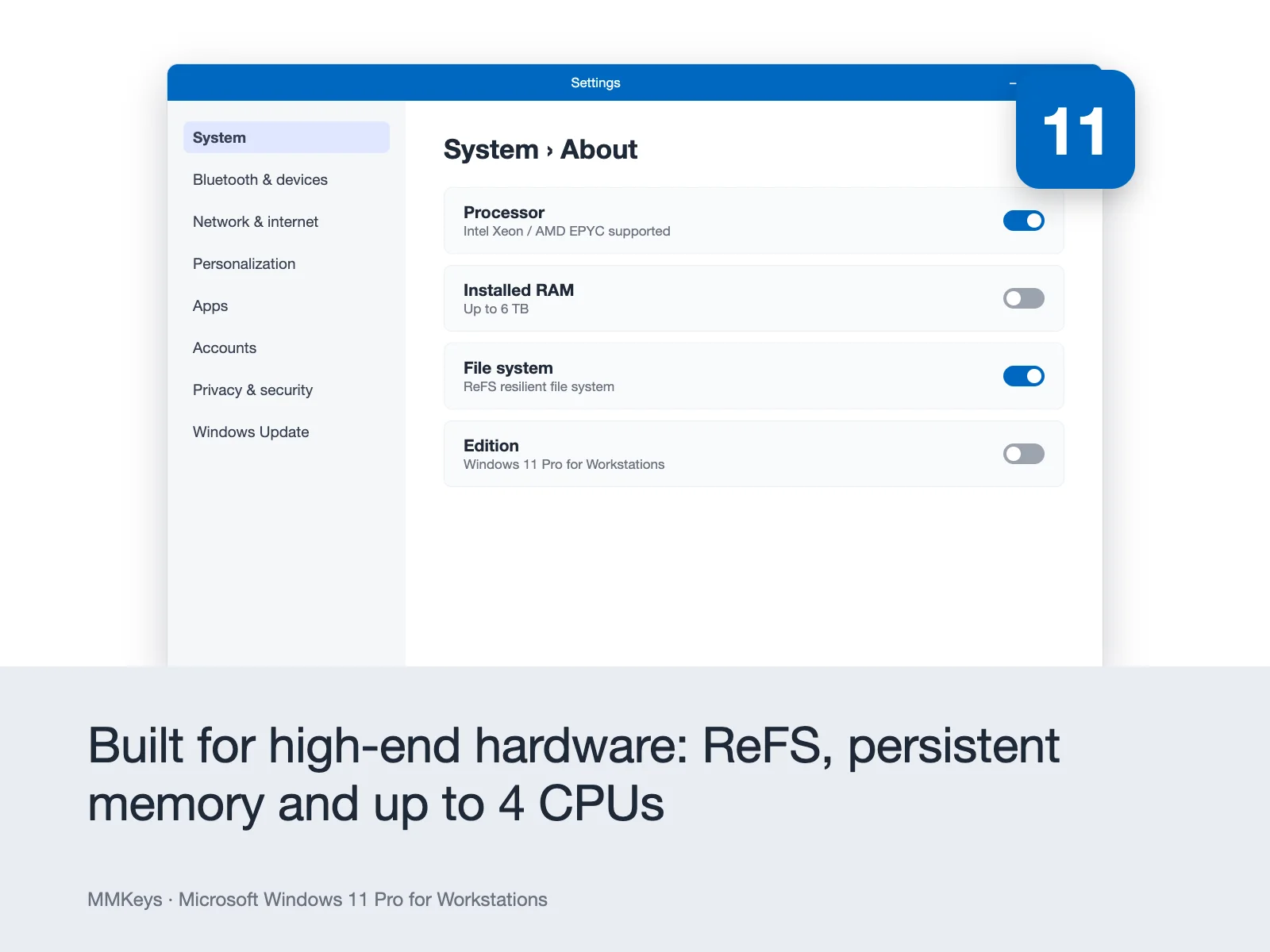
RAM support: Up to 6 TB (compared to 128 GB in Windows 11 Home and 2 TB in Windows 11 Pro)
Processor socket support: Up to 4 physical processors
Minimum processor: 1 GHz or faster, 2 or more cores, 64-bit compatible, DirectX 12 or later with WDDM 2.0 driver
Minimum RAM: 4 GB
Minimum storage: 64 GB
Display: 720p HD display, 9-inch diagonal or larger, 8 bits per color channel
Delivery: Genuine Microsoft product key sent by email within minutes of purchase
Activation: Online via Microsoft’s official activation servers
Works offline: Yes internet required only for initial download and activation
Microsoft support end date: Security updates provided by Microsoft through at least 2031
How to Install and Activate Your Microsoft Windows 11 Pro for Workstations License Key
Step 1 – After purchase, your license key arrives in your email inbox within minutes. Check your spam folder if you do not see it in your primary inbox.
Step 2 – Download the official Windows 11 installation media from Microsoft at microsoft.com/software-download/windows11. Use the Media Creation Tool to create a bootable USB drive or download the ISO file directly.
Step 3 – If you are performing a clean installation, boot from your USB drive and follow the Windows Setup process. If you are upgrading an existing Windows installation, run the installer directly from within Windows.
Step 4 – When prompted during setup, enter your 25-character Windows 11 Pro for Workstations product key. Setup will verify the key and apply the correct edition automatically.
Step 5 – Complete the installation and initial setup. Windows will activate automatically online through Microsoft’s servers once your PC is connected to the internet.
Full step-by-step installation and activation instructions are included with every MMKeys order. Our support team is available 24 hours a day, 7 days a week if you need any assistance at any stage of the process.
Is this a genuine Microsoft Windows 11 Pro for Workstations key?
Yes. Every key sold by MMKeys is an authentic Microsoft product licence. It activates directly on Microsoft's official servers there are no shared keys, no grey-market codes, and no workarounds of any kind.
What is the difference between Windows 11 Pro and Windows 11 Pro for Workstations?
Windows 11 Pro for Workstations adds four exclusive features on top of everything in Windows 11 Pro: the Resilient File System (ReFS), persistent memory (NVDIMM-N) support, server-grade processor compatibility including Intel Xeon and AMD Opteron, and SMB Direct with RDMA for ultra-fast network file transfers. It also raises the RAM ceiling from 2 TB in Windows 11 Pro to 6 TB, and supports up to 4 physical processor sockets. If your hardware or workload benefits from any of these capabilities, Pro for Workstations is the right choice.
Does Windows 11 Pro for Workstations support Intel Xeon processors?
Yes. This is one of the primary reasons to choose this edition. Windows 11 Pro for Workstations fully supports Intel Xeon and AMD Opteron server-class processors that are not fully supported in standard consumer editions of Windows 11.
Can I upgrade from Windows 11 Pro to Windows 11 Pro for Workstations?
Yes. If you are currently running Windows 11 Pro on your workstation, you can upgrade to Windows 11 Pro for Workstations by entering the new product key in Settings Update and Security Activation Change product key. The upgrade process does not require reinstalling Windows and preserves all your files, apps, and settings.
Can I use this key for a clean installation of Windows 11?
Yes. You can use your product key for a completely fresh installation of Windows 11 Pro for Workstations. Download the official Windows 11 installation media from Microsoft, boot from a USB drive, and enter your key during setup.
Is this licence transferable to a new PC?
Windows 11 Pro for Workstations purchased as a retail licence can be transferred to a new PC if you need to replace your workstation. Deactivate Windows on the original machine through your Microsoft account at account.microsoft.com/devices, and then activate on the new PC using the same key. Contact MMKeys support if you need guidance through this process.
Does Windows 11 Pro for Workstations support ECC RAM?
Yes. Windows 11 Pro for Workstations is designed to work with high-end workstation hardware configurations including ECC (Error-Correcting Code) memory, which is commonly used in professional workstations to prevent data corruption in critical workloads.
How long will Microsoft support Windows 11 with security updates?
Microsoft has committed to supporting Windows 11 through at least 2031, ensuring your licence continues to receive regular security patches and improvements through Windows Update for many years.
Does it work offline after activation?
Yes. Once installed and activated, Windows 11 Pro for Workstations runs fully without an internet connection. An internet connection is required only during the initial setup and activation, and for ongoing Windows Update downloads.
How soon will I receive my key after purchase?
Most MMKeys orders are delivered within five minutes of payment confirmation, 24 hours a day. Your email includes the product key, a direct Microsoft download link, and step-by-step installation instructions.
What if my key does not activate?
Contact MMKeys support at any time. We stand behind every licence we sell. If your key does not activate for any reason, we will resolve the issue or replace it at no cost. CONTACT US
Everything was smooth. Got the code right away. Excellent support from the server.
No waiting around, the key arrived in seconds. Great experience with the team.
The product key worked first try. mmkeys.com provided a very fast service with no lag.
Highly recommend this shop. Efficient delivery and great communication.
Super smooth experience, license code worked seamlessly on my machine.