




Microsoft Windows 11 Home – 1 PC, Lifetime License, Digital Download
CAD $ 15.00
Customer Reviews
Microsoft Windows 11 Home – 1 PC, Lifetime License, Digital Download
A genuine perpetual Microsoft license for everyday computing on one modern PC no subscription required.
- Includes Snap Layouts, DirectStorage, Android app support, Windows Hello, and built-in security
- Ideal for home users, students, families, and everyday PC builders
- Full Microsoft licensing compliance for Windows 11 Home
- Delivery: License key sent by email within minutes
- Lifetime license one payment, forever
- Guarantee: 100% satisfaction & money-back guarantee
Genuine Microsoft license — activated on Microsoft’s own servers
- Instant delivery: your product key, official download link and step-by-step activation guide arrive by email within minutes of payment — 24/7, USA & Canada.
- Lifetime license: pay once, activate forever. No subscription, no renewal fees, no expiry.
- 100% genuine & legal: every key is sourced through authorized supply chains and verified before it reaches your inbox.
- Money-back guarantee: 180-day refund policy plus a lifetime activation warranty — if a key ever fails, we replace it free.
- Secure checkout: Visa, Mastercard, Apple Pay, Google Pay, PayPal and Interac e-Transfer.
- Real human support: licensing and activation help across North American time zones.
How it works: 1) Add to cart and pay securely → 2) Check your inbox for the key and download link → 3) Install and activate with the included guide. Need help? See our activation guides or contact us.
Product Information
| Software Type | Operating System |
|---|---|
| Brand | Microsoft |
| Product / Edition | Windows 11 Home |
| Version | Windows 11 |
| Platform | Windows PC (64-bit) |
| Number of Users / Devices | 1 PC |
| License Type | Retail – Full version |
| License Term | Lifetime – one-time purchase, no subscription |
| Delivery Method | Instant email delivery (product key + guide link) |
| Format | Digital download – no physical media |
| Activation | Online activation via Microsoft (product key) |
| Languages Supported | Multilingual – all available languages |
| Region | USA & Canada (global activation) |
| Model | MMK-Win11Home |
| Support | 24/7 by email – Support@MMKeys.com |
Microsoft Windows 11 Home – Genuine Lifetime License Key for 1 PC
Microsoft Windows 11 Home is the latest consumer operating system from Microsoft the OS that ships on virtually every new consumer PC sold today in the USA and Canada. It is faster, more secure, and more polished than any previous version of Windows, with a completely redesigned interface, dramatically improved gaming performance, stronger security built into its core, and features that make everyday computing noticeably better.
Whether you are building a new PC, reinstalling Windows on an existing machine, activating an unactivated copy, or upgrading from Windows 10, a genuine Windows 11 Home lifetime license key from MMKeys gives you full, permanent activation in minutes at a fraction of Microsoft’s retail price.
Your genuine license key is delivered by email within minutes of purchase and activates directly on Microsoft’s official servers. No subscription. No monthly fees. No expiry. One PC. Yours for life.
Note: This product is for Windows-based PCs only. Not compatible with macOS, Android, or Chromebook. If your work requires BitLocker encryption, Remote Desktop, Hyper-V, or Group Policy, see Windows 11 Pro instead.
What Is Windows 11 Home?
Windows 11 Home is Microsoft’s flagship consumer operating system the edition designed for home users, students, families, creative professionals, and gamers who want the best everyday Windows experience without the business-focused features of the Pro edition. It includes everything most users will ever need: a modern redesigned interface, industry-leading gaming capabilities, strong built-in security, seamless Microsoft 365 integration, and a clean, fast desktop experience that improves on Windows 10 in every meaningful way.
Key Features of Windows 11 Home
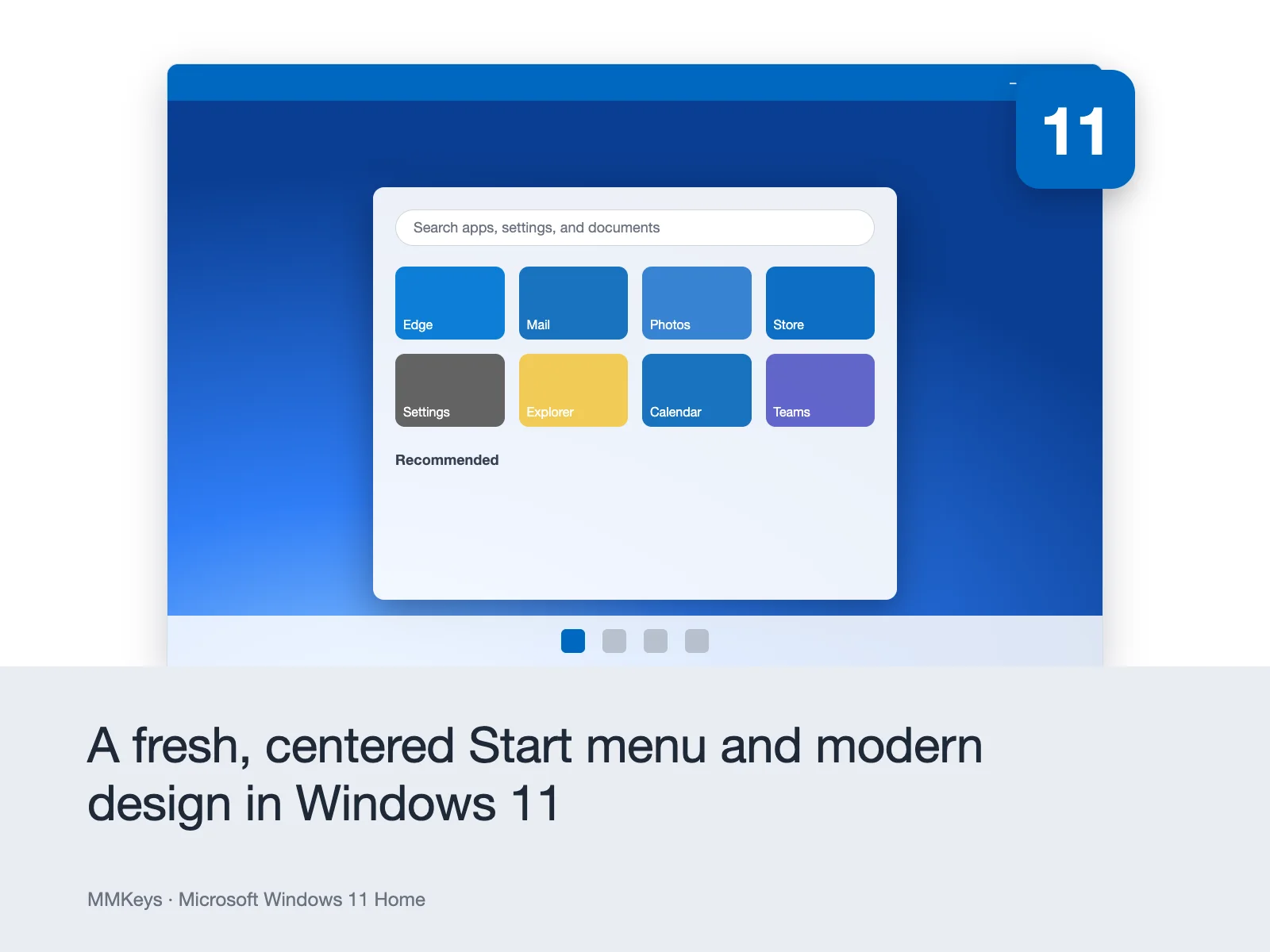
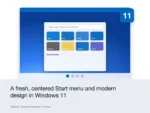
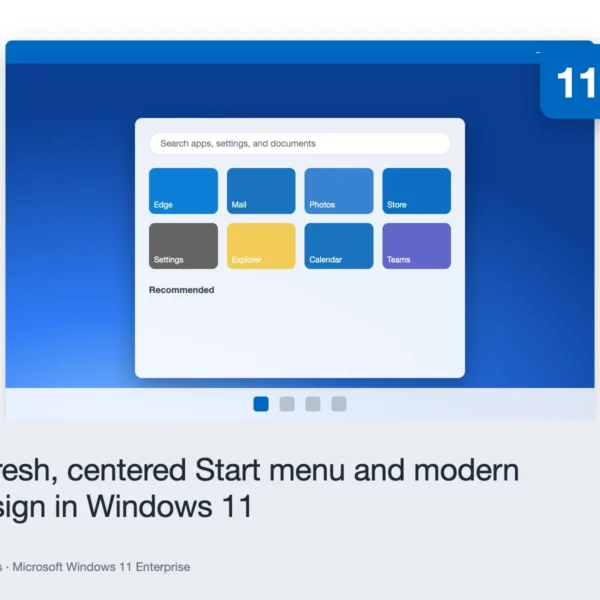
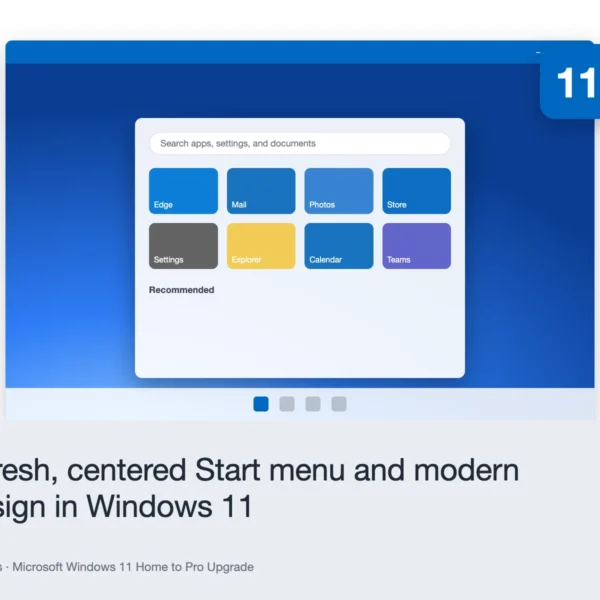
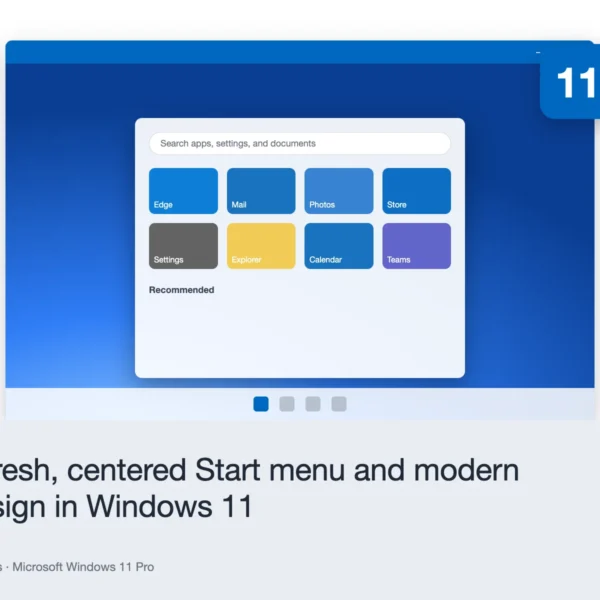
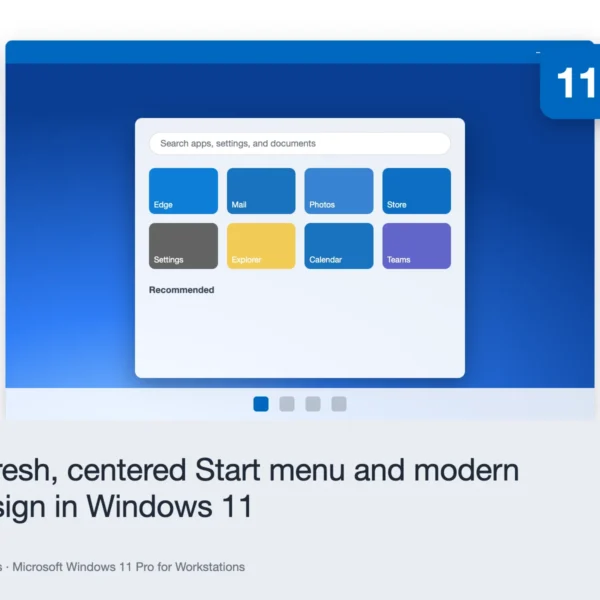
Redesigned Interface and Start Menu Windows 11 Home introduces the most significant visual redesign in Windows since Windows 10 launched in 2015. The Start menu moves to the center of the taskbar and presents a clean grid of pinned apps and recent files no live tiles, no clutter. Rounded window corners, updated system icons, refined animations, and a consistent visual language across all built-in apps give Windows 11 a modern, polished feel that matches the quality of the hardware it runs on. The new taskbar is streamlined and focused, putting your most-used apps front and center while keeping system notifications and quick settings neatly organized in the system tray.
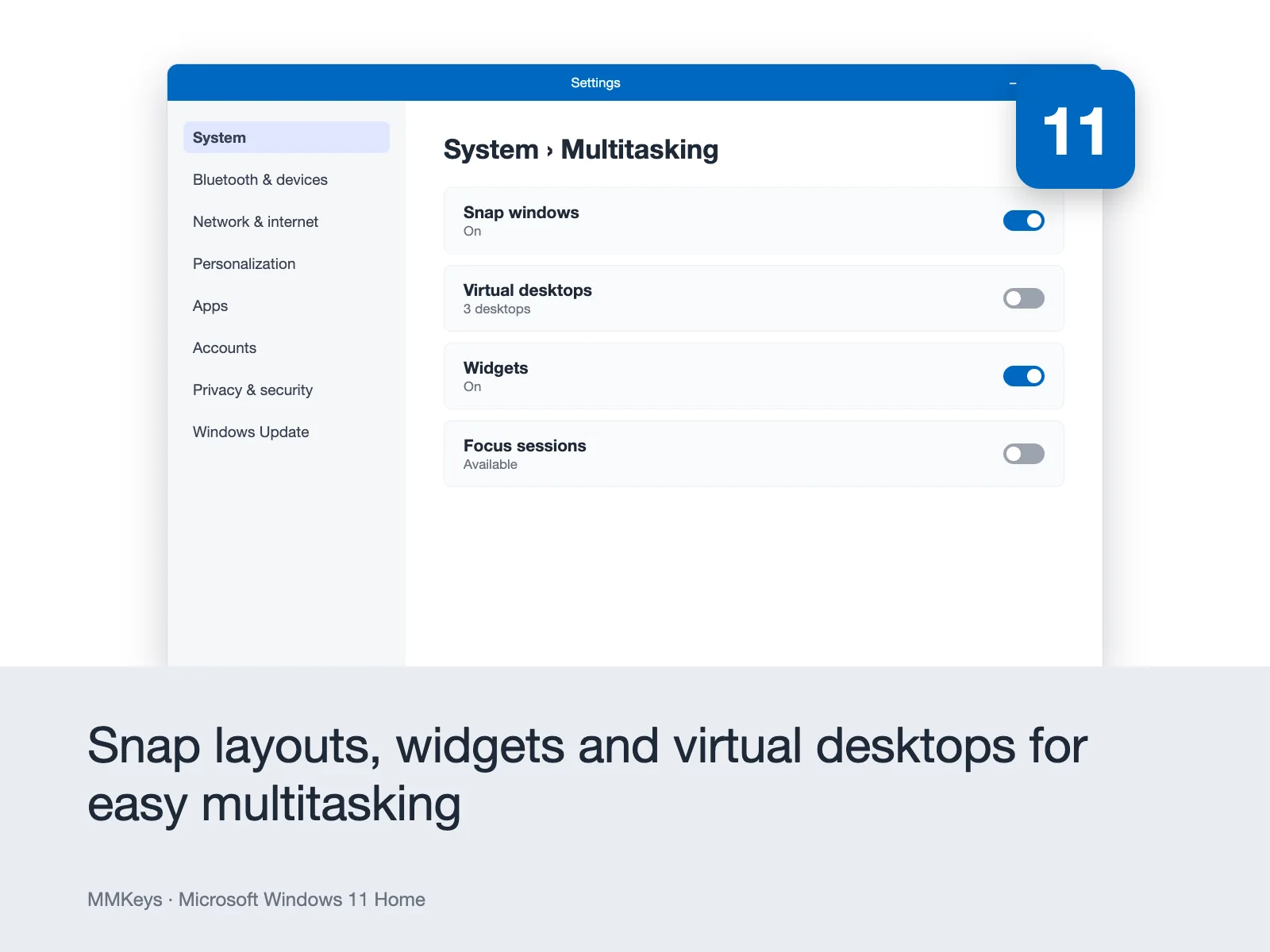
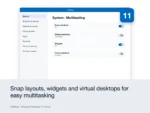
Snap Layouts and Snap Groups One of the most immediately useful features in Windows 11 Home. Hover over the maximize button on any window and a popup appears showing six preset layout options side by side, three columns, a main window with two stacked alongside, and more. Click a layout zone and your window snaps to it. Windows 11 then prompts you to fill the remaining zones with your other open windows, building a complete multi-window workspace in seconds. Snap Groups remembers your layouts when you hover over an app in the taskbar, you see the full snap group it belongs to, letting you restore an entire multi-window arrangement instantly. For anyone who works with multiple apps open at the same time, Snap Layouts is a productivity upgrade that you notice from the first day.
DirectStorage Gaming Performance for Modern SSDs Windows 11 Home includes native support for DirectStorage, Microsoft’s game asset loading technology originally developed for Xbox Series X and S. DirectStorage allows games to load assets directly from an NVMe SSD to the GPU, bypassing the CPU bottleneck that traditional storage pipelines create. The result is dramatically faster level loads, near-instant scene transitions, and the ability to stream far more detailed textures and geometry in real time than previous storage architectures allowed. For PC gamers who have invested in fast NVMe storage, DirectStorage in Windows 11 Home is the feature that makes those drives perform as intended.
Auto HDR Windows 11 Home includes Auto HDR, which automatically upgrades compatible DirectX 11 and DirectX 12 games to high dynamic range output on HDR-capable displays without any work from the game developer. Games that were never designed with HDR in mind gain dramatically richer colors, deeper blacks, and brighter highlights automatically. For gamers with HDR monitors, this is one of the most impactful Windows 11 features available at no extra cost.
Android App Support via Amazon Appstore Windows 11 Home supports running Android applications natively on the PC desktop through the Windows Subsystem for Android and the Amazon Appstore. Mobile apps designed for Android run as standard desktop windows alongside your other PC applications no phone required, no emulator lag. This opens up the Android app ecosystem to Windows users for the first time, giving access to thousands of apps and games previously available only on mobile devices.
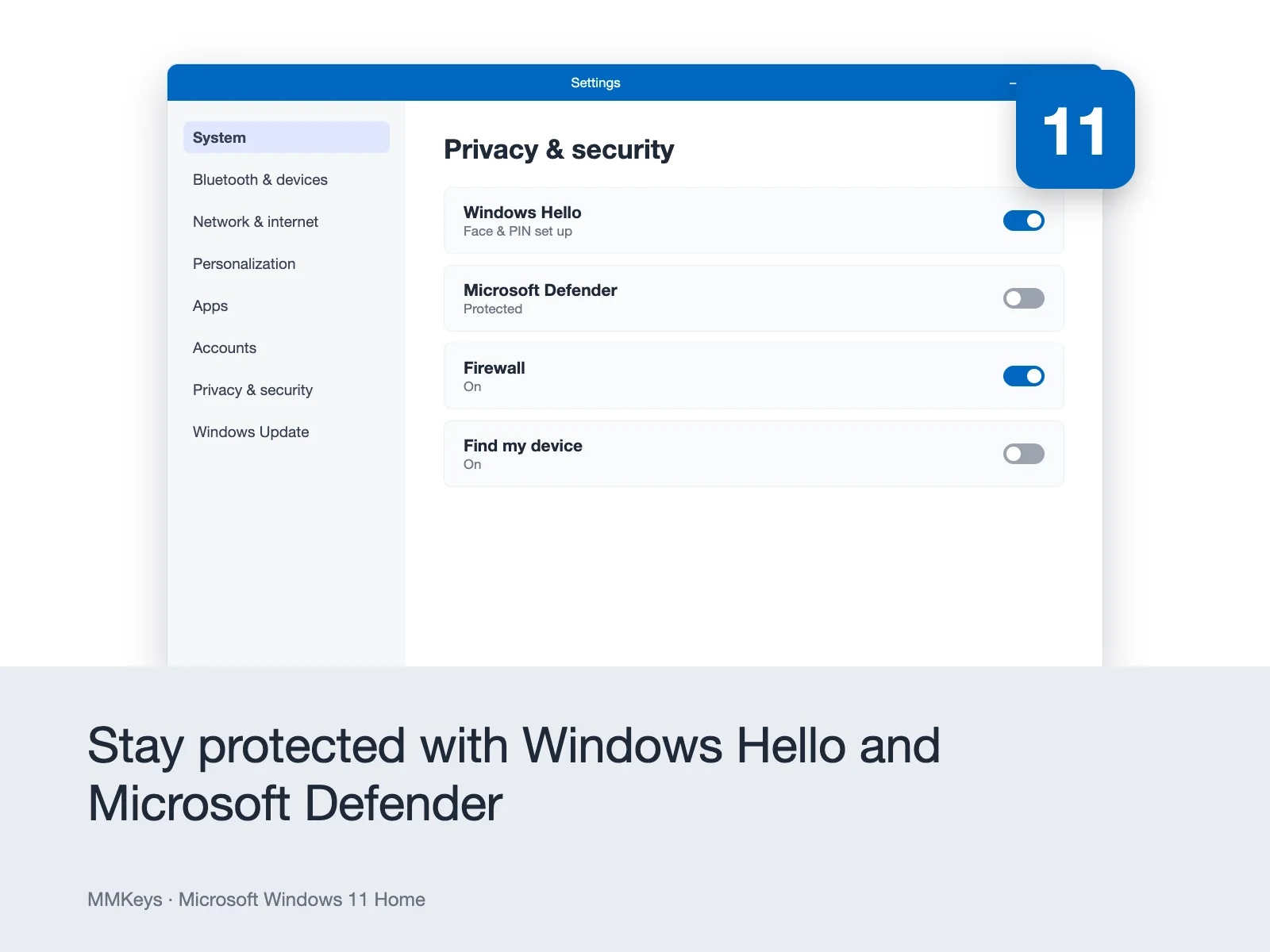
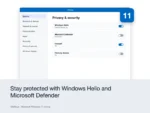
Windows Hello Biometric Sign-In Sign in to your PC instantly and securely using facial recognition or fingerprint scanning no password required on supported hardware. Windows Hello is significantly more secure than password-based authentication because biometric data never leaves your device and cannot be stolen in a data breach the way passwords can. For PCs with a compatible webcam or fingerprint reader, Windows Hello makes logging in faster and more secure every single time.
Microsoft Defender Antivirus and Windows Security Windows 11 Home ships with Microsoft Defender, one of the most capable antivirus and anti-malware solutions available included at no extra cost and updated continuously through Windows Update. Microsoft Defender consistently scores at the top of independent antivirus testing organizations including AV-TEST and AV-Comparatives, making third-party antivirus software genuinely optional for most home users. Windows Security brings Defender, firewall management, device health monitoring, and family safety controls into a single, clearly organized dashboard.
Secure Boot and TPM 2.0 Windows 11 Home requires and leverages Trusted Platform Module 2.0 hardware for a fundamentally more secure boot process. TPM 2.0 ensures that the operating system has not been tampered with during startup, protects encryption keys, and enables secure hardware-backed authentication features. This requirement which generated significant discussion when Windows 11 launched delivers real security benefits, particularly protection against firmware-level attacks that bypass traditional antivirus software entirely.
Microsoft Teams Integration Microsoft Teams is built directly into the Windows 11 Home taskbar, giving you one-click access to video calls, chat, and file sharing with anyone regardless of whether they have Teams installed. Friends and family can join calls directly from a browser link, making Teams in Windows 11 Home a genuine alternative to FaceTime or Zoom for personal communication. For users already in the Microsoft ecosystem, having Teams accessible from the taskbar without opening a browser or separate app is a meaningful convenience.
Widgets A personalized information panel that slides out from the left edge of the screen with a curated feed of weather, news, sports scores, calendar events, and stock information. Widgets in Windows 11 Home adapt to your interests based on your Microsoft account and can be customized to show exactly the information you want at a glance without opening a browser.
Virtual Desktops Create multiple independent desktop workspaces on a single screen one for work, one for personal browsing, one for creative projects and switch between them with a keyboard shortcut or the Task View button. Each virtual desktop has its own set of open windows, letting you organize complex workflows into separate, distraction-free spaces.
OneDrive Integration Windows 11 Home integrates deeply with Microsoft OneDrive for automatic backup of your Desktop, Documents, and Pictures folders to the cloud. Files on Demand lets you see all your OneDrive files in File Explorer without downloading them to your local drive they download automatically when you open them. For users who work across multiple PCs or want protection against drive failure, OneDrive integration in Windows 11 Home provides meaningful backup and sync without requiring any setup beyond signing into a Microsoft account.
Phone Link Connect your Android smartphone directly to your Windows 11 PC and see your phone’s notifications, messages, photos, and calls on your desktop. Reply to texts, answer calls, and browse your phone’s photo library all from your PC without picking up your phone. iOS support for phone calls and notifications is also available on compatible iPhones.
Windows 11 Home vs Windows 11 Pro Which Do You Need?
This is the most common question buyers in the USA and Canada ask before purchasing Windows 11. Here is a direct, honest answer.
Windows 11 Home covers everything the vast majority of home users, students, families, and everyday PC users need. The complete feature set described above Snap Layouts, DirectStorage, Auto HDR, Android apps, Windows Hello, Defender security, Teams, OneDrive is fully included. For personal computing, content creation, gaming, studying, and general productivity, Windows 11 Home is the right and complete operating system.
Windows 11 Pro adds four features that matter specifically in business and IT contexts: BitLocker full-disk encryption for protecting sensitive data on lost or stolen devices, Remote Desktop for accessing your PC remotely from another machine, Hyper-V for running virtual machines directly on your PC without third-party software, and Group Policy for managing settings across multiple devices in a managed network. Windows 11 Pro also raises the maximum supported RAM from 128 GB to 2 TB and supports domain joining for corporate network environments.
If you use your PC at home, for gaming, studying, creative work, or general everyday computing, Windows 11 Home is the right choice and the more affordable one. If you work in a business environment that requires any of the Pro-exclusive tools, see Windows 11 Pro.
Windows 11 Home vs Windows 10 Should You Upgrade?
Buyers across the USA and Canada frequently compare these two before buying. Windows 11 Home offers a meaningfully better experience on modern hardware particularly the redesigned interface with Snap Layouts, DirectStorage for gaming performance on NVMe drives, Auto HDR on compatible monitors, Android app support, and a stronger security foundation with TPM 2.0 and improved Secure Boot.
Windows 11 requires TPM 2.0 and a compatible processor most PCs manufactured after 2017 qualify. If your PC meets the requirements, upgrading to Windows 11 Home delivers a noticeably improved experience that is worth the move. If your hardware does not meet Windows 11 minimum requirements, Windows 10 Pro remains fully functional and is available separately on MMKeys.
Key Details at a Glance
- Licence type: Perpetual one-time purchase, lifetime activation
- Platform: Windows PC only not compatible with macOS, Android, or Chromebook
- Edition: Home the complete consumer edition for everyday computing
- Devices: 1 PC
- Compatible hardware: Requires TPM 2.0, Secure Boot, DirectX 12, UEFI firmware
- Minimum processor: 1 GHz or faster with 2 or more cores, 64-bit compatible
- Minimum RAM: 4 GB
- Minimum storage: 64 GB Display: 720p HD, 9-inch diagonal or larger, 8 bits per colour channel
- Internet: Required for initial setup and Microsoft account sign-in (mandatory for Home edition)
- Delivery: Genuine Microsoft license key sent by email within minutes of purchase
- Activation: Online via Microsoft’s official servers at microsoft.com/activate
- Works offline: Yes after setup internet required during initial installation and account setup Language: All languages supported global key, no regional restrictions Microsoft support: Security updates committed through at least 2031
How to Install and Activate Your Windows 11 Home License Key
Step 1 – After purchase on MMKeys, your license key arrives in your email inbox within minutes. Check your spam folder if it does not appear right away.
Step 2 – If Windows 11 Home is already installed but unactivated on your PC, go to Settings – System – Activation – Change product key. Enter your 25-character key and click Next to activate immediately online.
Step 3 – For a clean installation, download the official Windows 11 installation media from Microsoft at microsoft.com/software-download/windows11. Use the Media Creation Tool to create a bootable USB drive.
Step 4 – Boot from the USB drive, follow the Windows Setup process, and enter your license key when prompted. Windows will confirm the key and apply the Home edition automatically.
Step 5 to – Complete the initial setup sign in with your Microsoft account, choose your privacy settings, and personalize your desktop. Windows activates automatically through Microsoft’s servers during setup.
Full instructions are included with every MMKeys order. Our support team is available 24 hours a day, 7 days a week.
Is this a genuine Microsoft Windows 11 Home key?
Yes. Every key sold by MMKeys is an authentic Microsoft product licence that activates directly on Microsoft's official servers. No shared keys, no grey-market codes, no workarounds of any kind.
Does Windows 11 Home require a Microsoft account?
Yes. Unlike Windows 10, Windows 11 Home requires signing in with a Microsoft account during initial setup. A Microsoft account is free to create and gives you access to OneDrive, the Microsoft Store, and other connected features. If you prefer a local account, Windows 11 Pro supports local account setup during installation without a Microsoft account requirement.
What are the minimum hardware requirements for Windows 11?
Windows 11 requires a compatible 64-bit processor running at 1 GHz or faster with at least 2 cores, 4 GB of RAM, 64 GB of storage, a TPM 2.0 chip, UEFI firmware with Secure Boot capability, and a DirectX 12 compatible GPU. Most PCs manufactured after 2017 meet these requirements. You can check your PC's compatibility using Microsoft's free PC Health Check tool, available from Microsoft's website.
Can I upgrade from Windows 10 to Windows 11 Home using this key?
Yes. If your PC meets Windows 11's hardware requirements and is currently running Windows 10, you can upgrade to Windows 11 Home by entering your new product key and downloading the Windows 11 installer from Microsoft. Your files, apps, and settings are preserved during an in-place upgrade.
Can I upgrade from Windows 11 Home to Windows 11 Pro?
Yes. If you later decide you need the Pro features — BitLocker, Remote Desktop, Hyper-V, or Group Policy and you can upgrade from Windows 11 Home to Pro by purchasing a Windows 11 Pro upgrade key and entering it in Settings - System - Activation. MMKeys carries Windows 11 Pro separately.
Is this key transferable to a new PC?
A retail licence for Windows 11 Home can be transferred to a new PC if you replace your machine. Deactivate Windows on the original device through your Microsoft account and then activate on the new one using the same key. Contact MMKeys support if you need help with the process.
Does the key work globally including Canada and the USA?
Yes. The key has no regional restrictions and works worldwide, including the USA and Canada, in all available language versions of Windows 11 Home.
How long will Microsoft support Windows 11 with security updates?
Microsoft has committed to supporting Windows 11 with security updates through at least 2031, ensuring your activation continues to receive protection for many years.
How soon will I receive my key after purchase?
Most MMKeys orders are delivered within five minutes of payment confirmation, 24 hours a day, 7 days a week. Your email includes the license key, a direct Microsoft download link, and step-by-step activation instructions.
What if my key does not activate?
Contact MMKeys support at any time. We stand behind every licence we sell. If your key does not activate for any reason, we will resolve the issue or provide a replacement at no cost. CONTACT US
Great price and fast delivery to the US. Activation took under a minute.
Highly recommend this shop. Efficient delivery and great communication.
Reliable service as always. The key worked perfectly. No delays or lag.
Top service from the seller. The license activated without any issues. Very fast delivery.
Perfect transaction. The key worked immediately. No delays from the server side.