




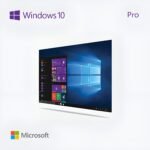
Microsoft Windows 10 Pro – 1 PC, Lifetime License, Digital Download
CAD $ 24.00
Customer Reviews
Microsoft Windows 10 Pro – 1 PC, Lifetime License, Digital Download
A genuine perpetual Microsoft license for a secure, reliable professional Windows experience on one PC no subscription required.
- Includes BitLocker, Remote Desktop, Hyper-V, and Group Policy management
- Ideal for professionals, small businesses, and home users
- Full Microsoft licensing compliance for Windows 10 Pro
- Delivery: License key sent by email within minutes
- Lifetime license one payment, forever
- Guarantee: 100% satisfaction & money-back guarantee
Genuine Microsoft license — activated on Microsoft’s own servers
- Instant delivery: your product key, official download link and step-by-step activation guide arrive by email within minutes of payment — 24/7, USA & Canada.
- Lifetime license: pay once, activate forever. No subscription, no renewal fees, no expiry.
- 100% genuine & legal: every key is sourced through authorized supply chains and verified before it reaches your inbox.
- Money-back guarantee: 180-day refund policy plus a lifetime activation warranty — if a key ever fails, we replace it free.
- Secure checkout: Visa, Mastercard, Apple Pay, Google Pay, PayPal and Interac e-Transfer.
- Real human support: licensing and activation help across North American time zones.
How it works: 1) Add to cart and pay securely → 2) Check your inbox for the key and download link → 3) Install and activate with the included guide. Need help? See our activation guides or contact us.
Product Information
| Software Type | Operating System |
|---|---|
| Brand | Microsoft |
| Product / Edition | Windows 10 Pro |
| Version | Windows 10 (version 22H2) |
| Platform | Windows PC (64-bit) |
| Number of Users / Devices | 1 PC |
| License Type | Retail – Full version |
| License Term | Lifetime – one-time purchase, no subscription |
| Delivery Method | Instant email delivery (product key + guide link) |
| Format | Digital download – no physical media |
| Activation | Online activation via Microsoft (product key) |
| Languages Supported | Multilingual – all available languages |
| Region | USA & Canada (global activation) |
| Model | MMK-Win10Pro |
| Support | 24/7 by email – Support@MMKeys.com |
Microsoft Windows 10 Pro – Genuine Lifetime License Key for 1 PC
Microsoft Windows 10 Pro remains one of the most widely used and trusted operating systems in the world. Hundreds of millions of PCs across homes, offices, schools, and businesses in the USA and Canada still run Windows 10 Pro every day and for good reason. It is fast, stable, familiar, and packed with professional-grade tools that go well beyond what Windows 10 Home offers.
Whether you are building a new PC, reinstalling on an existing machine, or simply need to activate an unlicensed copy, a genuine Windows 10 Pro lifetime license key from MMKeys gives you full, permanent activation in minutes at a fraction of Microsoft’s retail price.
Your licence key arrives by email within minutes of purchase. It activates directly on Microsoft’s official servers. No subscription. No monthly fees. No expiry. One PC. Yours for life.
Important: This product is for Windows-based PCs only and is not compatible with macOS, Android, or Chromebook.
What Is Windows 10 Pro?
Windows 10 Pro is the professional tier of Microsoft’s Windows 10 operating system the edition designed for users, businesses, and IT environments that need more than the standard Home edition provides. On top of everything included in Windows 10 Home, it adds a powerful suite of security, management, and virtualization tools that make it the standard choice for workplaces and serious home users alike.
Key Features of Windows 10 Pro
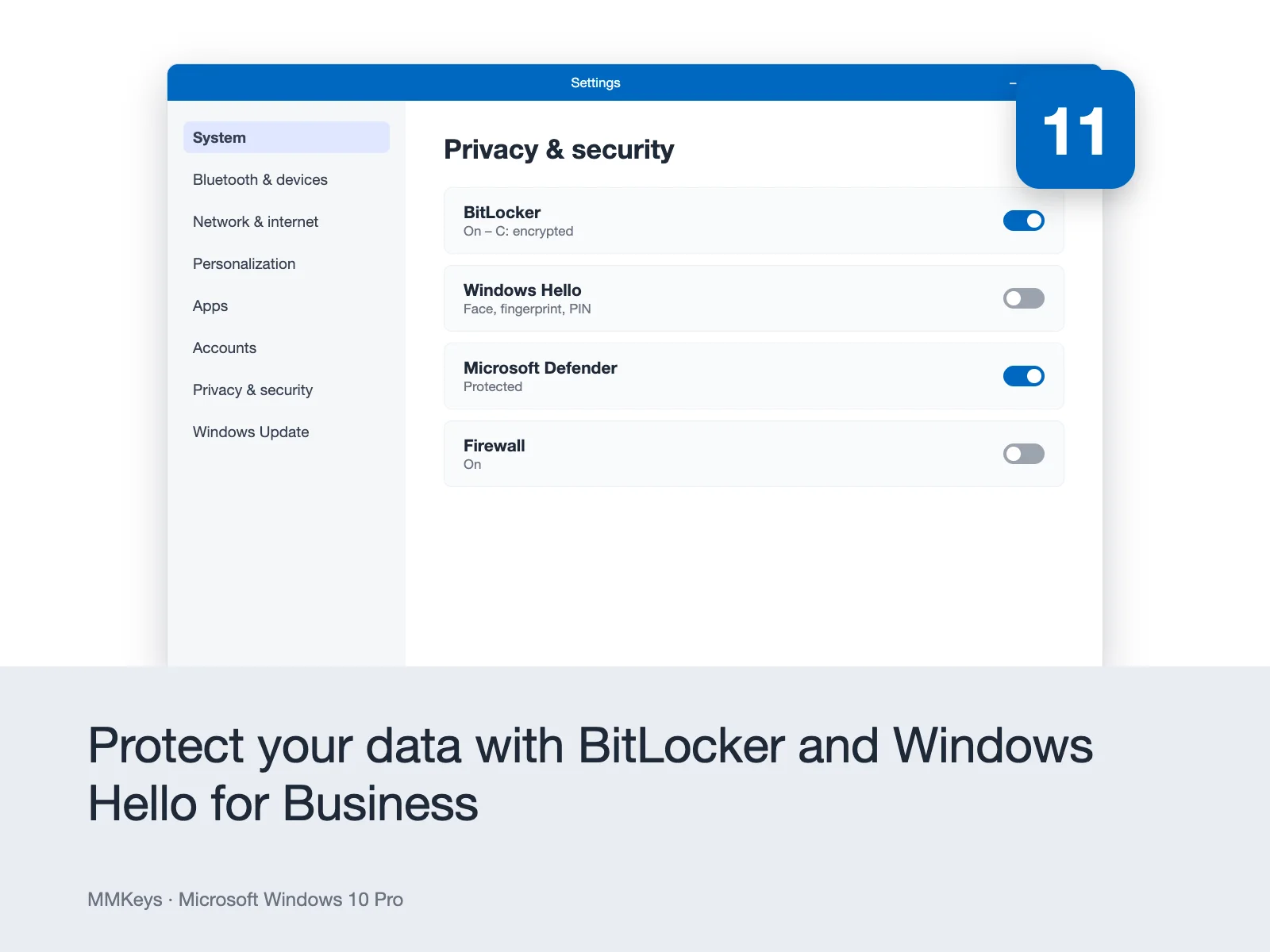
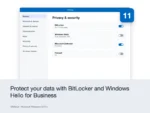
BitLocker Drive Encryption – One of the most important reasons professionals choose Windows 10 Pro over Home. BitLocker encrypts your entire hard drive, protecting all your data in the event your device is lost or stolen. Without the correct password or recovery key, the data on an encrypted drive is completely inaccessible to anyone else. BitLocker is essential for any PC that holds sensitive personal, financial, or business information and it is exclusive to the Pro edition.
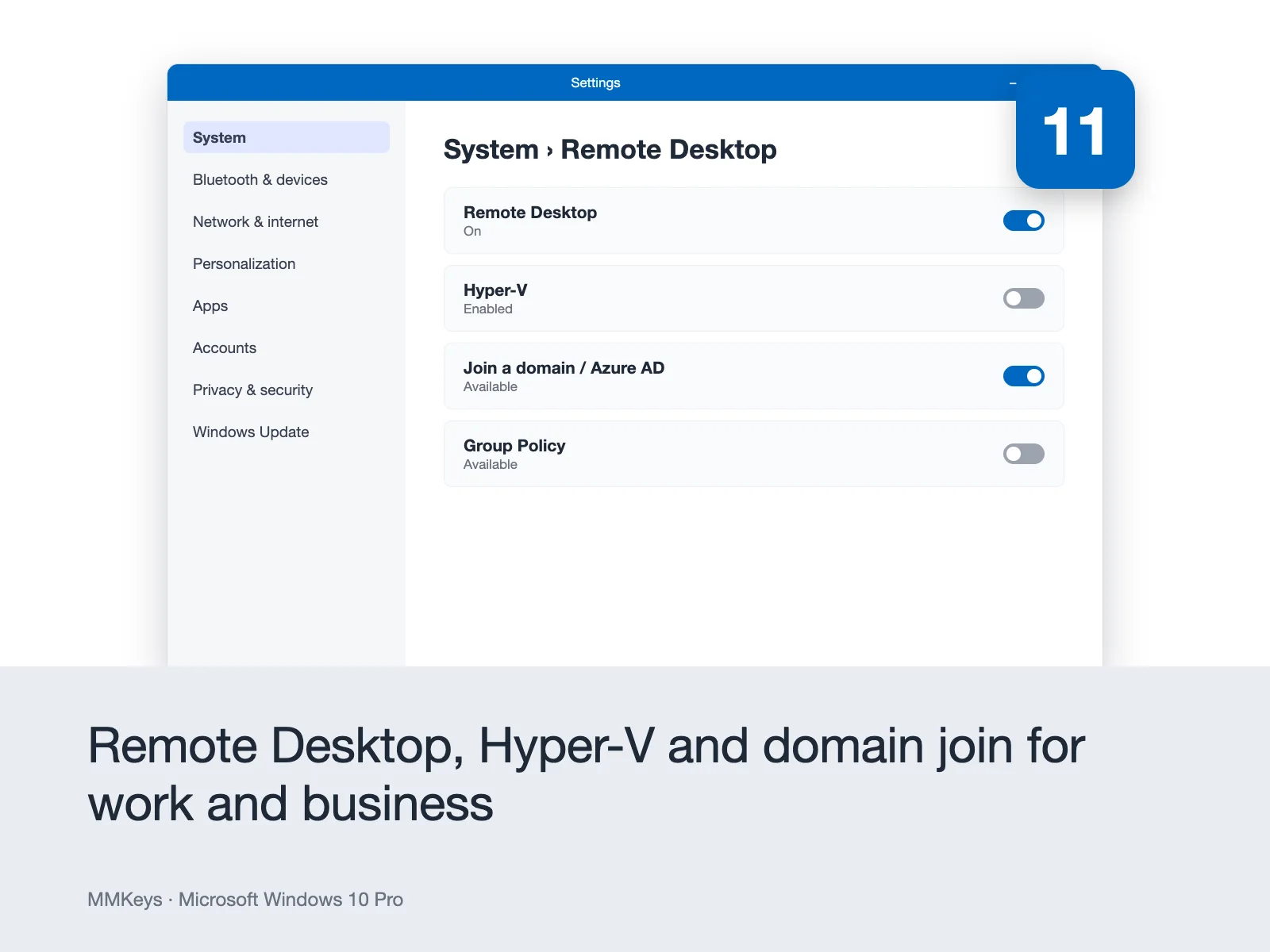
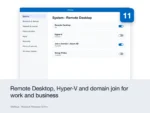
Remote Desktop – Connect to your Windows 10 Pro PC from any other device, anywhere in the world. Remote Desktop lets you access your files, applications, and full desktop environment remotely ideal for working from home, supporting clients, or accessing your office machine while travelling. Both incoming and outgoing Remote Desktop connections are supported.
Hyper-V Virtualization – Run virtual machines directly on your PC without third-party software. Hyper-V is Microsoft’s built-in hypervisor, allowing you to install and run separate operating systems including other versions of Windows, Linux distributions, and legacy systems inside isolated virtual environments on your main machine. Essential for developers, IT professionals, and testers who need to work across multiple OS environments.
Windows Sandbox – A lightweight, isolated desktop environment built directly into Windows 10 Pro. Run untrusted applications, test new software, or browse potentially risky websites inside the Sandbox without any risk to your main system. When you close the Sandbox, everything inside it is permanently deleted your main system remains completely unaffected.
Group Policy Management – Control how Windows behaves across users and devices on your network. Group Policy allows IT administrators and advanced users to enforce security settings, restrict access to specific features, control software installation, and standardize configurations across multiple machines without needing third-party management tools.
Azure Active Directory Join and Domain Join – Connect your PC directly to a corporate domain or Microsoft’s Azure Active Directory for centralized identity management, single sign-on, and unified device management across an organization. Windows 10 Home cannot join a domain Pro is required for any managed business environment.
Windows Update for Business – Take control of how and when Windows updates are applied to your PC. Windows Update for Business lets you defer feature updates, schedule update installation windows, and manage update rollout across multiple devices preventing unexpected restarts and maintaining system stability in critical work environments.
Assigned Access – Lock a Windows 10 Pro device to run a single application in a kiosk-style environment. Ideal for businesses that operate dedicated point-of-sale terminals, customer-facing displays, or shared workstations that should only ever run one specific app.
Microsoft Defender Antivirus – Enterprise-level malware and threat protection built directly into Windows 10 Pro, powered by real-time cloud-based threat intelligence. Works alongside BitLocker and Windows Hello to deliver a comprehensive built-in security stack without requiring a third-party antivirus subscription.
Windows Hello – Sign in to your PC instantly and securely using facial recognition, fingerprint scanning, or a PIN — eliminating the need for traditional passwords on supported hardware. Windows Hello is significantly more secure than password-based login and is available in both Windows 10 Home and Pro.
Snap Layouts and Virtual Desktops – Organize your workspace efficiently with Snap Layouts that let you arrange open windows side by side, and Virtual Desktops that give you multiple independent desktop environments on one screen — ideal for separating work projects, personal browsing, and creative tasks.
A Trusted, Proven Operating System
Windows 10 Pro has been the backbone of professional computing since 2015 and continues to receive security updates from Microsoft through October 14, 2025 under mainstream support with extended security update options available beyond that date for organizations that need additional time. For users whose hardware is not compatible with Windows 11’s TPM 2.0 requirement, Windows 10 Pro remains the best and most capable operating system available for that machine.
Even for users with Windows 11-capable hardware, many professionals and businesses deliberately choose Windows 10 Pro for its stability, familiarity, lower resource requirements, and compatibility with older software and hardware peripherals that have not yet been updated for Windows 11. It is a mature, well-understood operating system that works exactly as expected every time.
Windows 10 Pro vs Windows 10 Home What Is the Difference?
The most common question buyers in the USA and Canada ask before purchasing. Here is the direct answer.
Windows 10 Home is designed for casual home users who browse the web, stream media, use Office apps, and manage personal files. It is a capable, stable OS for everyday consumer use.
Windows 10 Pro adds the professional tools that matter in a work or business context: BitLocker encryption to protect sensitive data, Remote Desktop to access your PC remotely, Hyper-V to run virtual machines, Group Policy to manage settings across users, Azure Active Directory and domain join for managed network environments, Windows Update for Business for controlled update deployment, and Windows Sandbox for safely testing untrusted applications.
If you use your PC for work, run a business, handle sensitive data, need remote access, or simply want the most complete and capable version of Windows 10, Pro is the right choice. At MMKeys pricing, the difference in cost between Home and Pro is minimal the difference in capability is not.
Windows 10 Pro vs Windows 11 Pro Should You Upgrade?
This is the second most common question buyers across the USA and Canada ask. Here is an honest answer.
Windows 11 Pro offers a redesigned interface, improved performance on modern hardware, better gaming features with DirectStorage and Auto HDR, and tighter integration with Microsoft’s newer services. If your PC meets Windows 11’s hardware requirements including TPM 2.0, Secure Boot, and a compatible processor upgrading to Windows 11 Pro is worth considering for new builds and modern machines.
Windows 10 Pro is the right choice if your hardware is not compatible with Windows 11’s minimum requirements, you prefer the familiar Windows 10 interface and workflow, your organization runs software or peripherals that have not yet been certified for Windows 11, or you simply want the most stable and proven professional Windows experience on your current machine. Windows 10 Pro is not going anywhere it is still the operating system running the majority of professional Windows PCs worldwide.
Both are one-time purchases with no subscription. The choice depends entirely on your hardware and your needs.
Key Details at a Glance
Licence type: Perpetual one-time purchase, lifetime activation
Platform: Windows PC only not compatible with macOS, Android, or Chromebook
Devices: 1 PC
Edition: Professional (includes all Windows 10 Home features plus Pro-exclusive tools)
Architecture: 32-bit and 64-bit supported
Compatible hardware: All processors meeting Windows 10 minimum requirements
Minimum processor: 1 GHz or faster with PAE, NX, and SSE2 support
Minimum RAM: 1 GB (32-bit) or 2 GB (64-bit)
Minimum storage: 16 GB (32-bit) or 20 GB (64-bit)
Display: 800 x 600 resolution minimum
DirectX: Version 9 or later with WDDM 1.0 driver
Delivery: Genuine Microsoft product key sent by email within minutes of purchase
Activation: Online via Microsoft’s official activation servers
Works offline: Yes internet required only for initial activation
Language: All languages supported global key, no regional restrictions 32-bit and 64-bit: Both editions supported with one key
How to Activate Your Windows 10 Pro License Key
Step 1 – After purchase on MMKeys, your product key arrives in your email inbox within minutes. Check your spam folder if you do not see it in your primary inbox.
Step 2 – If Windows 10 Pro is already installed but unactivated on your PC, go to Settings Update and Security Activation Change product key. Enter your 25-character key and click Next to activate immediately online.
Step 3 – If you need to perform a clean installation, download the official Windows 10 installation media from Microsoft at microsoft.com/software-download/windows10. Use the Media Creation Tool to create a bootable USB drive.
Step 4 – Boot from your USB drive, follow the Windows Setup process, and enter your product key when prompted. Setup will apply the Pro edition automatically.
Step 5 – Windows activates online through Microsoft’s servers during or shortly after installation. You will see “Windows is activated” in your Activation settings when complete.
Full step-by-step instructions are included with every MMKeys order. Our support team is available 24 hours a day, 7 days a week if you need any assistance.
Is this a genuine Microsoft Windows 10 Pro key?
Yes. Every key sold by MMKeys is an authentic Microsoft product licence that activates directly on Microsoft's official servers. There are no shared keys, no grey-market codes, and no workarounds.
Can I use this key to upgrade from Windows 10 Home to Windows 10 Pro?
Yes. If your PC is already running Windows 10 Home, you can upgrade directly to Windows 10 Pro without reinstalling Windows. Go to Settings Update and Security Activation Change product key, enter your MMKeys licence key, and the upgrade to Pro will apply instantly. All your files, applications, and settings are preserved.
Can I use this key for a clean installation of Windows 10?
Yes. Download the official Windows 10 installation media from Microsoft, create a bootable USB drive, and enter your product key during setup. The installer will apply the Pro edition automatically.
Will I receive Windows security updates after activation?
Yes. Once activated with a genuine key, your copy of Windows 10 Pro receives all official Microsoft security updates and patches through Windows Update the same updates that any retail copy of Windows 10 would receive. Microsoft has committed to security updates for Windows 10 through October 14, 2025 under mainstream support.
Is the key transferable to a new PC?
A retail licence for Windows 10 Pro can be transferred to a new PC if you need to replace your machine. Deactivate Windows on the original PC through your Microsoft account, and then activate on the new one using the same key. Contact MMKeys support if you need help with this process.
Does the key work for both 32-bit and 64-bit Windows?
Yes. The key is compatible with both 32-bit and 64-bit editions of Windows 10 Pro. The same key activates either version.
Does the key work globally?
Yes. The key has no regional or language restrictions and works worldwide, including the USA, Canada, and all other countries. All language versions of Windows 10 Pro are supported.
Is my PC compatible with Windows 10?
Windows 10 Pro requires a 1 GHz processor, 2 GB of RAM for the 64-bit edition, 20 GB of storage, and DirectX 9 graphics. Nearly all PCs manufactured after 2010 meet these requirements comfortably.
How soon will I receive my key after purchase?
Most MMKeys orders are delivered within five minutes of payment confirmation, 24 hours a day. Your email includes the product key, a direct Microsoft download link, and step-by-step activation instructions.
What if my key does not activate?
Contact MMKeys support at any time day or night. We stand behind every licence we sell. If your key does not activate for any reason, we will resolve the issue or replace it at no cost. CONTACT US
You May Be Interested In…
No account yet?
Create an Account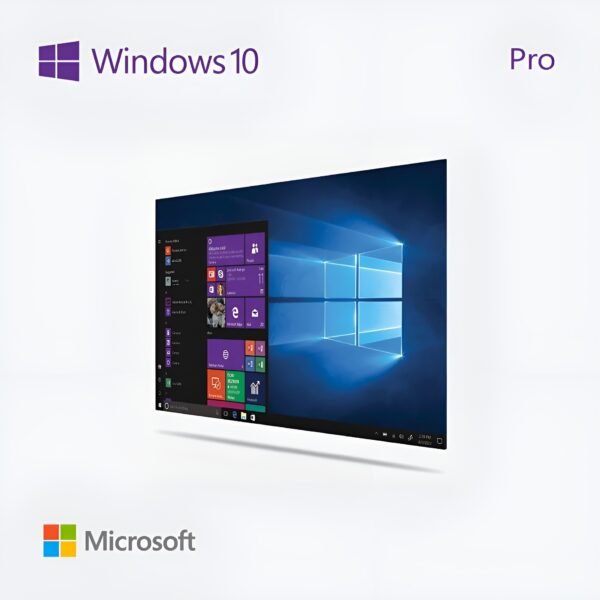
Fantastic support team. Helped me resolve my typo in seconds.
Second time buying here. The activation was instant. Reliable as expected.
No waiting around, the key arrived in seconds. Great experience with the team.
Highly recommend this shop. Efficient delivery and great communication.
Perfect transaction. The key worked immediately. No delays from the server side.