




Windows 10 Licence Key: How to Find, Check & Buy a Genuine Key (2026 Canada Guide)

Quick answer: A Windows 10 licence key is the 25-character code (format XXXXX-XXXXX-XXXXX-XXXXX-XXXXX) that activates a genuine copy of Windows 10. To see whether your PC is already licensed, go to Settings → Update & Security → Activation. To read the key stored in your PC's firmware, open Command Prompt and run wmic path softwarelicensingservice get OA3xOriginalProductKey. If you need a new key, buy a genuine Home or Pro licence from a trusted seller — never use "free" keys from key-generator sites.
In this guide
- What is a Windows 10 licence key?
- How to find your Windows 10 licence key (4 ways)
- How to check if Windows 10 is activated
- Retail vs OEM vs Volume licences
- Windows 10 Home vs Pro licence key
- Are "free" Windows 10 licence keys safe?
- How to enter or change your licence key
- How much is a Windows 10 licence key in Canada?
- Windows 10 end of support: does a key still matter in 2026?
- Common activation errors and fixes
- FAQ
Whether you just reinstalled Windows, bought a used PC, or see a "Windows isn't activated" watermark in the corner of your screen, it all comes back to one thing: your Windows 10 licence key. This guide explains what the key is, how to find the one you already own, how to tell a genuine licence from a risky one, and what your options are in Canada in 2026.
What is a Windows 10 licence key?
A Windows 10 licence key (Microsoft calls it a product key) is a unique 25-character code made of letters and numbers, split into five groups of five. It proves you have the right to use a specific edition of Windows 10, such as Home or Pro. When you enter it, Windows contacts Microsoft's activation servers, confirms the key is valid, and unlocks the full system: no watermark, full personalization settings and normal access to updates.
There are two ways a PC can be licensed:
- Product key: the classic 25-character code that you type in during setup or later in Settings. It comes on a sticker, card, or in an email when you buy a licence.
- Digital licence (digital entitlement): since 2015, many PCs activate without you ever typing a key. The licence is tied to your hardware (and optionally to your Microsoft account). This is common if you upgraded for free from Windows 7/8.1 or bought Windows from the Microsoft Store.
Both are equally genuine. The difference matters mostly when you change hardware or reinstall Windows, which we cover below.
How to find your Windows 10 licence key (4 ways)
"How to find licence key in Windows 10" is one of the most-searched questions about Windows licensing, and the answer depends on how your PC was licensed. Try these methods in order.
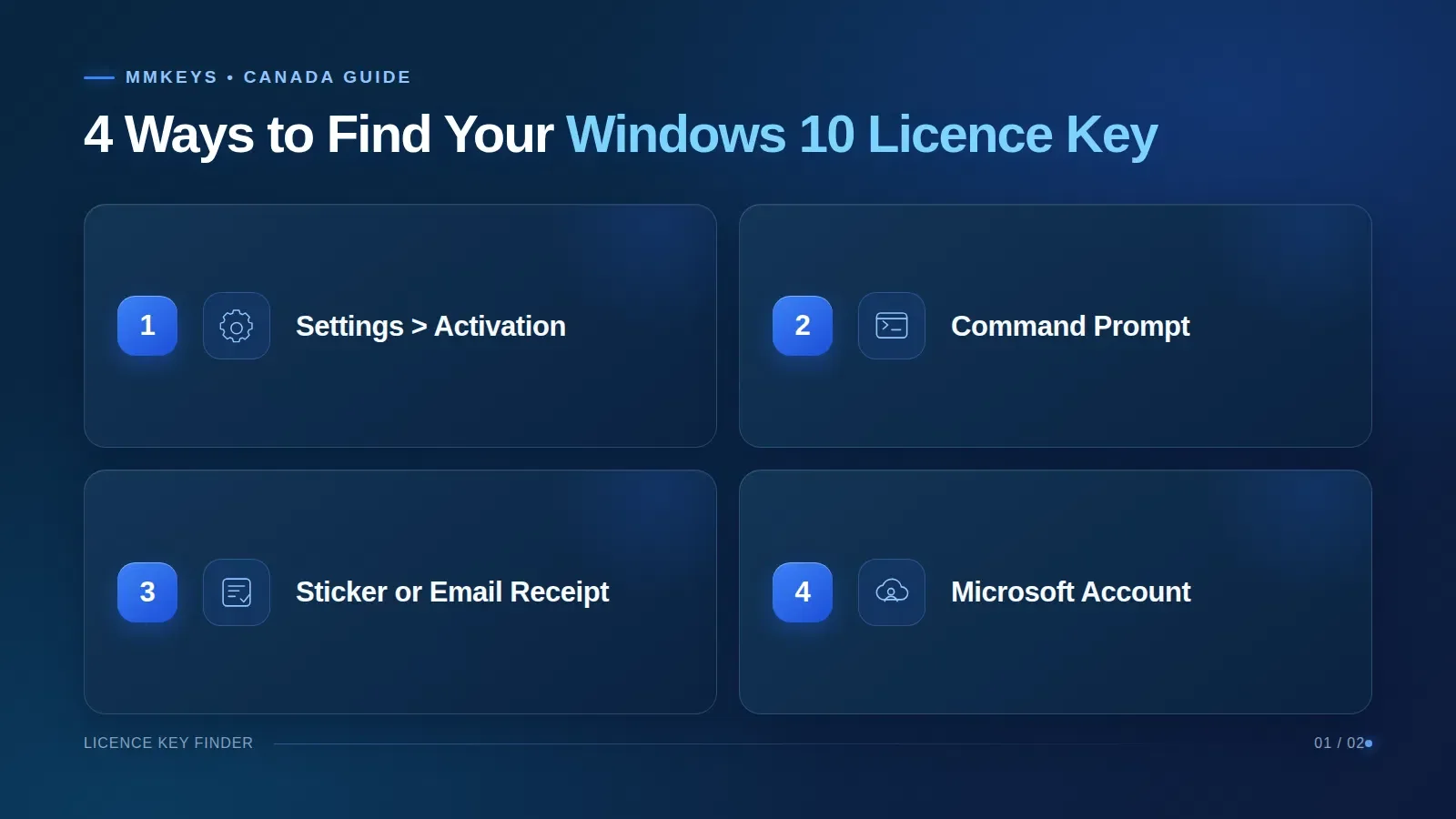
Method 1: Check Settings (fastest)
- Press Windows + I to open Settings.
- Go to Update & Security → Activation.
- Look at the Activation line. You will see either "Windows is activated with a digital licence", "Windows is activated with a digital licence linked to your Microsoft account", or "Windows is not activated".
Settings does not display the full key for security reasons, but it tells you which edition you have and how it is licensed — which is usually what you really need to know.
Method 2: Command Prompt or PowerShell (reads the key from your PC's firmware)
Most laptops and desktops sold with Windows 8 or later have the original OEM key stored in the motherboard's firmware (UEFI/BIOS). You can read it with one command:
- Click Start, type cmd, right-click Command Prompt and choose Run as administrator.
- Paste this command and press Enter:
wmic path softwarelicensingservice get OA3xOriginalProductKey
Prefer PowerShell? Use this instead:
(Get-CimInstance -Query 'select * from SoftwareLicensingService').OA3xOriginalProductKey
If a 25-character key appears, that is the key that shipped with your computer. If the result is blank, your PC either uses a digital licence or a key that was typed in manually (for example, a retail key you bought separately).
slmgr /dli in an administrator Command Prompt. This is handy for confirming which of several keys is installed.Method 3: Look for a sticker, card or email receipt
- Older PCs (Windows 7 era): a Certificate of Authenticity (COA) sticker on the back or bottom of the case, or under the battery.
- Boxed retail copies: a card or label inside the box.
- Digital purchases: the order confirmation email. If you bought from MMKeys, your key is in the delivery email and in My Account → Orders.
Method 4: Your Microsoft account
If you bought Windows 10 from the Microsoft Store, sign in at your Microsoft account → Order history. If your digital licence is linked to your account, you will not need a key at all after a reinstall — simply sign in with the same account and use the Troubleshoot option on the Activation page.
How to check if Windows 10 is activated
Two quick checks tell you whether your licence is working:
- Settings → Update & Security → Activation should say "Windows is activated".
- In an administrator Command Prompt, run
slmgr /xpr. A pop-up should say "The machine is permanently activated." If it shows an expiry date (for example, 180 days), the PC is using a temporary or organisation (KMS) activation, not a permanent licence.
Signs that a PC is not properly activated: the "Activate Windows" watermark, greyed-out personalization settings (wallpaper, colours, lock screen), and repeated reminders in Settings.
Retail vs OEM vs Volume licences: what's the difference?
Not all Windows 10 licence keys are the same. The type of licence decides whether you can move it to a new computer.
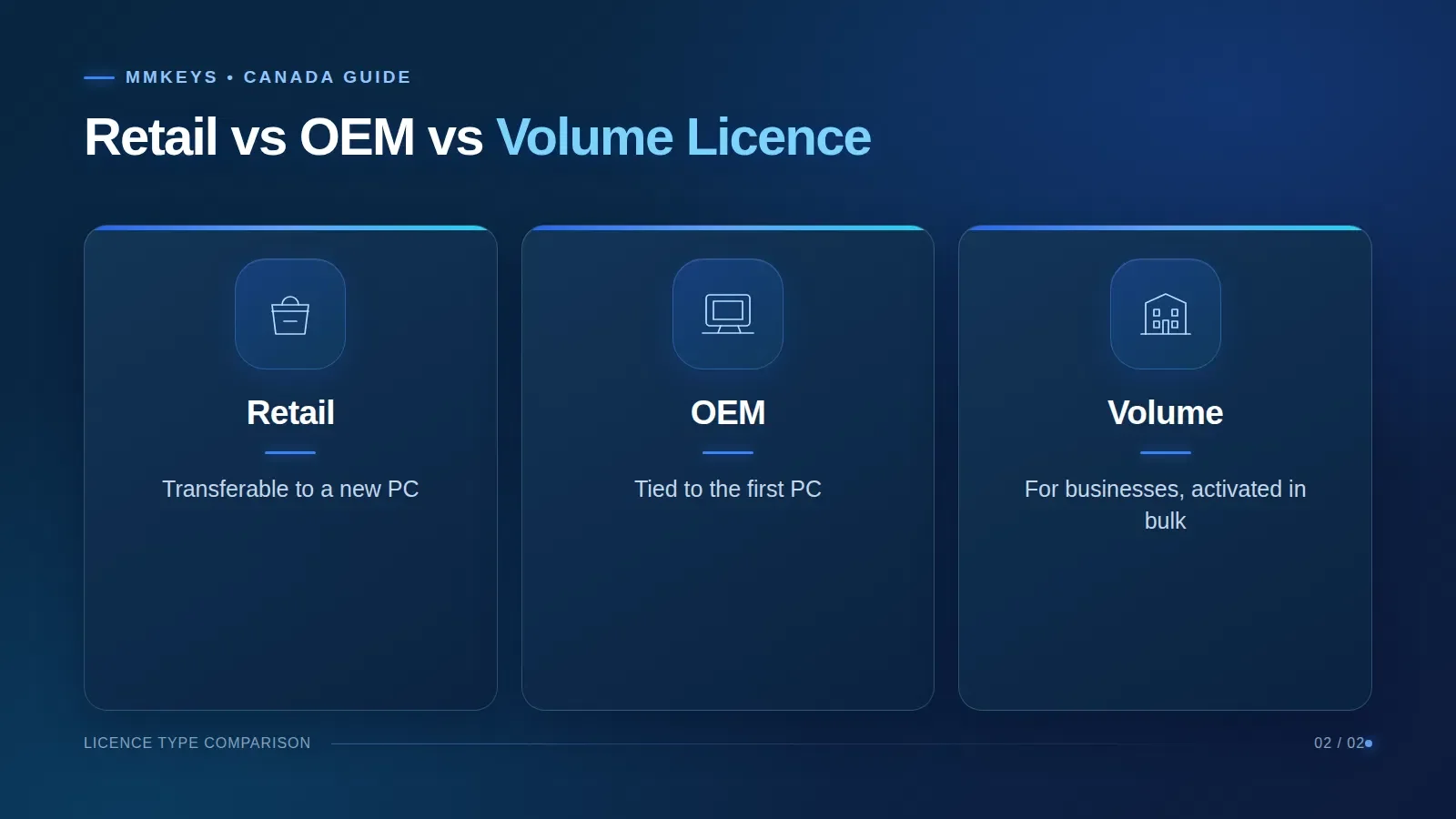
| Licence type | Who it's for | Can you move it to a new PC? | Typical source |
|---|---|---|---|
| Retail | Home users and small businesses | Yes — one PC at a time | Boxed copy, Microsoft Store, authorized resellers |
| OEM | Pre-built computers | No — tied to the first PC it activates | Pre-installed on laptops and desktops |
| Volume (MAK/KMS) | Businesses and organisations | Managed by the organisation | Microsoft volume licensing agreements |
In practice: if you bought a laptop with Windows 10 pre-installed, you have an OEM licence and it stays with that laptop. If you are building a PC or replacing a motherboard, you need a licence that will activate on the new hardware.
Windows 10 Home vs Pro licence key
A Windows 10 Pro licence key only activates Windows 10 Pro, and a Home key only activates Home — the key must match the edition installed. The good news is that you can upgrade from Home to Pro without reinstalling: enter a Pro key under Settings → Update & Security → Activation → Change product key and Windows switches editions automatically.
| Feature | Windows 10 Home | Windows 10 Pro |
|---|---|---|
| BitLocker drive encryption | — | ✓ |
| Remote Desktop (host) | — | ✓ |
| Group Policy Editor | — | ✓ |
| Hyper-V virtualization | — | ✓ |
| Join a company domain / Azure AD | — | ✓ |
| Best for | Everyday home use | Work, freelancers, power users |
Are "free" Windows 10 licence keys safe?
Searches for "Windows 10 free licence key" are very common, so it is worth being clear about what is actually out there:
- Generic installation keys published by Microsoft let you install a specific edition, but they do not activate Windows. You still need a genuine licence afterwards.
- "Free key" lists and key generators share keys that are stolen, already used, or blocked. They usually stop working within days, or never activate at all.
- Activation cracks and KMS scripts found on download sites are a common way to spread malware, spyware and crypto-miners. They also leave you running an unlicensed system.
You can legally use Windows 10 without activating it — it keeps working with the watermark and limited personalization — but for a properly licensed PC you need a genuine key. The safest, cheapest route is a genuine licence from a reputable seller with a refund guarantee.
How to enter or change your Windows 10 licence key
In Settings
- Open Settings → Update & Security → Activation.
- Click Change product key (or Add a product key).
- Type the 25-character key and click Next, then Activate.
- Restart if asked. The Activation page should now say "Windows is activated".
With Command Prompt (if the Settings button doesn't work)
Open Command Prompt as administrator and run these two commands, replacing the X's with your key:
slmgr /ipk XXXXX-XXXXX-XXXXX-XXXXX-XXXXX
slmgr /ato
The first command installs the key and the second activates it online. Need more detail? See our Windows 10 Pro activation guide and the download & activation guides hub.
How much is a Windows 10 licence key in Canada?
Buying a full retail licence directly from Microsoft has always been the most expensive option. Authorized digital resellers offer genuine keys for far less, delivered by email.
At MMKeys, genuine lifetime licences currently start at:
- Windows 10 Home — from CAD $12.99
- Windows 10 Pro — from CAD $24.00
- Windows 11 Pro — from CAD $19.50
Every key is a one-time payment for one PC, comes with step-by-step activation instructions, and is covered by our money-back guarantee. Prices may change; the product page always shows the current price.
How to spot a trustworthy seller: a real business with contact details, a clear refund policy, a reasonable price (a "lifetime" key for $1 is a red flag), secure checkout, and support that answers if activation fails.
Need a genuine Windows licence today?
Get a Windows 10 or Windows 11 key delivered by email, with step-by-step activation instructions and support if activation fails.
Windows 10 Pro keyWindows 11 Pro keyWindows 10 end of support: does a licence key still matter in 2026?
Microsoft ended mainstream support for Windows 10 (version 22H2) on October 14, 2025. Your PC still works and your licence is still valid, but regular security updates stopped. Home users can keep getting security patches through the Extended Security Updates (ESU) program, which Microsoft has extended for consumers until October 12, 2027. You can enroll from Settings → Update & Security → Windows Update by syncing your PC settings to a Microsoft account, redeeming 1,000 Microsoft Rewards points, or paying a one-time fee (US$30). Your PC must be running version 22H2 with the latest updates installed.
Two practical points for licence holders:
- A genuine Windows 10 key is still worth having — your licence stays valid, and an activated PC avoids the watermark and locked settings while you stay on Windows 10.
- A valid Windows 10 key can also activate Windows 11 of the same edition (Home to Home, Pro to Pro) on hardware that meets Windows 11's requirements. Read our Windows 11 upgrade guide and how to install Windows 11 Pro.
Common Windows 10 activation errors and how to fix them
| Error | What it means | What to do |
|---|---|---|
| 0xC004F050 | The key is invalid or was typed incorrectly. | Re-enter the key carefully (watch for 8/B and 0/O). Make sure it matches your edition. |
| 0xC004C003 | The key has been blocked by Microsoft. | The key is not genuine or was over-used. Get a replacement from your seller. |
| 0x803F7001 | No valid licence found for this PC (often after a hardware change). | Sign in with the Microsoft account linked to your licence and use Troubleshoot, or enter a key. |
| 0xC004F213 | No product key found on the device, usually after a motherboard replacement. | Use the Activation troubleshooter or enter a new key. |
| Edition mismatch | A Pro key on Home (or vice versa). | Use Change product key — Windows will switch editions to match a Pro key. |
Still stuck? MMKeys customers can contact our support team with the error code and a screenshot of the Activation page, and we will help you complete activation.
Frequently asked questions
Where is my Windows 10 licence key stored?
On most PCs sold with Windows pre-installed, the key is stored in the motherboard firmware. Retail keys are on the card, label or email you received when you bought them. Digital licences are stored on Microsoft's activation servers and linked to your hardware or Microsoft account.
Can I use the same Windows 10 licence key on two computers?
No. A standard Windows 10 licence covers one PC at a time. A retail licence can be moved to a new PC once it is removed from the old one; an OEM licence stays with the original computer.
Do I need a new licence key if I reinstall Windows 10?
Usually not. If the PC was activated before, Windows 10 reactivates automatically after a clean install on the same hardware. When setup asks for a key, choose "I don't have a product key" and select the same edition.
Will my Windows 10 key work on Windows 11?
Yes, a genuine Windows 10 key activates the matching Windows 11 edition, as long as the PC meets Windows 11's hardware requirements.
Is it legal to buy a cheap Windows 10 licence key in Canada?
Buying a genuine licence from a reseller is legal. What matters is that the key is genuine and new to you. Avoid keys that are obviously stolen, shared, or sold with "crack" software.
What happens if I never activate Windows 10?
Windows keeps running, but you will see an "Activate Windows" watermark, and personalization settings (wallpaper, colours, lock screen) are locked.
Bottom line: check Settings → Activation first, use the Command Prompt method to recover a firmware key, keep your purchase email somewhere safe, and only buy keys from sellers that stand behind them. If you need a new licence, MMKeys has genuine Windows keys for customers across Canada and the USA.