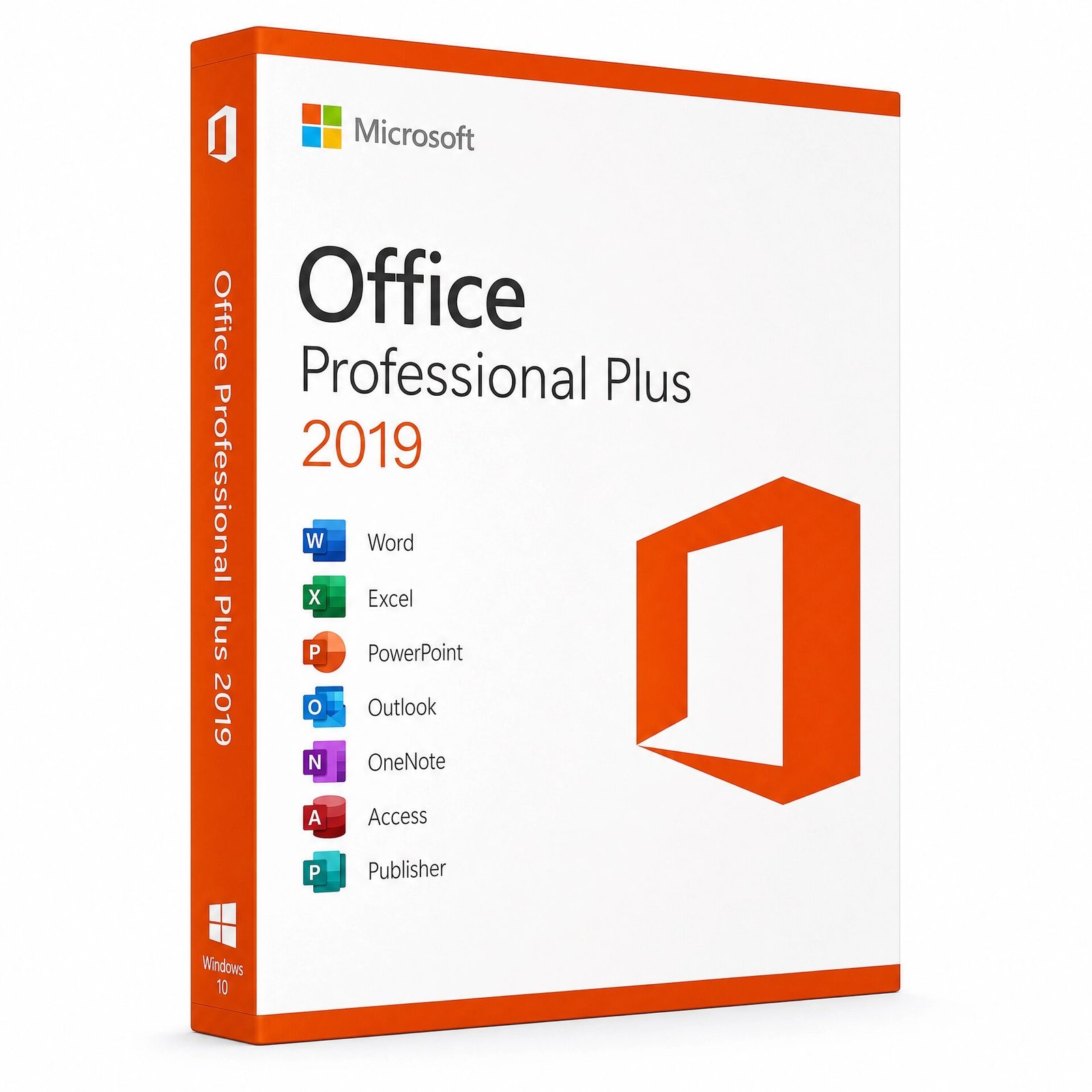
A genuine perpetual Microsoft license including the full classic Office suite for one Windows PC no subscription required.
Currency:
You'll receive your license key, an official Microsoft download link, and a 1-page activation guide.
Direct Microsoft activation
Email in under 5 minutes
Real humans, any time zone
Full money-back guarantee
Microsoft Office 2019 Professional Plus is the complete, subscription-free Office suite for Windows the most fully featured edition of the 2019 generation, including every major Microsoft productivity application in a single one-time purchase. Word, Excel, PowerPoint, Outlook, Access, Publisher, and OneNote are all included, permanently licensed for one PC, with no recurring fees of any kind.
Pay once. Own it for life. Your genuine Microsoft Office 2019 Professional Plus license key is delivered to your email within minutes of purchase and activates directly on Microsoft’s official servers the same software, the same activation process as buying from Microsoft directly, at a fraction of the retail price.
This product is for Windows PC only. Not compatible with macOS, Android, or Chromebook. Mac users should see Office 2021 Home & Business for Mac.
A note on support: Microsoft Office 2019 has reached the end of its official support lifecycle. The software continues to function fully all applications open, create, edit, and save files exactly as they always have but Microsoft no longer releases security patches for this version. For users in environments where security update continuity is required, Office 2021 or Office 2024 are the better choices. For users who need Office 2019 specifically for legacy compatibility, established workflows, or budget reasons, it remains a fully functional and capable productivity suite.
Word 2019 – The world’s most widely used word processor with a full suite of writing, formatting, and collaboration tools. Word 2019 introduced Focus Mode a distraction-free writing environment that hides the ribbon and toolbars, leaving only your document on screen. Learning Tools improved readability for users with dyslexia and visual impairments, with text spacing, syllable display, and read-aloud features added directly to the ribbon.
Real-time co-authoring lets multiple people work on the same document simultaneously when files are saved to OneDrive or SharePoint. Improved translation tools support over 60 languages directly within Word without leaving the application.
Excel 2019 – The definitive spreadsheet application for data analysis, financial modelling, reporting, and business intelligence. Excel 2019 introduced six powerful new functions:
TEXTJOIN combines text from multiple cells with a custom delimiter, CONCAT is a more flexible replacement for the legacy CONCATENATE function, IFS evaluates multiple conditions without nesting IF statements, SWITCH matches a value against a list and returns a corresponding result, MAXIFS and MINIFS return the maximum or minimum value from a range filtered by one or more conditions. New chart types added in 2019 Maps charts for geographic data visualization and Funnel charts for pipeline and conversion analysis give analysts new ways to present data insights visually.
2D Maps support brought Excel’s data visualization capability into territory previously requiring dedicated business intelligence tools.
PowerPoint 2019 – Build professional presentations with a full suite of design, animation, and delivery tools. PowerPoint 2019 introduced Morph a transition effect that creates smooth, cinematic motion between slides by automatically animating the movement, rotation, and resizing of shapes, images, and text between two slides. Zoom lets you create interactive, non-linear presentations where you jump between slides or sections on click, giving you the ability to respond to audience questions by navigating directly to the relevant content rather than clicking through sequential slides. Improved Presenter View shows your current slide, upcoming slide, speaker notes, and a timer simultaneously on your presenter display while showing only the current slide to your audience.
Outlook 2019 – A comprehensive email, calendar, contacts, and task management application for professionals managing business and personal communication. Outlook 2019 introduced the Focused Inbox an AI-powered inbox organizer that learns which emails matter to you and separates them from lower-priority messages automatically. @mentions in email let you tag specific people so they see an alert highlighting their name when they receive the message. Travel and package summary cards automatically extract flight, hotel, and delivery information from confirmation emails and display them as visual cards at the top of your inbox. Improved contact cards show LinkedIn profile information and mutual connections directly within Outlook, eliminating the need to switch applications when researching contacts.
Access 2019 – The exclusive database application that sets Office Professional Plus apart from every other consumer Office 2019 edition. Access lets you build custom relational databases, create professional data entry forms, generate complex multi-source reports, manage inventory systems, track client and project records, and connect to external data sources including SQL Server, Azure SQL, and SharePoint lists. Access is not available in Office Home 2019, Office Home & Student 2019, or Office Home & Business 2019. If you need a desktop database application and want to avoid a standalone database tool subscription, Office Professional Plus 2019 is the only Office 2019 edition that provides it.
Publisher 2019 – Microsoft’s desktop publishing application for creating professional-quality marketing materials, newsletters, brochures, flyers, business cards, and multi-page layouts without graphic design expertise or expensive design software. Publisher integrates with Word for mail merge operations, allowing you to create personalized marketing materials at scale by merging a Publisher template with an Excel or Access data source. Publisher 2019 is one of the last versions Microsoft released Publisher was retired and is not included in any Office 2024 edition. If you need Publisher and want the most recent version available, Office Professional Plus 2019 and Office Professional 2021 are the last editions to include it.
OneNote 2019 – A flexible digital notebook for capturing and organizing ideas, meeting notes, research, checklists, and reference material in a freeform layout. OneNote 2019 syncs across your devices through your Microsoft account, keeping all your notes available wherever you work. It supports text, images, audio recordings, hand-drawn ink notes, file attachments, and embedded spreadsheets within a single notebook page.
Microsoft Office 2019 Professional Plus is designed for users who need the complete 2019-generation Office suite and want to own it permanently. It is the right fit for:
Users and businesses running legacy IT environments where software compatibility with Office 2019 file formats, macros, or third-party integrations is required and where upgrading to a newer Office version would create compatibility issues with existing systems or workflows.
Small business owners and sole traders who need Outlook for client email, Access for customer or inventory databases, and Publisher for marketing materials all in one licence, owned outright, at the most affordable one-time price point in the Office Professional lineup.
Budget-conscious buyers who need a fully functional, complete Office suite with all major applications including Access and Publisher, at the lowest available price for a genuine Microsoft licence and who are comfortable with the end-of-support status of the 2019 version.
Organizations maintaining standardized software environments where Office 2019 is the established version across multiple devices and consistency with existing installations is more important than upgrading to the latest release.
Database users who need Access specifically and want the most affordable Office Professional edition that includes it — recognizing that Office 2021 Professional Plus and Office 2024 Professional Plus are also available on MMKeys at higher price points with longer support windows.
Choose Office 2019 Professional Plus if you want a one-time cost with no recurring charges, apps that work fully offline, and a stable feature set that will not change. At MMKeys pricing, it is the most affordable genuine Office Professional licence available. Note that Microsoft 365 continues to receive new features and security updates while Office 2019 does not.
Choose Microsoft 365 if you need the latest features including Microsoft Copilot AI in Word, Excel, and PowerPoint, security updates on the most current codebase, Office on multiple devices simultaneously, or 1 TB of OneDrive cloud storage included.
Microsoft 365 Personal costs $99.99 per year in the USA the monthly cost alone exceeds what MMKeys charges for a permanent Office 2019 Professional Plus licence in just a few months.
Office 2021 Professional Plus includes the same core applications Word, Excel, PowerPoint, Outlook, Access, Publisher, and OneNote with meaningful feature upgrades across every app, including XLOOKUP in Excel, Morph transitions in PowerPoint carried forward from 2019, the new dark theme across all Office apps, and Microsoft security support through October 2026.
If the price difference between 2019 and 2021 is within your budget, Office 2021 Professional Plus is the better long-term investment and is available separately on MMKeys.
Office 2019 Professional Plus is the right choice when budget is the primary consideration and you need the complete suite including Access and Publisher at the lowest possible genuine licence price.
Step 1 – After purchase on MMKeys, your license key arrives in your email inbox within minutes. Check your spam folder if needed.
Step 2 – Go to setup.office.com and sign in with your Microsoft account, or create a free one if you do not already have one.
Step 3 – Enter your 25-character product key to register the Office 2019 Professional Plus licence to your Microsoft account.
Step 4 – Click Download and run the official Microsoft Office 2019 installer for Windows on your PC.
Step 5 – Once installation is complete, open any Office app Word, Excel, or Outlook and sign in with your Microsoft account. Office activates automatically. All seven applications are ready to use.
Full step-by-step instructions are included with every MMKeys order. Our support team is available 24 hours a day, 7 days a week.
Is this a genuine Microsoft Office 2019 Professional Plus license? Yes. Every key sold by MMKeys is an authentic Microsoft product licence that activates directly on Microsoft’s official servers at setup.office.com. No shared keys, no grey-market codes, no workarounds.
Is Microsoft Office 2019 still supported? Office 2019 reached end of support in October 2025. The software continues to function fully all applications work normally but Microsoft no longer releases security patches for this version. Users who require ongoing security updates should consider Office 2021 Professional Plus or Office 2024 Professional Plus, both available on MMKeys.
Why would someone buy Office 2019 instead of a newer version? The primary reasons buyers in the USA and Canada choose Office 2019 Professional Plus are price and legacy compatibility. It is the most affordable genuine Office Professional licence with Access and Publisher included. It is also the right choice for environments where compatibility with existing Office 2019 installations, macros, templates, or third-party integrations is more important than upgrading to the latest version.
Does Office 2019 Professional Plus include Access? Yes. Access 2019 is included and is one of the primary reasons to choose the Professional Plus edition. Access is not available in any other Office 2019 consumer edition it is exclusive to Professional Plus.
Does it include Publisher? Yes. Publisher 2019 is included. This is significant because Publisher was retired by Microsoft and is not included in any Office 2024 edition. Office Professional Plus 2019 and Office Professional 2021 are among the last Office editions to include Publisher.
Can I use this licence for business? Yes. Office 2019 Professional Plus is licensed for both personal and commercial use making it suitable for small businesses, freelancers, and professional environments of any size.
Does it work on Windows 11? Yes. Office 2019 Professional Plus is compatible with both Windows 10 and Windows 11, in both 32-bit and 64-bit versions.
Is the licence transferable to a new PC? Yes. Because the licence is tied to your Microsoft account after activation, you can transfer it to a new PC by deactivating Office on the original machine and activating on the new one through your Microsoft account. Contact MMKeys support for guidance.
Does it work offline? Yes. Once installed and activated, all Office apps Word, Excel, PowerPoint, Outlook, Access, Publisher, OneNote work fully offline. Internet is only needed for initial download and activation.
How soon will I receive my key after purchase? Most MMKeys orders are delivered within five minutes of payment, 24 hours a day. Your email includes the license key, a direct download link, and step-by-step activation instructions.
What if my key does not activate? Contact MMKeys support at any time. We stand behind every licence we sell and will resolve any activation issue or replace your key at no cost. CONTACT US
Sorry, no reviews match your current selections