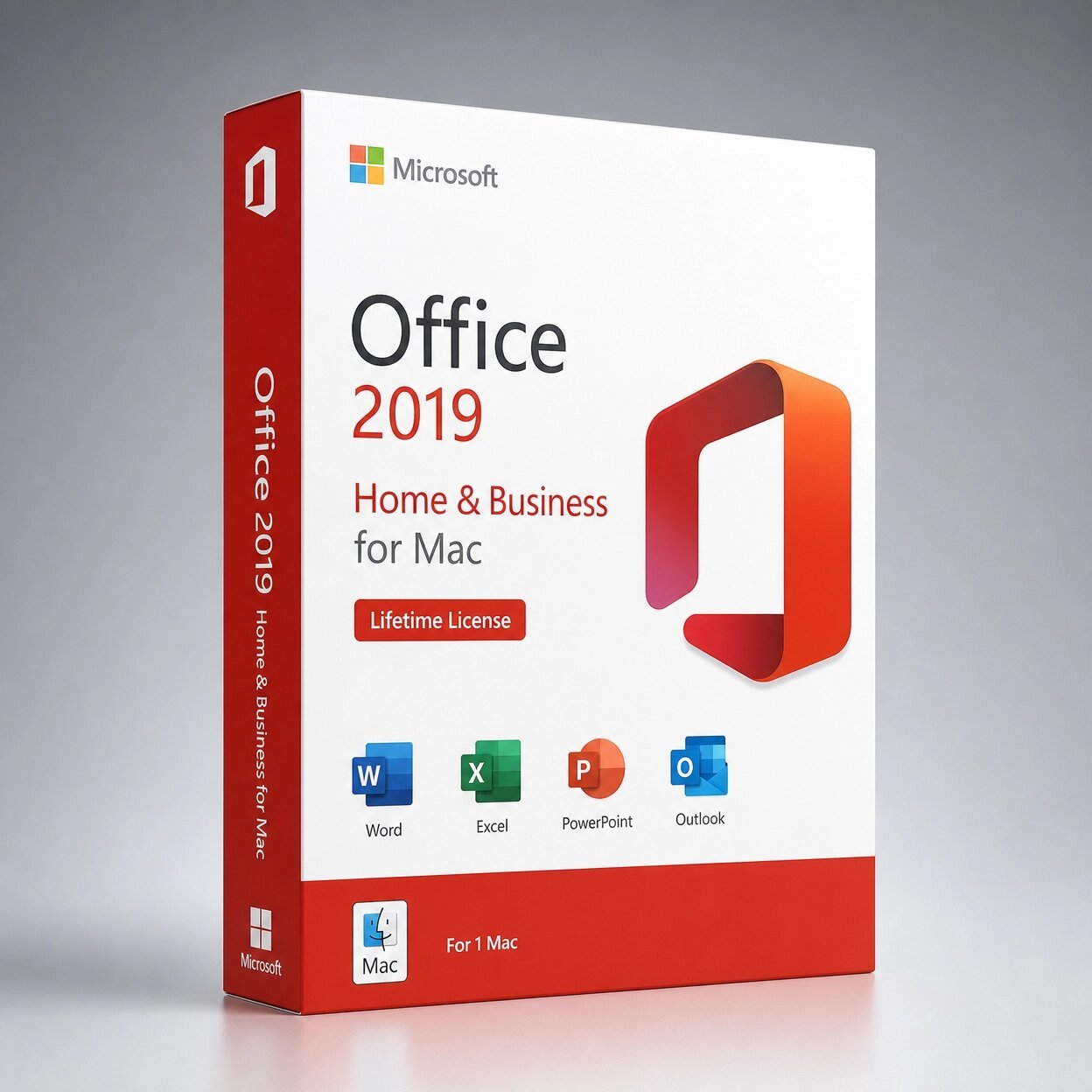
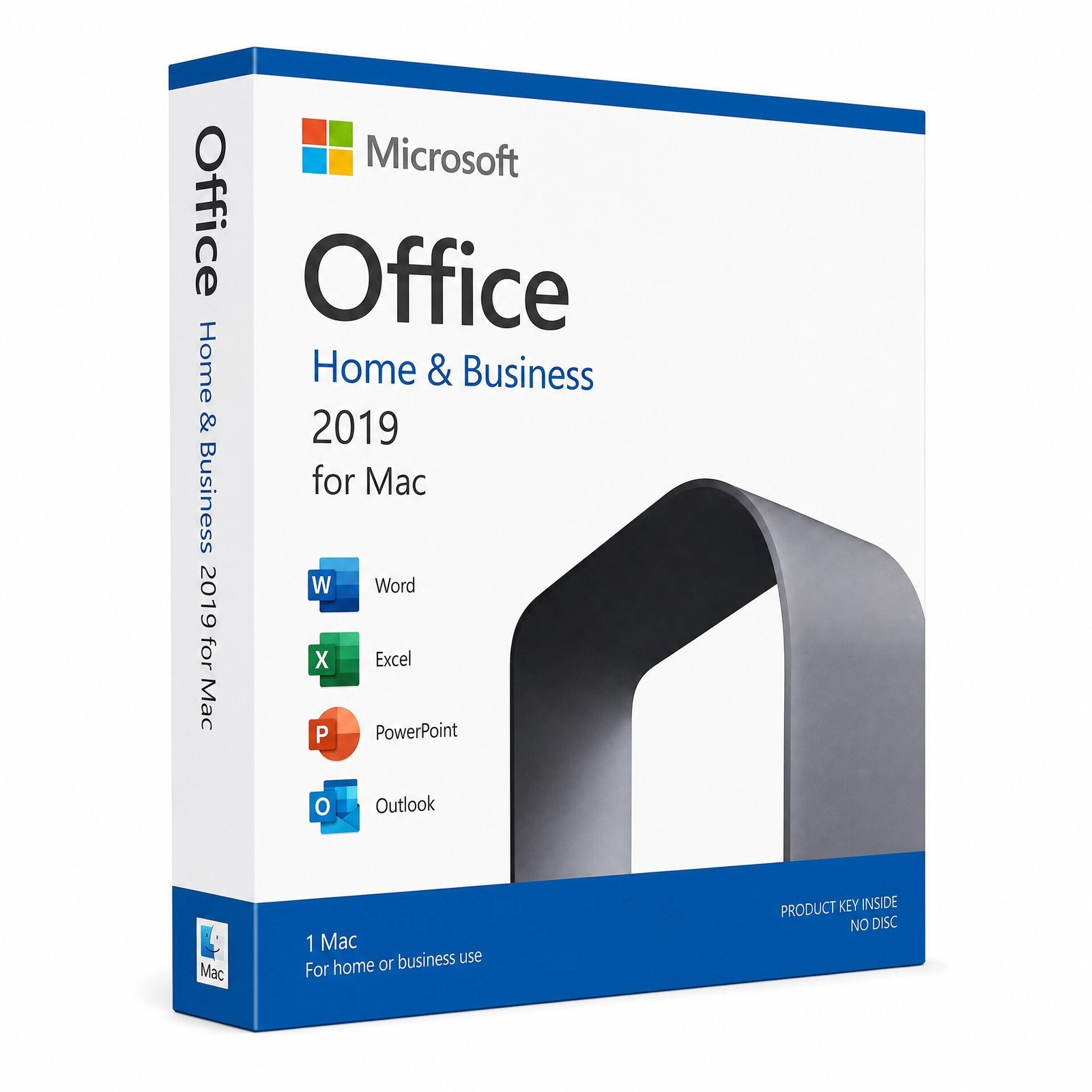
A genuine perpetual Microsoft license including Word, Excel, PowerPoint, Outlook, and OneNote for one Mac no subscription required.
Currency:
You'll receive your license key, an official Microsoft download link, and a 1-page activation guide.
Direct Microsoft activation
Email in under 5 minutes
Real humans, any time zone
Full money-back guarantee
Microsoft Office 2019 Home & Business for Mac is the complete, subscription-free productivity suite for macOS — Word, Excel, PowerPoint, Outlook, and OneNote built natively for Mac, installed locally on your device, and permanently yours with a single one-time purchase.
No subscription. No monthly fees. No Microsoft 365 account required to keep using it. Your genuine license key is delivered to your email within minutes of purchase and activates through Microsoft’s official servers at setup.office.com. The licence is tied to your Microsoft account after activation not to the hardware alone making it transferable if you replace your Mac.
This edition is Mac only. It is not compatible with Windows PC, Android, or Chromebook. For Windows users, please see Office 2019 Professional Plus. For Mac users who want the latest 2024 apps with a longer support window, Office 2021 Home & Business for Mac is also available on MMKeys.
Important How Activation Works for This Edition: Office 2019 Home & Business for Mac uses a bind licence. The code you receive from MMKeys is a redeem code that you enter at setup.office.com while signed into your Microsoft account. Microsoft then generates a unique licence key tied to your account. You download Office directly from Microsoft and activate using that account. Full step-by-step instructions are included with every MMKeys order.
Word 2019 for Mac Create, edit, and share professional documents with the world’s most-used word processor, rebuilt for macOS. Word 2019 for Mac introduces Focus Mode a clean, distraction-free writing environment that hides toolbars and ribbons, leaving only your document on screen. New Learning Tools improve readability with adjustable text spacing, syllable display, and read-aloud support. Real-time co-authoring lets multiple people edit the same document at the same time when files are stored in OneDrive. Improved translation tools support over 60 languages directly within Word. Accessibility improvements across the app make it easier to create documents that work for everyone.
Excel 2019 for Mac Organize, analyze, and visualize data with the most powerful spreadsheet app available for Mac. Excel 2019 introduces six new functions that Mac users had been waiting for: TEXTJOIN, CONCAT, IFS, SWITCH, MAXIFS, and MINIFS each solving common spreadsheet challenges with cleaner, more readable formulas. Two new chart types are added: Maps charts for visualizing geographic data by region, and Funnel charts for tracking pipeline and conversion rates. PivotTable enhancements and improved Power Query integration make Excel 2019 for Mac significantly more capable for data analysis and business reporting than any previous Mac Excel version.
PowerPoint 2019 for Mac Build and deliver compelling presentations with a full suite of design and animation tools optimized for macOS. PowerPoint 2019 for Mac adds Morph a transition effect that creates smooth, cinematic motion between slides by automatically animating the movement, rotation, and resizing of objects.
Zoom lets you create interactive, non-linear presentations where you navigate directly to any slide or section on click, making it easy to respond to audience questions without clicking through the full deck. New 3D object support lets you insert, rotate, and animate three-dimensional models directly in your slides. Improved Presenter View shows your current slide, upcoming slide, speaker notes, and timer simultaneously on your screen while the audience sees only the presentation.
Outlook 2019 for Mac The standout app in the Home & Business edition and one of the most significant upgrades in the 2019 Mac release. Outlook 2019 for Mac introduces the Focused Inbox an AI-powered organizer that learns which emails matter to you and separates them from lower-priority messages automatically. At-mentions in email let you tag specific people directly in the message body so they receive a highlighted alert when they open it.
Travel and package summary cards automatically extract flight, hotel, and delivery information from confirmation emails and display them as clean visual cards at the top of your inbox. For Mac users who manage business email, client communication, and calendar scheduling, Outlook 2019 is a transformative upgrade over Apple Mail and any previous Mac Outlook version.
OneNote 2019 for Mac A flexible, powerful digital notebook for capturing ideas, meeting notes, research, checklists, and reference material in a freeform layout. OneNote syncs across your Mac, iPhone, iPad, and any other devices through your Microsoft account, keeping all your notes available wherever you are. Improved search finds text inside images and handwritten notes. The notebook sharing feature makes OneNote ideal for team collaboration on shared notes and project documentation.
New Across All Apps in Office 2019 for Mac Several improvements ship across Word, Excel, PowerPoint, and Outlook in the 2019 release.
New inking tools let you draw, annotate, and highlight with a stylus or finger on touch-capable Macs and paired iPads. 3D model support is available in Word, Excel, and PowerPoint insert rotating, animated three-dimensional objects directly into your documents and presentations. Improved animation tools in PowerPoint and new motion graphics capabilities give presentations a more polished, professional look. Dark Mode support across all Office apps integrates with macOS system-wide Dark Mode for a consistent, eye-friendly interface in low-light environments.
Microsoft Office 2019 Home & Business is licensed for both personal and commercial use making it the right fit for a broad range of Mac users across the USA and Canada.
Freelancers and independent contractors on Mac who need Word for client proposals and contracts, Excel for invoicing and project tracking, and Outlook for managing client email all in a permanent licence with no subscription cost eating into their income every month.
Small business owners who want a stable, fully featured productivity suite on one Mac with predictable, one-time pricing and no dependency on a Microsoft 365 subscription for day-to-day work.
Home users and families on Mac who want the complete Office suite including Outlook for email and calendar management and who prefer owning their software outright over a monthly subscription that can be cancelled or repriced at any time.
Students on Mac who need Office apps for coursework, research, and presentations and want a lifetime licence they can use throughout their studies and into their professional career without paying again.
Mac users switching from Microsoft 365 who want to stop paying monthly while keeping full access to the Word, Excel, PowerPoint, Outlook, and OneNote apps they already know.
Choose Office 2019 Home & Business for Mac if you want a fixed, one-time cost with no renewal reminders, no subscription cancellation risk, and no price increases.
Once activated, it works fully offline and is yours permanently. The apps are the 2019 versions the feature set is stable and will not change. At MMKeys pricing, the product pays for itself compared to Microsoft 365 Personal in just a few months.
Choose Microsoft 365 if you need Office on multiple devices simultaneously Mac, iPhone, iPad, and Windows want Microsoft Copilot AI features in Word, Excel, and PowerPoint, need 1 TB of OneDrive cloud storage included, or want automatic feature updates that keep your apps at the latest version.
Microsoft 365 Personal costs $99.99 per year in the USA over three years that is $299.97, compared to a single one-time purchase from MMKeys.
For Mac users who primarily work on one device and want a complete, professional productivity suite they own permanently, Office 2019 Home & Business for Mac is the better long-term investment.
Office 2021 Home & Business for Mac is the next-generation perpetual edition with additional feature improvements across every app, native Apple Silicon support without Rosetta 2, and Microsoft security support through October 2026.
If the price difference fits your budget, Office 2021 delivers a meaningfully better experience on modern Macs especially on M1, M2, M3, and M4 chip machines and is available separately on MMKeys.
Office 2019 Home & Business for Mac is the right choice when budget is the primary consideration and you need the complete suite Word, Excel, PowerPoint, Outlook, and OneNote at the lowest available genuine Mac Office price.
Step 1 – After purchase on MMKeys, your redeem code arrives in your email inbox within minutes. Check your spam folder if it does not appear right away.
Step 2 – On your Mac, open your browser and go to setup.office.com. Sign in with your Microsoft account, or create a free one if you do not already have one.
Step 3 – Enter your redeem code from MMKeys. Microsoft will generate a unique licence key and associate it with your account.
Step 4 – Click Download to get the official Office 2019 for Mac installer directly from Microsoft. Open the downloaded file and follow the on-screen installation steps accept the licence agreement and enter your Mac password when prompted.
Step 5 – Once installation is complete, open any Office app Word, Excel, Outlook, or PowerPoint and sign in with your Microsoft account to activate. All five apps are ready to use.
Full step-by-step instructions are included with every MMKeys order. Our support team is available 24 hours a day, 7 days a week if you need help at any stage.
Is this a genuine Microsoft Office 2019 license for Mac? Yes. Every key sold by MMKeys is an authentic Microsoft product licence. The redeem code activates through Microsoft’s official servers at setup.office.com you download Office directly from Microsoft and the licence is registered to your Microsoft account.
What is a bind licence and how is it different from a standard product key? Office 2019 Home & Business for Mac uses a bind licence. When you enter your MMKeys redeem code at setup.office.com, Microsoft generates a unique licence key tied to your Microsoft account rather than to the hardware alone.
This means your licence is portable if you replace your Mac, you can sign into your Microsoft account on your new machine and reinstall Office without buying a new licence. Full instructions for this process are included with every MMKeys order.
Does Office 2019 Home & Business for Mac work on Apple Silicon? Yes. Office 2019 for Mac runs on Apple Silicon Macs — M1, M2, M3, and M4 chips using Rosetta 2. If you want a version with native Apple Silicon performance without Rosetta 2, Office 2021 Home & Business for Mac runs natively on all Apple Silicon chips and is available separately on MMKeys.
Which macOS versions does Office 2019 support? Office 2019 for Mac supports the three most recent versions of macOS. As of 2026, that includes macOS Sequoia (15), macOS Sonoma (14), and macOS Ventura (13). Microsoft updates this compatibility as new macOS versions are released.
Does it include Outlook for Mac? Yes. Outlook 2019 is fully included and is one of the primary reasons to choose the Home & Business edition over Office 2019 Home and Student for Mac, which does not include Outlook.
Can I use this licence for my business? Yes. Office 2019 Home & Business for Mac is explicitly licensed for commercial use making it suitable for freelancers, small businesses, and professional environments.
Does it work offline? Yes. Once installed and activated, all apps Word, Excel, PowerPoint, Outlook, OneNote work fully offline. Internet is only needed for the initial download, activation, and optional OneDrive syncing.
Does it include Access or Publisher? No. Access and Publisher are Windows-only applications and are not available in any Mac edition of Office. If you need Access, you will need an Office for Windows licence.
How soon will I receive my code after purchase? Most MMKeys orders are delivered within five minutes of payment confirmation, 24 hours a day. Your email includes the redeem code, a direct link to setup.office.com, and complete step-by-step instructions for Mac. Office 2019 Home & Business
What if my code does not work? Contact MMKeys support at any time. We stand behind every licence we sell and will resolve any activation issue or replace your code at no cost. CONTACT US
Sorry, no reviews match your current selections