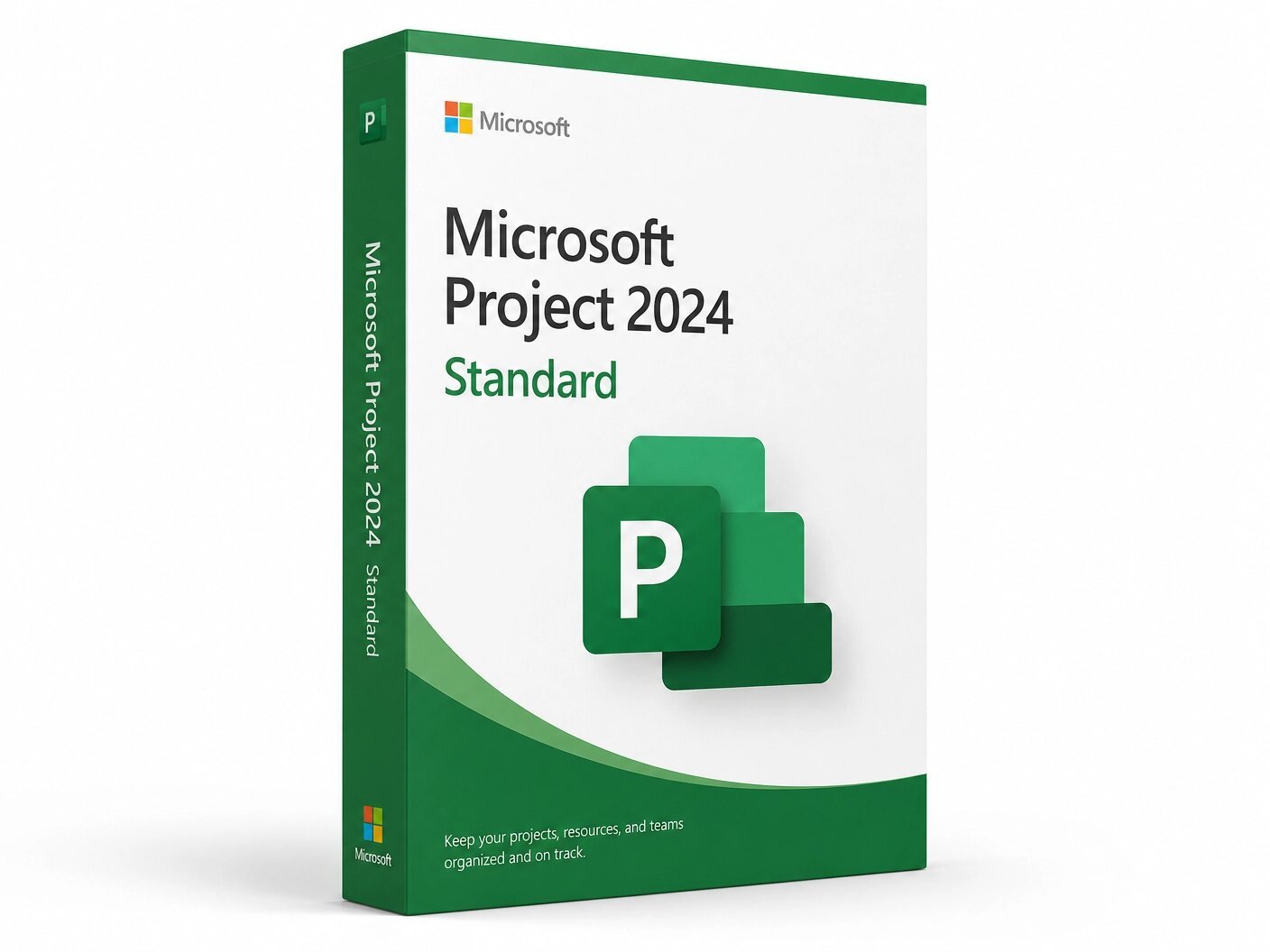
Microsoft Project 2024 Standard is a powerful project management software designed for individuals and professionals who need advanced scheduling, task management, Gantt charts, Kanban boards, timeline views, and built-in reporting in a permanent desktop application. This genuine lifetime license includes one-time activation for 1 Windows PC with no subscription, no monthly fees, and no expiration. Compatible with Windows 10 and Windows 11, Project 2024 Standard helps you plan projects, track progress, manage deadlines, analyze critical paths, and create professional reports with ease. Your genuine Microsoft license key is delivered instantly by email and activates directly through Microsoft’s official servers at setup.office.com.
Currency:
You'll receive your license key, an official Microsoft download link, and a 1-page activation guide.
Direct Microsoft activation
Email in under 5 minutes
Real humans, any time zone
Full money-back guarantee
Microsoft Project 2024 Standard is the individual-focused edition of the world’s most widely used project management application. It delivers the core Project toolset Gantt chart scheduling, task management, critical path analysis, built-in reporting, and Kanban board views in a single, permanently licensed desktop application for one Windows PC.
This is a one-time purchase. Pay once and own it forever. No subscription. No monthly fee. No expiry. Your genuine Microsoft Project 2024 Standard license key is delivered to your email within minutes of purchase and activates directly on Microsoft’s official servers at setup.office.com. Microsoft provides security updates through October 14, 2029.
Important: Microsoft Project is not included in any Microsoft 365 or Office 365 subscription at any tier. It must always be purchased separately. This product is for Windows PC only — not compatible with macOS, Android, or Chromebook.
Project Standard is a perpetual license, and once activated, it will not expire. It is the entry-level perpetual edition of Microsoft Project designed for individual project managers who work on standalone projects and do not need the team-focused resource pooling, Project Online connectivity, or Agile Board features exclusive to the Professional edition. It covers the complete project scheduling and tracking workflow that the vast majority of project managers use every day, in a stable, offline desktop application that works without a browser or internet connection after activation.
Gantt Chart Scheduling The visual backbone of professional project management. Project 2024 Standard’s Gantt chart lets you build detailed project timelines with drag-and-drop task creation, automatic scheduling based on task dependencies, and task path highlighting that shows exactly how each task relates to every other task in your plan. Color-coded progress bars, milestone markers, and deadline indicators give you an instant, accurate picture of where your project stands at any moment. When tasks slip or timelines change, the Gantt chart updates automatically — keeping your plan accurate without manual adjustment.
Task Management and Automated Scheduling Create tasks, assign durations, set start and finish dates, and define dependencies between tasks using finish-to-start, start-to-start, finish-to-finish, and start-to-finish relationships with lead and lag times. Project 2024 Standard’s automated scheduling engine respects all dependency logic and scheduling constraints when it calculates your project timeline ensuring your plan is always internally consistent and logically sound. Manual scheduling mode is also available for tasks where you want to control dates directly without automatic recalculation.
Critical Path Analysis Identify the exact chain of dependent tasks that determines the minimum time needed to complete your project. Project 2024 Standard automatically calculates and highlights the critical path — any delay to a task on this path directly extends the project end date. This lets you focus attention and resources on the tasks that matter most for on-time delivery, and quickly model the impact of timeline changes before committing to them.
Built-in Reports Save time with pre-designed reports like Burndown and Resource Overview. Monitor project progress and adjust as necessary. The full report library includes Project Overview dashboards, Cost Overview for budget tracking, Work Overview for resource utilization, and Milestone reports for executive status updates. All reports are customizable and can be exported to PDF or copied into PowerPoint presentations for stakeholder communication. Microsoft
Kanban Board View Project 2024 features enhanced task lists, Kanban boards, project roadmaps, and Gantt charts to help you prioritize and schedule tasks efficiently. Switch to the Board view for a visual Kanban-style layout where tasks are displayed as cards in columns representing their current status. Drag cards between columns to update task status. For project managers who work in environments that blend traditional scheduling with lightweight Agile-style task tracking, the Board view provides the visual workflow management that modern teams expect — without requiring a separate tool. Microsoft
Timeline View Create shareable visual summaries of your project schedule that can be copied directly into emails, PowerPoint slides, and Word documents. The Timeline view displays your high-level milestones, phases, and key dates in a clean, executive-friendly visual format. For project managers who regularly present project status to stakeholders who do not have Project installed, the Timeline view delivers the right level of summary detail in a format that anyone can understand immediately.
Custom Calendars Share custom calendars for specific tasks with your team to ensure everyone stays informed. Define working hours, non-working days, holidays, and shift schedules at the project, resource, and task level. Project 2024 Standard uses your calendar definitions when calculating task durations and scheduling work ensuring that your plan accurately reflects when work can actually happen, not just theoretical elapsed time. Microsoft
Baseline Tracking Set a project baseline at kickoff capturing your original planned schedule, costs, and scope and then compare actual progress against it throughout delivery. Baseline tracking gives you objective data on schedule slippage and cost variance, making it straightforward to communicate project health honestly to stakeholders and identify where corrective action is needed.
Built-In Templates Pre-built templates help you get your project started on the right track. Project 2024 Standard includes a library of project templates covering common project types software development, construction, product launch, event planning, and more that provide a ready-made task structure you can customize for your specific project. Starting from a template rather than a blank project saves hours of initial setup time on every new engagement.
Advanced Scheduling Tools Maximize productivity by minimizing inefficiencies with automated scheduling features. Deadline markers, task constraints, effort-driven scheduling, and task splitting give you precise control over how work is planned and distributed across your project timeline. The scheduling engine handles the complex arithmetic of dependency chains and constraint logic automatically you define the rules, Project calculates the schedule.
Microsoft Teams Compatibility Hover over team members’ names in a project plan to see online presence and start chats or calls through Microsoft Teams for Business. For organizations using Microsoft 365 with Teams, this integration means you can communicate with team members about specific tasks directly from within your project plan — without switching applications.
Microsoft Project 2024 Standard is the right tool for individual project managers and professionals who need a permanent, professional-grade project management desktop application for standalone projects — and who do not need the advanced team features exclusive to the Professional edition. It is the correct choice for:
Individual project managers at small and medium businesses who manage projects independently and need a capable, permanent scheduling tool without paying a Project Plan subscription fee every month.
Consultants and freelance project managers who manage client projects on a per-engagement basis and want a permanently owned desktop tool they can use across any engagement without subscription cost.
Operations managers, event planners, marketing managers, and business professionals who manage projects as part of a broader role and need more structure and capability than a task list or spreadsheet provides but do not need the full enterprise feature set of Project Professional.
IT professionals and administrators managing infrastructure deployment projects, system migration timelines, and technical project schedules who need the discipline of formal project scheduling without enterprise-scale resource management.
Students and professionals studying for PMP certification or other project management credentials who want hands-on experience with the industry-standard project management tool using a permanently owned licence.
This is the most important question buyers in the USA and Canada ask before purchasing. Here is a precise, direct answer.
Project 2024 Standard includes: Gantt chart scheduling, critical path analysis, task management, automated scheduling, Kanban Board view, Timeline view, baseline tracking, built-in reports, custom calendars, and built-in templates. It is fully capable for managing individual projects of any size and complexity.
Project 2024 Professional includes additional features like resource management, collaboration, and server integration. Specifically, Professional adds: resource pooling across multiple concurrent projects, team member collaboration features for assigning tasks to named resources and tracking individual workload, Project Online and Project Server connectivity for enterprise portfolio management, and the full Agile Board view with Scrum support including sprint planning and backlog management.
Choose Standard if you manage projects individually, do not share resources across multiple concurrent projects managed by different project managers, and do not need to connect to Project Online or a Project Server environment. Choose Professional if any of those enterprise-scale capabilities apply to your situation. Both are available on MMKeys as one-time lifetime purchases.
Project Plan 3 always gives you the latest version of Project. Project Professional is a perpetual license, and once activated, it will not expire. Project Plan 3 requires an active subscription.
Project Plan 3 costs $30 per user per month that is $360 per year, $1,800 over five years and gives you browser-based and desktop access with the latest features always updated automatically. Project 2024 Standard from MMKeys is a one-time purchase that you own permanently, works fully offline, and receives Microsoft security updates through October 2029. For individual project managers who do not need the cloud portfolio management features of Project Plan 3, the perpetual licence delivers significantly better long-term value.
Step 1 — After purchase on MMKeys, your license key arrives in your email inbox within minutes. Check your spam folder if needed.
Step 2 — Go to setup.office.com and sign in with your Microsoft account, or create a free one.
Step 3 — Enter your 25-character product key to register Project 2024 Standard to your account.
Step 4 — Click Download and run the official Microsoft Project 2024 installer for Windows on your PC.
Step 5 — Once installation is complete, open Project. It activates automatically using your Microsoft account. You are ready to start managing projects.
Full instructions are included with every MMKeys order. Support is available 24 hours a day, 7 days a week.
Is this a genuine Microsoft Project 2024 Standard license? Yes. Every key sold by MMKeys is an authentic Microsoft product licence that activates directly on Microsoft’s official servers at setup.office.com. No shared keys, no grey-market codes, no workarounds.
Is Microsoft Project included in Microsoft 365? No. Microsoft Project is not included in any Microsoft 365 or Office 365 subscription at any tier and must always be purchased separately. The only subscriptions that include Project are the dedicated Project Plan subscriptions, which are separate products at additional cost.
What is the difference between Project 2024 Standard and Project 2024 Professional? Standard covers the full core project scheduling feature set Gantt charts, critical path, task management, Kanban Board, Timeline, baseline tracking, and built-in reports for individual project managers working on standalone projects. Professional adds resource management, collaboration features, and server integration specifically resource pooling across multiple projects, Project Online and Project Server connectivity, and full Agile Scrum board with sprint planning. If you manage projects independently without shared resources across a team, Standard covers all your needs. Microsoft
Does Project 2024 Standard support Agile? Project 2024 Standard includes the Kanban Board view for visual task management in columns. Full Agile Scrum support with sprint planning, backlog management, and sprint burndown reporting is exclusive to the Professional edition.
Can I open older Project files in Project 2024? Yes. Project 2024 Standard is fully backward compatible with project files created in all previous versions of Microsoft Project. Your existing MPP files open without any conversion required.
Does it work offline? Yes. Once installed and activated, Microsoft Project 2024 Standard works fully offline. Internet is only needed for the initial download, activation, and optional cloud-connected features.
Can I reinstall Project if I reformat my PC? Yes. Your licence is tied to your Microsoft account after activation. Sign into setup.office.com on the same PC after a reinstall to download and restore Project without entering your key again.
How soon will I receive my key after purchase? Most MMKeys orders are delivered within five minutes of payment, 24 hours a day. Your email includes the license key, a direct download link, and step-by-step activation instructions.
What if my key does not activate? Contact MMKeys support at any time. We stand behind every licence we sell and will resolve any activation issue or replace your key at no cost. CONTACT US
Sorry, no reviews match your current selections