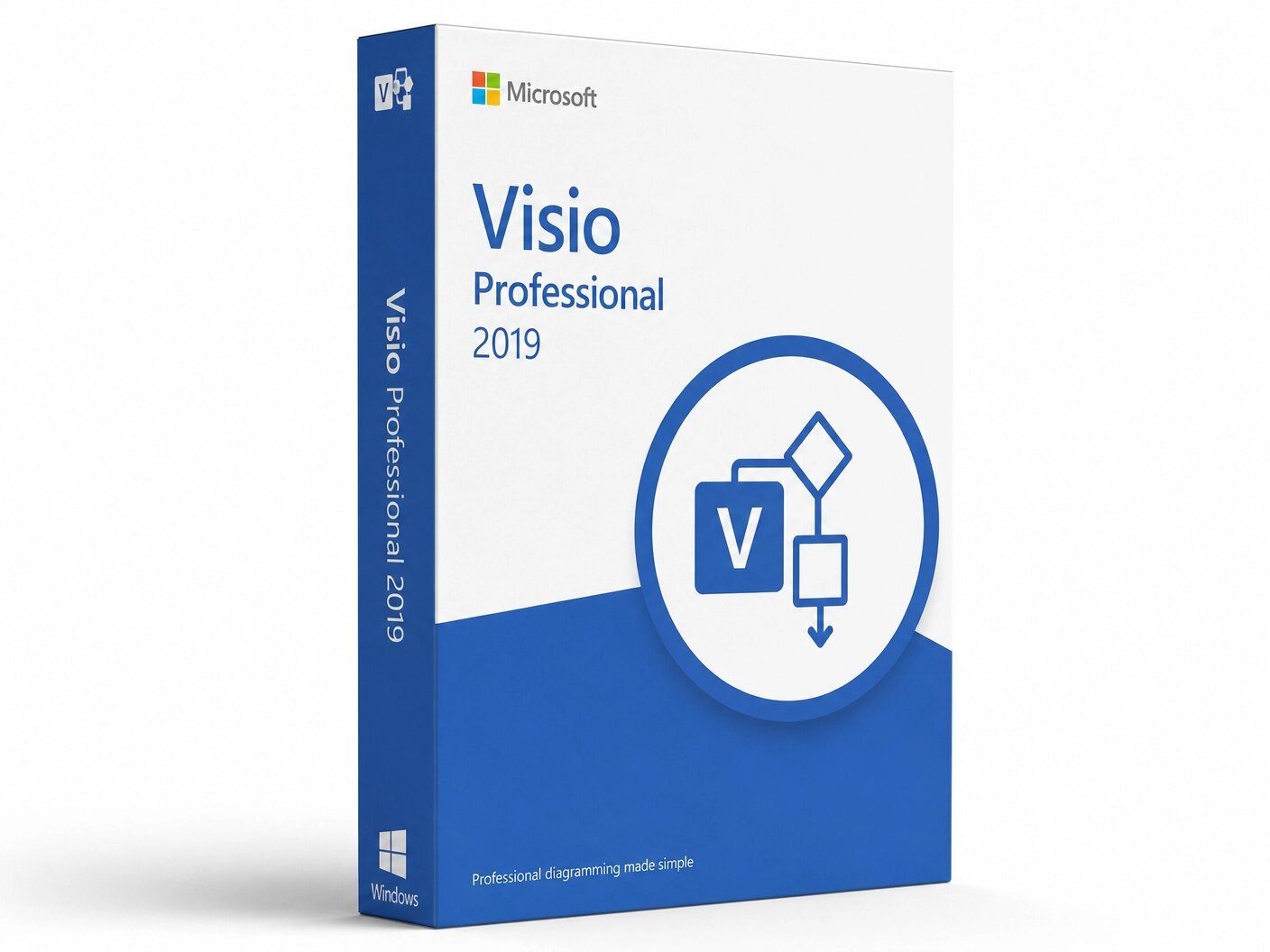
A genuine perpetual Microsoft license for professional diagramming, data visualization, and process modeling on one Windows PC.
Currency:
You'll receive your license key, an official Microsoft download link, and a 1-page activation guide.
Direct Microsoft activation
Email in under 5 minutes
Real humans, any time zone
Full money-back guarantee
Microsoft Visio 2019 Professional is a powerful tool that you can use to create and share professional data-linked diagrams. It is the world’s most trusted diagramming application the tool that IT professionals, network engineers, business analysts, process designers, enterprise architects, and facilities managers reach for when they need to communicate complex systems, structures, and workflows through clear, precise, professional-quality visuals.
This is a one-time purchase. Pay once and own it permanently on one Windows PC. No subscription. No monthly fee. No expiry. Your genuine Microsoft Visio 2019 Professional license key is delivered to your email within minutes of purchase and activates directly on Microsoft’s official servers at setup.office.com.
Visio is a separate product and must be purchased independently. It is not bundled with any Office suite. This product is for Windows PC only not compatible with macOS, Android, or Chromebook.
A note on support: Microsoft Visio 2019 has reached end of all support, including extended security support, as of October 2025. The software continues to function fully on Windows 10 and Windows 11 all applications open, create, edit, and save files exactly as they always have but Microsoft no longer releases security patches for this version. If ongoing security updates are required for your environment, Visio Professional 2021 or Visio Professional 2024 are the better choices and are available separately on MMKeys. Visio 2019 Professional is the right choice for legacy compatibility environments, budget-driven purchases, and users who need the most affordable genuine Visio Professional licence available.
Thousands of Industry-Standard Shapes and Templates Create with ease using a vast library of pre-built templates and over 250,000 shapes. From flowcharts and organizational charts to floor plans and engineering designs, creating professional diagrams has never been easier. New starting templates allow you to begin your work right away without unnecessary overthinking. Every shape library meets the industry standard it represents sized, labeled, and connected exactly as professional conventions require.
Flowcharts and BPMN 2.0 Process Diagrams Microsoft Visio 2019 Professional offers a comprehensive solution for a wide range of process types, including BPMN 2.0, SharePoint workflow, workflow mapping, and EPC with more than 20 process templates. It allows the user to generate and validate complex diagrams in accordance with the latest standards, including BPMN 2.0 and UML 2.5. Diagram validation rules automatically flag notation errors ensuring your process documentation meets the standards that regulated industries and compliance teams demand.
Network and IT Infrastructure Diagrams Build detailed physical and logical network maps with shape libraries covering Cisco, Microsoft Azure, Amazon Web Services, and generic hardware routers, switches, firewalls, servers, load balancers, and more. Document rack layouts, VLAN boundaries, data center topology, and disaster recovery architectures to the professional standard IT auditors and infrastructure teams expect across the USA and Canada.
Data-Linked Diagrams Connect your diagrams to real-time data from sources like Microsoft Excel, SQL Server, and SharePoint. Automatically update your visuals as the underlying data changes, allowing you to make informed decisions at a glance. Data Graphics then display that live data visually on shapes using color coding, progress bars, and icon sets turning a static org chart into a live headcount dashboard, or a network map into a real-time server status display.
Automatic Org Chart Generation An intelligent assistant automatically creates organization charts from existing data in MS Visio Pro 2019, moving your work forward much faster. Import data from Excel, Exchange Server directories, or Azure Active Directory and let Visio build the chart structure automatically. Data linking keeps org charts synchronized with their data source so headcount changes and reporting structure updates reflect automatically without manual redrawing.
Real-Time Collaboration Work together with your team on a single diagram at the same time. Visio 2019 Professional’s enhanced collaboration features allow for seamless teamwork, ensuring everyone is on the same page no matter where they are. Multiple team members can edit the same diagram simultaneously when the file is stored in OneDrive or SharePoint.
Wireframe Diagrams for Websites Create wireframe diagrams specially designed for websites. Thanks to new website templates, you can present your ideas and projects in a clear and easy way. For UX designers, web developers, and product managers who need to communicate interface concepts to stakeholders, Visio 2019 Professional’s wireframe toolkit provides the professional-standard layout and annotation tools needed for meaningful design reviews.
Enhanced AutoCAD Support With Visio 2019 Professional you can import or open files that are from AutoCAD versions 2017 or prior. Scaling and speed improvements have been made for importing AutoCAD files. For engineering teams and architects who work across both Visio and AutoCAD environments, this improved interoperability significantly reduces the friction of moving between tools.
Office-Like Interface with Tell Me Search and Dark Theme The Office-like interface enables intuitive use of the software, including familiar Office 2019 features such as the Tell Me search assistant and Black Theme for ideal work without eye strain. The Tell Me search bar finds any Visio command instantly no menu navigation required. The Black Theme reduces eye strain for professionals who spend long hours building complex diagrams.
Process Optimization and Validation Visio 2019 Professional helps you define and improve your business easily and efficiently. You can create process steps and set validation rules for reviewing diagrams. Custom validation rules check diagrams for correctness against your business standards flagging missing labels, incorrect connections, and notation errors automatically across large documentation projects.
Floor Plans and Facility Layouts Design accurate, scaled floor plans for offices, warehouses, retail spaces, and facilities. Set a measurement scale, place walls, doors, windows, furniture, and equipment from built-in architectural shape libraries, and produce dimensionally accurate layouts for space planning, emergency evacuation maps, and facilities documentation. Both imperial and metric measurements are supported.
Microsoft 365 Integration Embed Visio diagrams in Word documents, PowerPoint presentations, Excel workbooks, and Teams channels. Export to PDF, PNG, SVG, and AutoCAD DWG for sharing with stakeholders who do not have Visio installed. All VSDX files and legacy VSD files from older Visio versions open without any conversion required.
Microsoft Visio 2019 Professional is designed for professionals who need genuine, standards-compliant diagramming capability at the lowest available price. It is the right fit for IT professionals and network engineers documenting physical and logical network infrastructure, business analysts and process improvement specialists creating BPMN and workflow diagrams, enterprise architects building system architecture and integration diagrams, facilities managers designing accurate office and warehouse floor plans, UX designers and web developers creating wireframe prototypes, and compliance and audit professionals documenting business processes for regulatory submissions.
Visio Standard 2019 covers core diagramming with flowcharts, basic org charts, network diagrams, and fundamental templates. It is the right fit for users with straightforward diagramming needs who do not require data connectivity or collaboration features.
Visio 2019 Professional adds live data linking to Excel, SQL Server, and SharePoint, data graphics that visualize live data on diagram shapes, real-time co-authoring for multiple users on a single diagram, automatic org chart generation from data sources, wireframe website diagramming templates, the complete BPMN 2.0 and UML 2.5 shape libraries, and diagram validation rules. For IT professionals, business analysts, and enterprise architects whose work demands data-connected, standards-compliant diagrams, Professional is the correct edition.
Visio Professional 2021 delivers the same complete Professional feature set with updated Azure and cloud architecture stencils, new stock image and icon library access, improved collaboration tools, and Microsoft security support through October 2026. If the price difference fits your budget, Visio Professional 2021 is the better long-term investment and is available separately on MMKeys.
Visio 2019 Professional is the right choice when the lowest possible price for a complete, genuine Visio Professional licence is the deciding factor.
Licence type: Perpetual one-time purchase, lifetime activation
Not included in Microsoft 365: Must always be purchased separately
Platform: Windows PC only not compatible with macOS, Android, or Chromebook
Devices: 1 PC Architecture: 64-bit and 32-bit both supported Key
Professional features: Live data linking, data graphics, real-time co-authoring, automatic org chart generation, wireframe diagrams, BPMN 2.0, UML 2.5, AutoCAD import, diagram validation
Compatible systems: Windows 10, Windows 11
Processor: 1.6 GHz or faster, 2-core minimum
RAM: 4 GB minimum Storage: 4 GB available disk space
Display: 1280 x 768 minimum resolution
Delivery: Genuine Microsoft license key sent by email within minutes
Activation: Online via Microsoft’s servers at setup.office.com
Works offline: Yes internet required only for initial download and activation Microsoft support status: End of all support reached October 2025 software remains fully functional
Step 1 — After purchase on MMKeys, your license key arrives in your email within minutes. Check spam if needed.
Step 2 — Go to setup.office.com and sign in with your Microsoft account, or create a free one.
Step 3 — Enter your 25-character product key to register Visio 2019 Professional to your account.
Step 4 — Click Download and run the official Visio 2019 installer for Windows on your PC.
Step 5 — Open Visio it activates automatically using your Microsoft account. You are ready to start diagramming.
Full instructions are included with every MMKeys order. Support is available 24 hours a day, 7 days a week.
Is this a genuine Microsoft Visio 2019 Professional license? Yes. Every key sold by MMKeys is an authentic Microsoft product licence that activates directly on Microsoft’s official servers at setup.office.com. No shared keys, no grey-market codes, no workarounds.
Is Visio included in Microsoft 365? No. Visio is a separate product and must be purchased independently. It is not bundled with any Office suite.
Is Microsoft Visio 2019 still supported? Microsoft Visio 2019 reached end of all support, including extended security support, in October 2025. The software continues to function fully on Windows 10 and Windows 11 — all applications work normally — but Microsoft no longer releases security patches. Users who require ongoing security updates should consider Visio Professional 2021 or 2024, both available on MMKeys.
What is the difference between Visio Professional and Visio Standard? Standard covers core diagramming. Professional adds live data linking to Excel, SQL, and SharePoint, data graphics, real-time co-authoring, automatic org chart generation from data sources, wireframe website templates, BPMN 2.0 and UML 2.5 shape libraries, and diagram validation rules.
Does Visio 2019 support BPMN and UML? Yes. Microsoft Visio 2019 Professional allows the user to generate and validate complex diagrams in accordance with BPMN 2.0 and UML 2.5.
Does it support AutoCAD files? Yes. With Visio 2019 Professional you can import or open files from AutoCAD versions 2017 or prior, with scaling and speed improvements for importing AutoCAD files.
Can I open older VSD files in Visio 2019? Yes. Visio 2019 Professional is fully backward compatible with all legacy VSD files and current VSDX files. Your existing diagrams open without any conversion required.
Does it work offline? Yes. Once installed and activated, Visio 2019 Professional works fully offline. Internet is only needed for initial download and activation.
How soon will I receive my key after purchase? Most MMKeys orders deliver within five minutes of payment, 24 hours a day. Your email includes the license key, a direct download link, and step-by-step instructions.
What if my key does not activate? Contact MMKeys support at any time. We stand behind every licence we sell and will resolve any activation issue or replace your key at no cost. CONTACT US
Sorry, no reviews match your current selections