







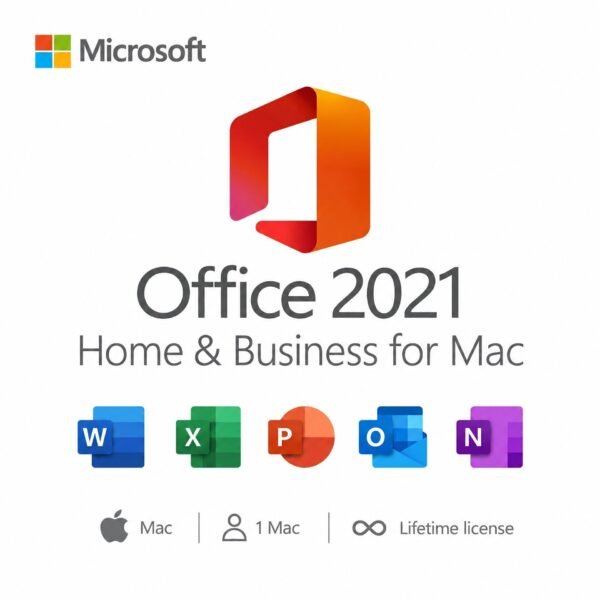
Microsoft Office 2021 Home & Business for Mac – 1 User, Lifetime License, Digital Download
CAD $ 194.00
Customer Reviews
Microsoft Office 2021 Home & Business for Mac – 1 User, Lifetime License, Digital Download
A genuine perpetual Microsoft license including essential Office apps for one Mac no subscription required.
- Includes Word, Excel, PowerPoint, Outlook, and OneNote fully optimized for macOS
- Compatible with Apple Silicon and Intel Macs
- Full Microsoft licensing compliance for Office 2021 Home & Business for Mac
- Delivery: License key sent by email within minutes
- Lifetime license one payment, forever
- Guarantee: 100% satisfaction & money-back guarantee
Genuine Microsoft license — activated on Microsoft’s own servers
- Instant delivery: your product key, official download link and step-by-step activation guide arrive by email within minutes of payment — 24/7, USA & Canada.
- Lifetime license: pay once, activate forever. No subscription, no renewal fees, no expiry.
- 100% genuine & legal: every key is sourced through authorized supply chains and verified before it reaches your inbox.
- Money-back guarantee: 180-day refund policy plus a lifetime activation warranty — if a key ever fails, we replace it free.
- Secure checkout: Visa, Mastercard, Apple Pay, Google Pay, PayPal and Interac e-Transfer.
- Real human support: licensing and activation help across North American time zones.
How it works: 1) Add to cart and pay securely → 2) Check your inbox for the key and download link → 3) Install and activate with the included guide. Need help? See our activation guides or contact us.
Product Information
| Software Type | Business & Office Software |
|---|---|
| Brand | Microsoft |
| Product / Edition | Office Home & Business |
| Version | 2021 |
| Platform | Mac (macOS) |
| Number of Users / Devices | 1 User / 1 Mac |
| License Type | Retail – One-time purchase |
| License Term | Lifetime – one-time purchase, no subscription |
| Delivery Method | Instant email delivery (product key + guide link) |
| Format | Digital download – no physical media |
| Activation | Online activation via Microsoft (product key) |
| Languages Supported | Multilingual – all available languages |
| Region | USA & Canada (global activation) |
| Model | MMK-Office21HomeBusinessMac |
| Support | 24/7 by email – Support@MMKeys.com |
Microsoft Office 2021 Home & Business License Key for Mac — Genuine Lifetime License
Microsoft Office 2021 Home & Business for Mac is the complete, subscription-free productivity suite for Mac users who need professional tools for both personal and business use. It includes Word, Excel, PowerPoint, Outlook, and OneNote all natively built for macOS, all installed directly on your Mac, and all yours for life with a single one-time purchase.
No monthly fees. No auto-renewals. No Microsoft 365 account required to keep using it. Buy your genuine Microsoft Office 2021 Home & Business Mac license key from MMKeys, receive it by email within minutes, and activate permanently through Microsoft’s official servers. That is all it takes.
This edition is specifically designed for Mac. Every app has been rebuilt to feel at home on macOS from the Retina-optimized interface to full Apple Silicon (M1, M2, M3, M4) support, alongside Intel Mac compatibility. If you are a Mac user who wants the real Office experience without the subscription, this is the licence you need.
What’s Included in Office 2021 Home & Business for Mac
Word 2021 for Mac Create, edit, and share professional documents with the world’s most-used word processor, fully optimized for macOS. Word 2021 brings real-time co-authoring so multiple people can work on the same document simultaneously, improved modern comments that let you resolve feedback threads with one click, and built-in accessibility improvements that make documents easier to share with anyone. Whether you are drafting a business proposal, a client contract, or a personal project, Word delivers the tools to do it right.
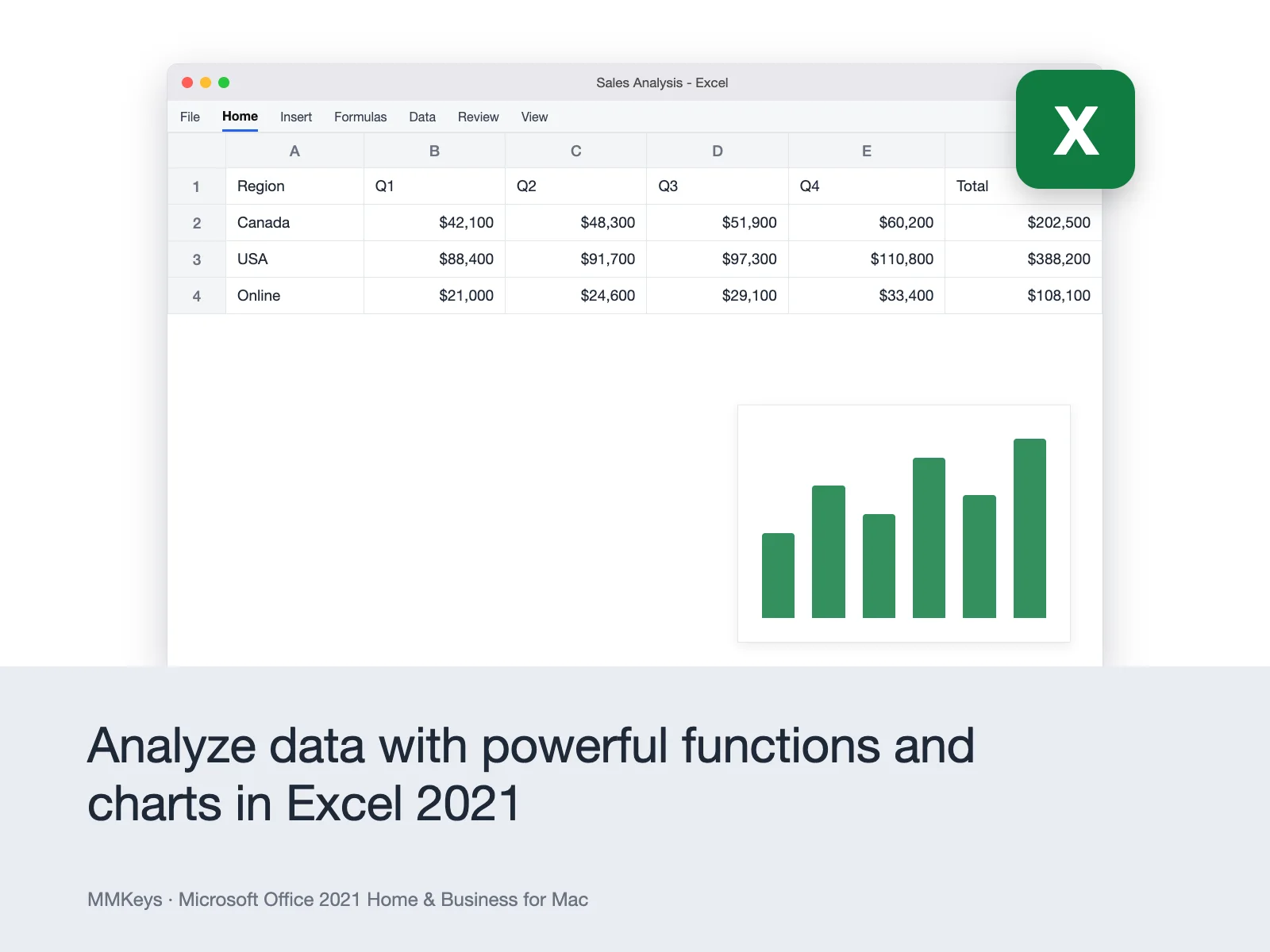
Excel 2021 for Mac Organize data, build budgets, track projects, and create financial reports with the most powerful spreadsheet app available for Mac. Excel 2021 introduces XLOOKUP a faster, more flexible replacement for VLOOKUP along with new dynamic array functions including FILTER, SORT, UNIQUE, and SEQUENCE that automatically expand as your data changes. New data types and improved charting tools round out an update that makes Excel significantly more powerful for both casual and advanced users.
PowerPoint 2021 for Mac Build presentations that win pitches and hold attention, with a suite of tools built natively for macOS. PowerPoint 2021 adds improved slide transitions, a richer animation toolkit, faster media playback, and an expanded template library. The Presenter Coach feature provides real-time feedback on your delivery pacing, filler words, and inclusive language helping you get sharper every time you practice.
Outlook 2021 for Mac The standout feature of the Home & Business edition and one of the most significant upgrades in the 2021 release. Outlook 2021 for Mac delivers a completely rebuilt experience: faster search that finds emails, contacts, and calendar events in seconds, an intelligent inbox that learns your priorities, improved calendar sharing with live availability views, and dramatically better offline performance. For freelancers and small business owners managing client communication, Outlook is the tool that pays for the upgrade on its own.
OneNote 2021 for Mac A flexible, powerful digital notebook for capturing and organizing ideas, meeting notes, research, checklists, and anything else you need to keep at hand. OneNote syncs across all your devices through your Microsoft account, so your notes are always with you. The 2021 version adds improved navigation, better tagging, and enhanced inking support for Apple Pencil on compatible devices.
Who Is This For?
Microsoft Office 2021 Home & Business for Mac is licenced for both personal and commercial use. That makes it the right choice for:
Freelancers and independent contractors who need Word for proposals and contracts, Excel for invoicing, and Outlook to manage client email all on a Mac without the cost of an annual subscription.
Small business owners who want a stable, fully-featured productivity suite on one Mac device with predictable, one-time pricing.
Home users and students on Mac who need Outlook for email management alongside the core Office apps.
Anyone switching from Microsoft 365 who wants to stop paying monthly while keeping full access to the Office apps they already know.
Office 2021 Home & Business for Mac vs Microsoft 365 The Honest Answer
Buyers in the USA and Canada most often compare these two options before purchasing. Here is a straightforward breakdown.
Choose Office 2021 Home & Business for Mac if you want a one-time cost with no recurring charges, apps that work fully offline, and a stable feature set that will not change unexpectedly. Microsoft has committed to mainstream support through October 2026 and extended security support through October 2026, so you are covered for years. At MMKeys pricing, the product pays for itself in just a few months compared to a Microsoft 365 subscription.
Choose Microsoft 365 if you need Office on multiple devices at the same time, want the latest AI-powered Copilot features in Word and Excel, or need 1 TB of OneDrive cloud storage included. Microsoft 365 Personal costs $99.99 per year over three years that is $299.97, compared to a single MMKeys purchase.
For most Mac users who need a reliable, professional productivity suite for one device, Office 2021 Home & Business is the smarter long-term investment.
Office 2021 Home & Business for Mac vs Office 2024 Home & Business for Mac Which Should You Choose?
If budget is the primary consideration, Office 2021 delivers the full suite Word, Excel, PowerPoint, Outlook, and OneNote at a lower price point, with support running through 2026. If you want the newest features, better performance on Apple Silicon, and the longest available support window (Microsoft has committed to updates through October 2026 for Office 2021 and October 2029 for Office 2024), the 2024 edition is worth the upgrade. Both are excellent choices; Office 2021 remains a fully capable, professional productivity suite for Mac.
Key Details at a Glance
- Licence type: Perpetual one-time purchase, lifetime access
- Included apps: Word 2021, Excel 2021, PowerPoint 2021, Outlook 2021, OneNote 2021
- Platform: Mac only (for Windows, see Office 2021 Professional Plus)
- Devices: 1 Mac
- Compatible systems: macOS Sonoma, macOS Ventura, macOS Monterey (Office for Mac supports the three most recent macOS versions)
- Apple Silicon: Fully supported native on M1, M2, M3, and M4 chips
- Intel Mac: Fully supported
- Delivery: Genuine Microsoft product key sent by email within minutes of purchase
- Activation: Online via setup.office.com using your Microsoft account
- Licence binding: Key is bound to your Microsoft account not to hardware alone
- Commercial use: Yes licensed for personal and business use
- Works offline: Yes internet required only for initial download and activation
- Microsoft Teams: Compatible download Teams separately for free
How to Activate Your Office 2021 Home & Business Key on Mac
Step 1 — After checkout on MMKeys, your product key arrives in your email inbox within minutes.
Step 2 — On your Mac, go to setup.office.com and sign in with your Microsoft account, or create a free one it takes under two minutes.
Step 3 — Enter your 25-character product key to register the licence to your account.
Step 4 — Click Download and open the Microsoft Office installer file on your Mac.
Step 5 — Follow the on-screen steps to complete installation accept the licence agreement, choose your install location, and enter your Mac password when prompted.
Step 6 — Open Word, Excel, Outlook, or any Office app sign in with your Microsoft account and you are ready to go.
The full process takes under ten minutes. Detailed instructions are included with every MMKeys order, and our support team is available 24/7 if anything is unclear.
Is this a genuine Microsoft Office 2021 key for Mac?
Yes. Every key sold by MMKeys is an authentic, unused Microsoft product licence that activates directly on Microsoft's official servers at setup.office.com. There are no shared keys, no grey-market codes, and no workarounds.
Is this version compatible with my Mac?
Office 2021 Home & Business for Mac supports the three most recent versions of macOS. As of 2026, that includes macOS Sequoia, macOS Sonoma, and macOS Ventura. It runs natively on both Apple Silicon (M1, M2, M3, M4) and Intel Macs.
Does Office 2021 work on macOS Sequoia?
Yes. Microsoft actively maintains Office 2021 for Mac compatibility with current macOS releases and provides security updates to keep the suite running correctly on supported versions.
Can I use this licence for my business?
Yes. Office 2021 Home & Business is explicitly licenced for commercial use. This is the key difference from Office 2021 Home & Student for Mac, which is restricted to personal and educational use only.
Can I transfer the licence to a new Mac?
Yes. Because the licence is bound to your Microsoft account rather than the hardware alone, you can transfer it to a new Mac. Sign out of Office on the old device, deactivate it through your Microsoft account, and sign in on the new one. Contact MMKeys support if you need help with this process.
Does it include Outlook for Mac?
Yes. Outlook 2021 is fully included. The Mac version of Outlook 2021 is a major upgrade over the 2019 version faster, smarter, and significantly improved for everyday email and calendar management.
Does it include Access or Publisher?
No. Access and Publisher are Windows-only applications and are not available in any version of Office for Mac. If you need Access, you will need an Office for Windows licence.
Does it work offline?
Yes. Once installed and activated, all Office apps Word, Excel, PowerPoint, Outlook, OneNote work fully offline. An internet connection is only needed for the initial download and activation, and for optional cloud-connected features like OneDrive syncing.
Does it include Microsoft Copilot AI features?
No. Copilot is exclusive to Microsoft 365 subscriptions and is not available in any perpetual Office edition, including Office 2021 and Office 2024.
How long does delivery take?
Most MMKeys orders are delivered within five minutes of payment. Your email will include the product key, a direct link to setup.office.com, and step-by-step installation instructions for Mac.
What if my key does not activate?
Contact MMKeys support at any time day or night. We stand behind every licence we sell. If your key does not work for any reason, we will resolve the issue or replace it at no cost. CONTACT US
Reliable service as always. The key worked perfectly. No delays or lag.
Everything was smooth. Got the code right away. Excellent support from the server.
A+ seller! Received the code in my email instantly and activated without issue.
No waiting around, the key arrived in seconds. Great experience with the team.
Purchased from Canada, key arrived within 2 minutes. Works perfectly!