




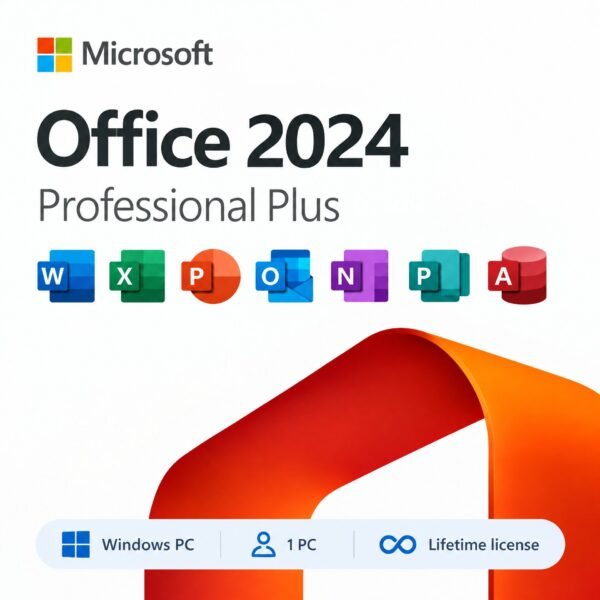
Microsoft Office 2024 Professional Plus for PC – 1 PC, Lifetime License, Digital Download
CAD $ 25.99
Customer Reviews
Microsoft Office 2024 Professional Plus for PC – 1 PC, Lifetime License, Digital Download
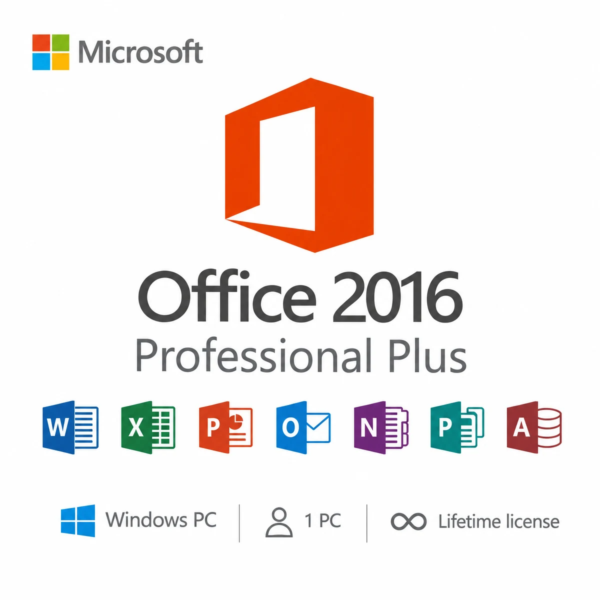
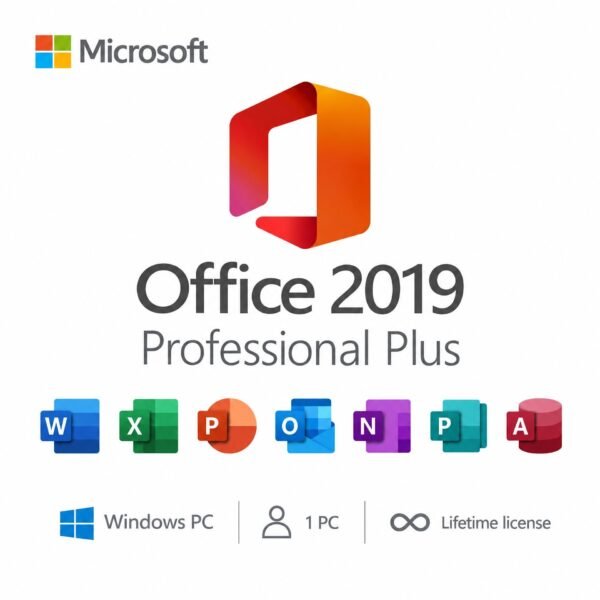
A genuine perpetual Microsoft license including the complete Office suite for one Windows PC no subscription required.
- Includes Word, Excel, PowerPoint, Outlook, Access, and OneNote
- Most complete standalone Office 2024 package with Access included
- Ideal for professionals, power users, and businesses across the USA and Canada
- Full Microsoft licensing compliance for Office 2024 Professional Plus
- Delivery: License key sent by email within minutes
- Lifetime license one payment, forever
- Guarantee: 100% satisfaction & money-back guarantee
Genuine Microsoft license — activated on Microsoft’s own servers
- Instant delivery: your product key, official download link and step-by-step activation guide arrive by email within minutes of payment — 24/7, USA & Canada.
- Lifetime license: pay once, activate forever. No subscription, no renewal fees, no expiry.
- 100% genuine & legal: every key is sourced through authorized supply chains and verified before it reaches your inbox.
- Money-back guarantee: 180-day refund policy plus a lifetime activation warranty — if a key ever fails, we replace it free.
- Secure checkout: Visa, Mastercard, Apple Pay, Google Pay, PayPal and Interac e-Transfer.
- Real human support: licensing and activation help across North American time zones.
How it works: 1) Add to cart and pay securely → 2) Check your inbox for the key and download link → 3) Install and activate with the included guide. Need help? See our activation guides or contact us.
Product Information
| Software Type | Business & Office Software |
|---|---|
| Brand | Microsoft |
| Product / Edition | Office Professional Plus |
| Version | 2024 |
| Platform | Windows PC |
| Number of Users / Devices | 1 PC |
| License Type | Retail – One-time purchase |
| License Term | Lifetime – one-time purchase, no subscription |
| Delivery Method | Instant email delivery (product key + guide link) |
| Format | Digital download – no physical media |
| Activation | Online activation via Microsoft (product key) |
| Languages Supported | Multilingual – all available languages |
| Region | USA & Canada (global activation) |
| Model | MMK-Office24ProPlus |
| Support | 24/7 by email – Support@MMKeys.com |
Microsoft Office 2024 Professional Plus – Genuine Lifetime License Key for 1 PC
Microsoft Office 2024 Professional Plus is the pinnacle of the standalone Office lineup. It is the only consumer-facing Office 2024 edition that includes every major Microsoft productivity application Word, Excel, PowerPoint, Outlook, Access, and OneNote in a single, permanent licence for one Windows PC. Pay once. Own it forever. No subscription required.
If you need the most powerful version of Office available without a monthly fee, this is it. Whether you are a professional managing complex workflows, a small business owner who needs full database capabilities via Access, a data analyst working with advanced Excel functions, or simply someone who wants every Office app available and never wants to pay again Office 2024 Professional Plus is the right choice.
Your genuine Microsoft Office 2024 Professional Plus licence key is delivered to your email within minutes of purchase and activates directly on Microsoft’s official servers. The same Microsoft software. The same activation process. A fraction of the retail price.
Important: This product is for Windows PC only. It is not compatible with macOS, Android, or Chromebook. For Mac users, please see Office 2024 Home & Business for Mac.
What’s Included in Microsoft Office 2024 Professional Plus
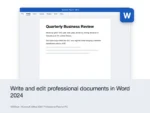
Word 2024 – The world’s most-used word processor, now faster and more capable than ever. Word 2024 introduces real-time co-authoring that lets multiple people edit a document simultaneously, improved modern commenting with one-click thread resolution, full ODF 1.4 format support for open-standard compatibility, and an enhanced accessibility checker that flags issues as you write. From legal documents and business reports to marketing copy and personal projects, Word 2024 handles it all with precision.
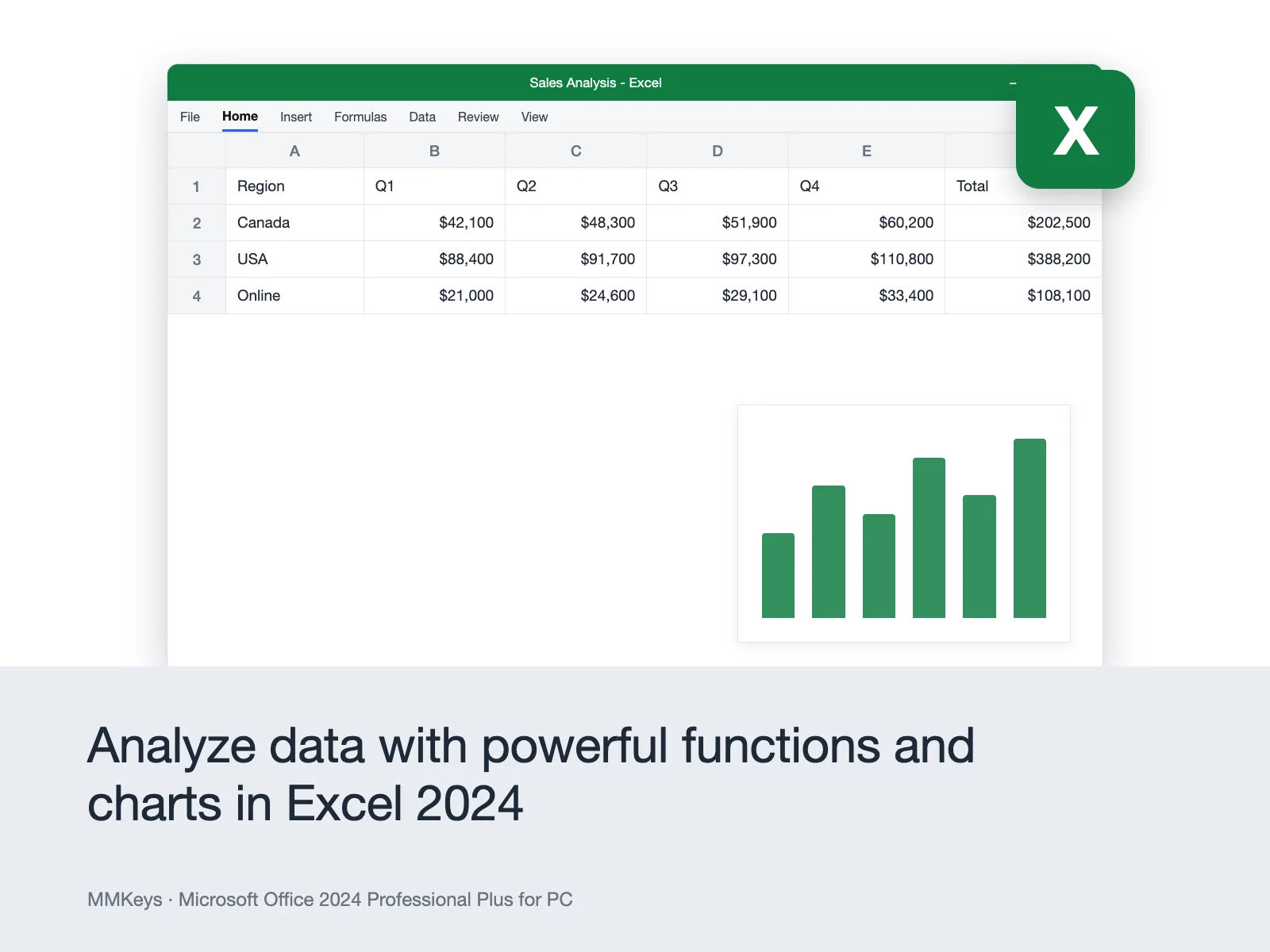
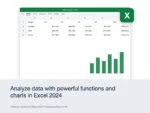
Excel 2024 – The definitive spreadsheet application for data analysis, financial modelling, and business reporting. Excel 2024 delivers significant improvements for power users: deeper dynamic array integration that lets formulas return multiple results and automatically expand as data grows, new GROUPBY and PIVOTBY functions that replace complex pivot table workflows with clean, single-formula solutions, an improved PERCENTOF function for statistical analysis, and better performance with large datasets. If you work with data professionally, Excel 2024 is a meaningful upgrade.
PowerPoint 2024 – Build presentations that hold attention and win results. PowerPoint 2024 adds smoother animations, refined slide transitions, an expanded premium template library, and improved Presenter Coach that provides real-time feedback on pacing, filler words, and inclusive language during rehearsal. Multimedia insertion is faster and easier, with direct photo import from your phone and improved video compression for smaller file sizes without losing quality.
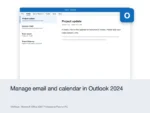
Outlook 2024 – A fully reimagined email and calendar experience rebuilt for speed and focus. Outlook 2024 delivers faster search that surfaces emails, contacts, and calendar events in seconds, an intelligent inbox that learns your priorities and surfaces what matters, improved calendar sharing with live availability views, better offline performance, and stronger junk email filtering. For professionals managing high email volume and complex calendar coordination, Outlook 2024 is a transformative upgrade over any previous version.
Access 2024 – The exclusive app in Professional Plus. Access is Microsoft’s relational database application — the tool that sets Professional Plus apart from every other Office 2024 edition. Use Access to build custom databases, manage inventory systems, track client records, generate complex reports from multiple data sources, and create data entry forms that non-technical team members can use. Access is not available in Office Home 2024, Office Home & Business 2024, or any Mac Office edition. If you need it, Professional Plus is the only option.
OneNote 2024 – A powerful, flexible digital notebook for capturing and organizing ideas, meeting notes, research, checklists, and reference material. OneNote 2024 adds improved navigation, enhanced Quick Notes, and better inking tools for stylus input. Everything syncs across your devices through your Microsoft account, keeping your notes available wherever you work.
Who Is Office 2024 Professional Plus For?
Microsoft Office 2024 Professional Plus is designed for users who need the complete suite and want to own it permanently. It is the right fit for:
Business owners and managers who need Access for database management alongside the full productivity suite and do not want to pay Microsoft 365 licensing costs indefinitely.
Finance and data professionals who use Excel heavily and benefit from the latest array functions, GROUPBY, PIVOTBY, and improved large-dataset performance.
IT administrators and power users setting up a permanent, stable Office installation on a work PC with predictable licensing costs and no subscription management.
Freelancers and consultants who invoice clients, manage project databases in Access, and want the most complete toolset available one time, one price, one PC.
Home users who simply want every Office app with nothing left out, for life, without a subscription.
Office 2024 Professional Plus vs Microsoft 365 The Honest Comparison
This is the question most buyers in the USA and Canada search before purchasing. Here is a direct, honest answer.
Choose Office 2024 Professional Plus if you want to pay once and be done. Microsoft has committed to security updates through October 14, 2029 that is more than three years of supported use from today. All apps work fully offline. There are no renewal dates, no credit card charges, no account suspensions, and no price increases. At MMKeys pricing, the licence pays for itself compared to Microsoft 365 in a matter of months.
Choose Microsoft 365 if you need Office installed on multiple devices simultaneously, want AI-powered Copilot features integrated into Word, Excel, and PowerPoint, require 1 TB of OneDrive cloud storage, or need the very latest feature updates pushed automatically. Microsoft 365 Personal costs $99.99 per year over five years that is $499.95, compared to a single one-time purchase from MMKeys.
For professionals, small business owners, and power users who need every app especially Access and want permanent ownership with zero ongoing cost, Office 2024 Professional Plus is the clear winner on value.
Office 2024 Professional Plus vs Office 2024 Home & Business What Is the Difference?
The Home & Business edition includes Word, Excel, PowerPoint, Outlook, and OneNote. It covers personal and small business use on one PC or Mac.
Professional Plus adds Access Microsoft’s database application and is licenced specifically for Windows PC. It is also the edition of choice for volume deployments and managed IT environments, and it includes all apps that previously shipped with Publisher (note: Publisher has been retired by Microsoft and is no longer included in new Office 2024 releases).
If you need Access, there is no alternative Professional Plus is the only Office 2024 edition that includes it.
Key Details at a Glance
- Licence type: Perpetual one-time purchase, lifetime access
- Included apps: Word 2024, Excel 2024, PowerPoint 2024, Outlook 2024, Access 2024, OneNote 2024
- Platform: Windows PC only not compatible with macOS, Android, or Chromebook
- Devices: 1 PC
- Compatible systems: Windows 10, Windows 11 (64-bit recommended)
- Processor: 2-core, 2.4 GHz minimum
- RAM: 4 GB minimum (8 GB recommended for optimal performance)
- Storage: 4 GB available disk space
- Display: 1024 x 768 resolution minimum
- Delivery: Genuine product key sent by email within minutes of purchase
- Activation: Online via Microsoft’s official activation servers
- Works offline: Yes internet required only for initial download and activation
- Commercial use: Yes licensed for professional and business use
- Microsoft Teams: Compatible download Teams separately at no cost
- Security updates: Provided by Microsoft through October 14, 2029
How to Install and Activate Microsoft Office 2024 Professional Plus
Step 1 – Complete your purchase on MMKeys. Your product key arrives in your email inbox within minutes check your spam folder if you do not see it right away.
Step 2 – Follow the download link included in your email to get the official Microsoft Office 2024 installer for Windows.
Step 3 – Run the installer on your PC. It will download the full Office suite directly from Microsoft’s servers and install all included apps automatically.
Step 4 – When prompted, open any Office application Word, Excel, or Outlook and enter your 25-character product key when the activation screen appears.
Step 5 – Office activates online through Microsoft’s servers in seconds. You will see a confirmation that your licence is active, and all apps are ready to use.
Full step-by-step installation instructions are included with every MMKeys order. Our support team is available 24 hours a day, 7 days a week if you need any assistance.
Is this a genuine Microsoft Office 2024 Professional Plus key?
Yes. Every key sold by MMKeys is an authentic Microsoft product licence that activates directly on Microsoft's official servers. There are no shared keys, no grey-market codes, and no workarounds of any kind.
Is Office 2024 Professional Plus compatible with Windows 11?
Yes. Office 2024 Professional Plus is fully compatible with both Windows 10 and Windows 11. Microsoft recommends 64-bit Windows for the best performance, though 32-bit installations are also supported.
Does Office 2024 Professional Plus work on Mac?
No. This edition is for Windows PC only and is not compatible with macOS, Android, or Chromebook. Mac users should see Office 2024 Home & Business for Mac, which includes Word, Excel, PowerPoint, Outlook, and OneNote natively built for macOS.
Why does Professional Plus include Access when Home & Business does not?
Access is a professional database application designed for business users who need to build, manage, and query relational databases. Microsoft positions it as a professional-tier tool and reserves it exclusively for the Professional Plus edition. If you need Access, Professional Plus is the only Office 2024 edition that provides it.
Can I reinstall Office 2024 if I reformat my PC?
Yes. Because your licence is tied to your Microsoft account after activation, you can reinstall Office on the same device — for example, after a Windows reinstall or drive replacement — by signing into your Microsoft account at setup.office.com and downloading Office again. Contact MMKeys support if you encounter any issues during reinstallation.
Can I transfer the licence to a new PC?
Office 2024 Professional Plus is licenced for one device at a time. If you replace your PC, you will need to deactivate the licence on the original machine before activating on the new one. Contact MMKeys support and we will walk you through the process.
Does it work offline?
Yes. Once installed and activated, all Office apps Word, Excel, PowerPoint, Outlook, Access, OneNote — work fully offline. An internet connection is only needed for the initial download and activation, and for optional cloud-connected features like OneDrive syncing and Teams integration.
Does Office 2024 Professional Plus include Microsoft Copilot AI?
No. Copilot is a feature exclusive to Microsoft 365 subscriptions and is not available in any perpetual Office edition, including Office 2024 Professional Plus. If AI-powered writing assistance in Word, data analysis in Excel, or slide generation in PowerPoint are priorities, Microsoft 365 is the right product.
How soon will I receive my key after purchase?
Most MMKeys orders are delivered within five minutes of payment confirmation, 24 hours a day. Your email includes the product key, download instructions, and a step-by-step activation guide for Windows.
What if my key does not activate?
Contact MMKeys support at any time day or night. We stand behind every licence we sell. If your key does not activate for any reason, we will resolve the issue or replace it at no cost. CONTACT US
Reliable service as always. The key worked perfectly. No delays or lag.
Highly recommend this shop. Efficient delivery and great communication.
Purchased from Canada, key arrived within 2 minutes. Works perfectly!
Purchased from Canada, key arrived within 2 minutes. Works perfectly!
Everything was smooth. Got the code right away. Excellent support from the server.