




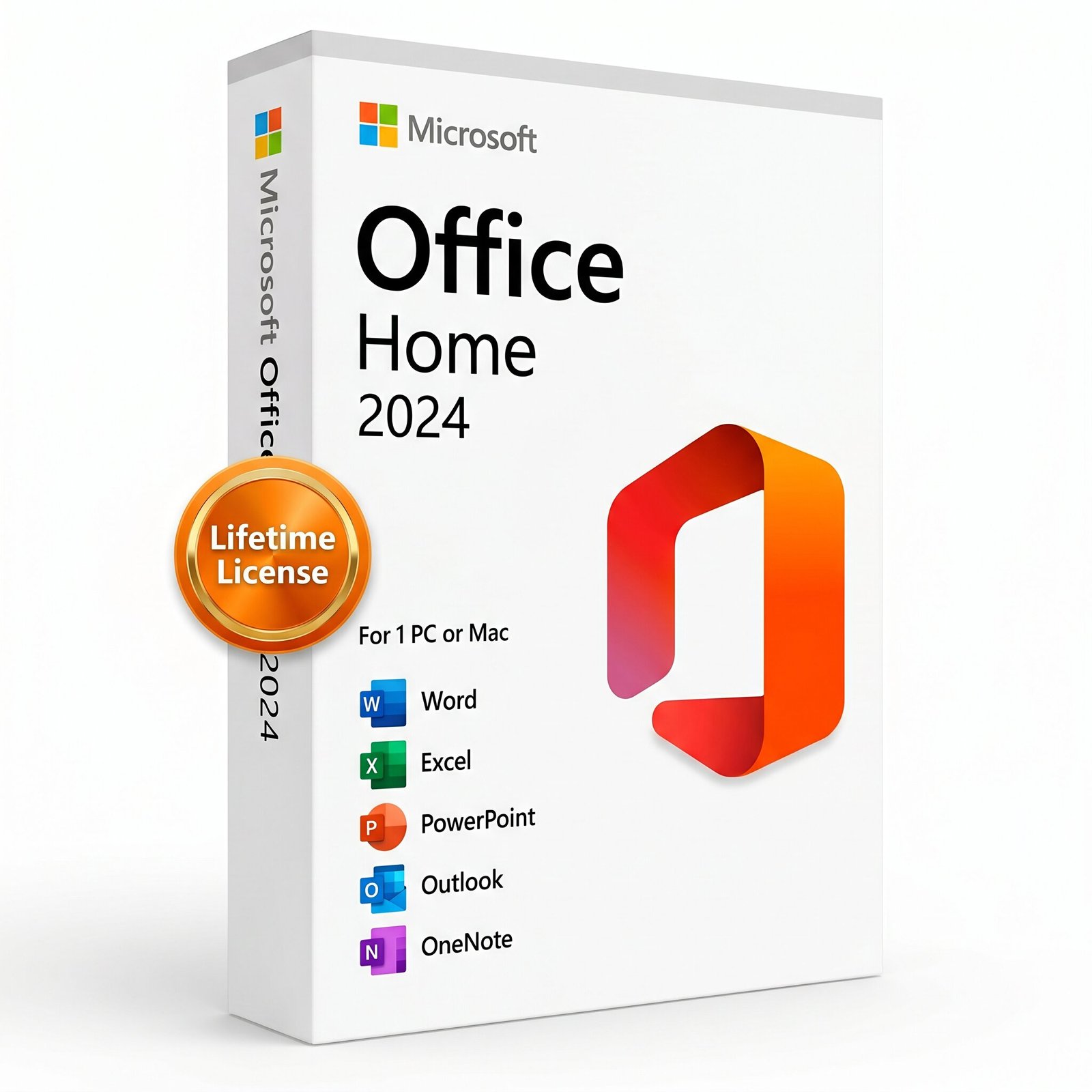
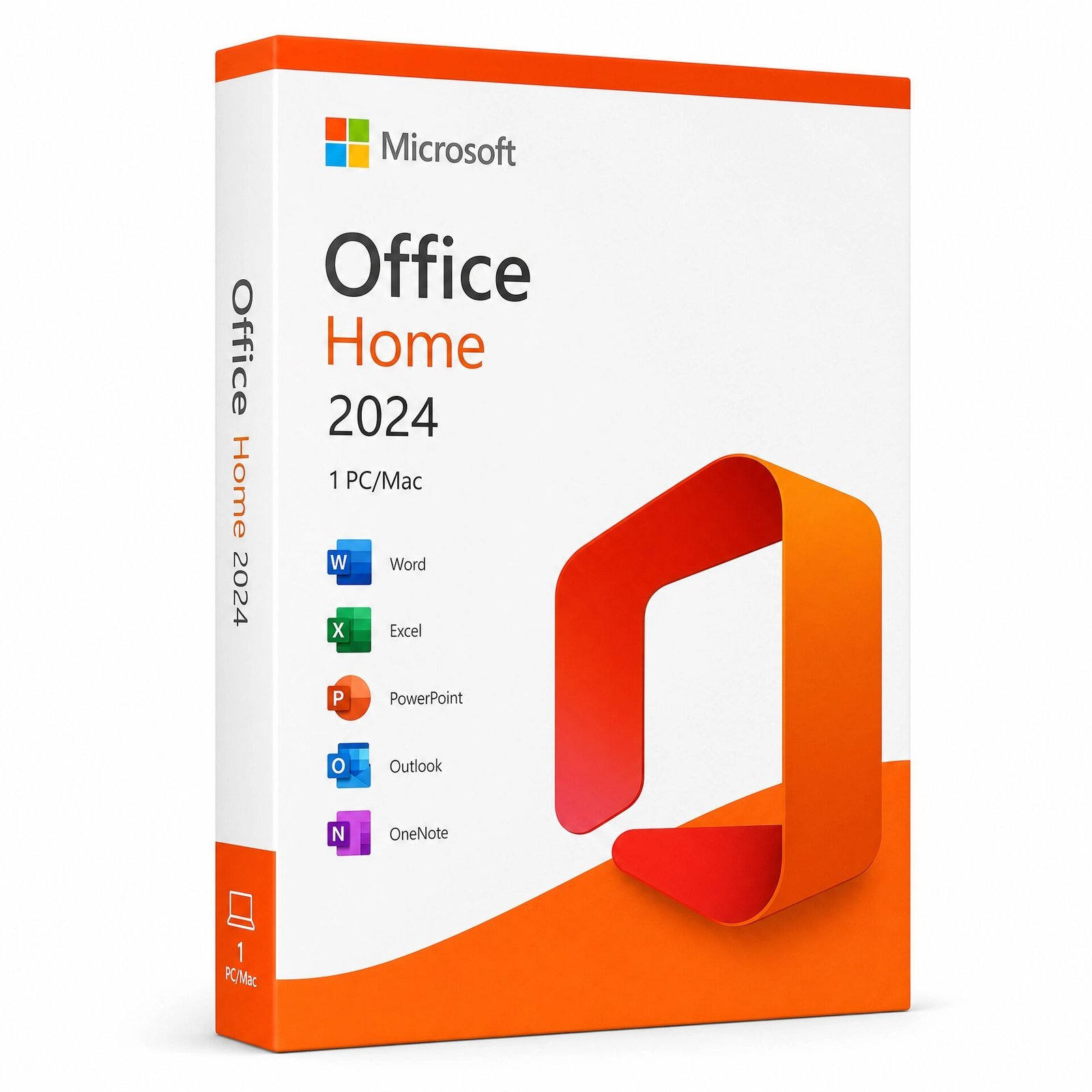
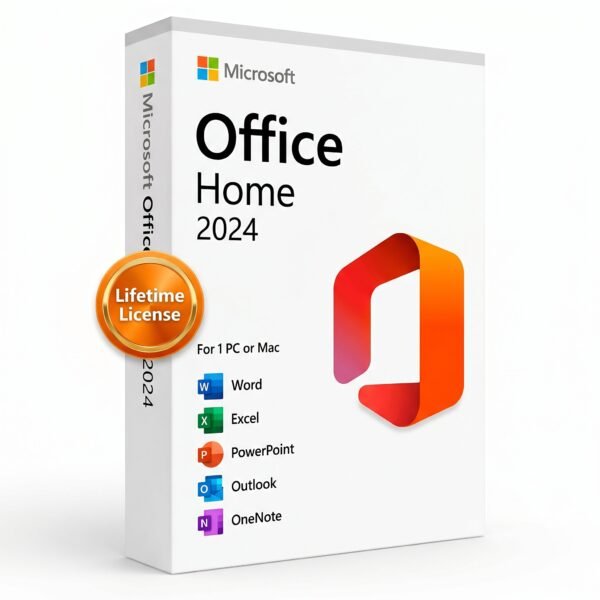
Microsoft Office 2024 Home | Lifetime License for 1 PC/Mac
CAD $ 140.00
A genuine perpetual Microsoft license including core Office apps for one Windows PC or Mac no subscription required.
- Includes Word, Excel, PowerPoint, and OneNote
- Compatible with Windows 10, Windows 11, and macOS
- Ideal for students and families as a smart alternative to Microsoft 365
- Full Microsoft licensing compliance for Office 2024 Home
- Delivery: License key sent by email within minutes
- Lifetime license one payment, forever
- Guarantee: 100% satisfaction & money-back guarantee
Genuine Microsoft license — activated on Microsoft’s own servers
- Instant delivery: your product key, official download link and step-by-step activation guide arrive by email within minutes of payment — 24/7, USA & Canada.
- Lifetime license: pay once, activate forever. No subscription, no renewal fees, no expiry.
- 100% genuine & legal: every key is sourced through authorized supply chains and verified before it reaches your inbox.
- Money-back guarantee: 30-day refund policy plus a lifetime activation warranty — if a key ever fails, we replace it free.
- Secure checkout: Visa, Mastercard, Apple Pay, Google Pay, PayPal and Interac e-Transfer.
- Real human support: licensing and activation help across North American time zones.
How it works: 1) Add to cart and pay securely → 2) Check your inbox for the key and download link → 3) Install and activate with the included guide. Need help? See our activation guides or contact us.
Microsoft Office 2024 Home Lifetime License Key for 1 PC or Mac
Stop paying every month. Microsoft Office 2024 Home is a one-time purchase that gives you the classic Office apps Word, Excel, PowerPoint, and OneNote installed permanently on one PC or Mac. Buy once, own it for life.
Whether you’re a student completing assignments, a parent managing household finances, or someone who simply wants reliable productivity software without a subscription, Office Home 2024 delivers everything you need. Your genuine Microsoft Office 2024 Home product key is delivered by email within minutes and activates directly through Microsoft’s official servers the same process as buying from Microsoft itself.
What’s Included in Microsoft Office 2024 Home
Word 2024 Write faster, format smarter. Whether you’re drafting a college essay, a resume, or a family newsletter, Word 2024 gives you professional-grade writing tools in a clean, distraction-free interface. Improved document recovery and full ODF 1.4 support are among the standout upgrades over previous versions.
Excel 2024 Make sense of your data. Track budgets, build schedules, analyze school project data, or manage family expenses with the world’s most trusted spreadsheet app. Excel 2024 brings deeper integration of dynamic arrays, new text and formula functions, and better performance with large datasets.
PowerPoint 2024 Present your ideas with impact. A full library of templates, smoother animations, and refined design tools make it easy to build presentations for class, community groups, or personal projects. Now with easier photo insertion directly from your phone.
OneNote 2024 Your ideas, organized. Capture meeting notes, research, to-do lists, and ideas in a flexible digital notebook that syncs across your devices.
How to Download and Install Office 2024
Follow these simple steps to download, install, and activate Microsoft Office 2024 on your Windows PC or Mac.
-
Step 1: Visit the Official Microsoft Setup Portal Go to setup.office.com. This is the official Microsoft site used to link your product key to your account.
-
Step 2: Sign In or Create an Account Log in with your existing Microsoft account (Outlook, Hotmail, or Live). If you do not have one, click “Create a new account” to get started.
-
Step 3: Register Your Product Key Carefully enter the 25-digit product key provided in your purchase confirmation email from us. This will permanently link the software to your Microsoft account.
-
Step 4: Download & Install Once the key is verified, select your preferred language and “Windows” or “Mac.” Click Download and run the installer file to complete the setup.
-
Step 5: Launch and Use Open any Office app (like Word or Excel). If prompted, sign in with your Microsoft account to finalize the Lifetime Activation.
Key Details at a Glance
- Licence type: Perpetual one-time purchase, lifetime access
- Included apps: Word 2024, Excel 2024, PowerPoint 2024, Outlook 2024, Access 2024, OneNote 2024
- Platform: Windows PC only not compatible with macOS, Android, or Chromebook
- Devices: 1 PC
- Compatible systems: Windows 10, Windows 11 (64-bit recommended)
- Processor: 2-core, 2.4 GHz minimum
- RAM: 4 GB minimum (8 GB recommended for optimal performance)
- Storage: 4 GB available disk space
- Display: 1024 x 768 resolution minimum
- Delivery: Genuine product key sent by email within minutes of purchase
- Activation: Online via Microsoft’s official activation servers
- Works offline: Yes internet required only for initial download and activation
- Commercial use: Yes licensed for professional and business use
- Microsoft Teams: Compatible download Teams separately at no cost
- Security updates: Provided by Microsoft through October 14, 2029
Is this a genuine Microsoft Office 2024 Home key?
Yes. Every key sold on MMKeys is an authentic, unused Microsoft licence. It activates directly on Microsoft's own servers there are no workarounds, no shared keys, and no grey-market codes.
Can I use Office 2024 Home on a Mac?
Yes. Microsoft Office 2024 Home is fully compatible with macOS. When you download from setup.office.com, the installer automatically detects whether you are on a Windows PC or Mac and provides the correct version.
Is Microsoft Office 2024 Home the same as Microsoft 365?
No. Office 2024 Home is a perpetual, one-time purchase you pay once and keep it. Microsoft 365 is an annual subscription that charges you every year. With Office 2024 Home, there are no recurring fees, ever.
Can I transfer my licence to a new computer?
Office 2024 Home is licensed for one device. If you replace your computer, you must uninstall Office from the original device first. Contact MMKeys support and we will guide you through the transfer process.
Does Office 2024 Home include Outlook?
No. The Home edition includes Word, Excel, PowerPoint, and OneNote. If you also need Outlook, the Office 2024 Home and Business edition adds Outlook and is available separately.
Will I receive future feature updates?
Office 2024 Home is a perpetual release it receives security patches and bug fixes from Microsoft through October 2029 but does not receive new feature updates. The version you activate is the version you keep, which many users prefer for its stability.
How long does delivery take?
Most MMKeys orders are delivered within five minutes of payment. The email includes your product key, a direct Microsoft download link, and a step-by-step activation guide. Still have questions? If you encounter any issues during activation, please Contact Us and our team will be happy to assist you immediately.


Reviews
There are no reviews yet