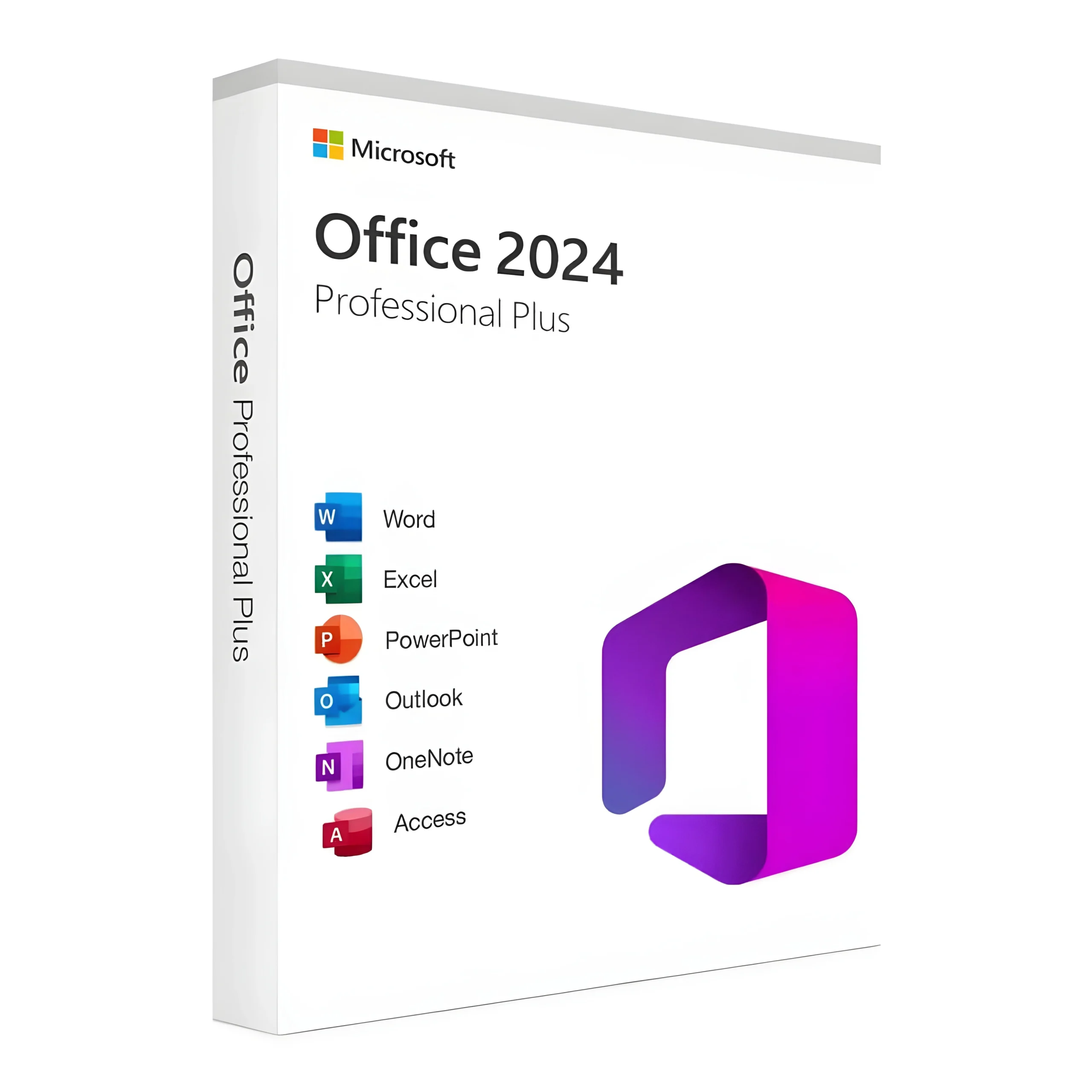
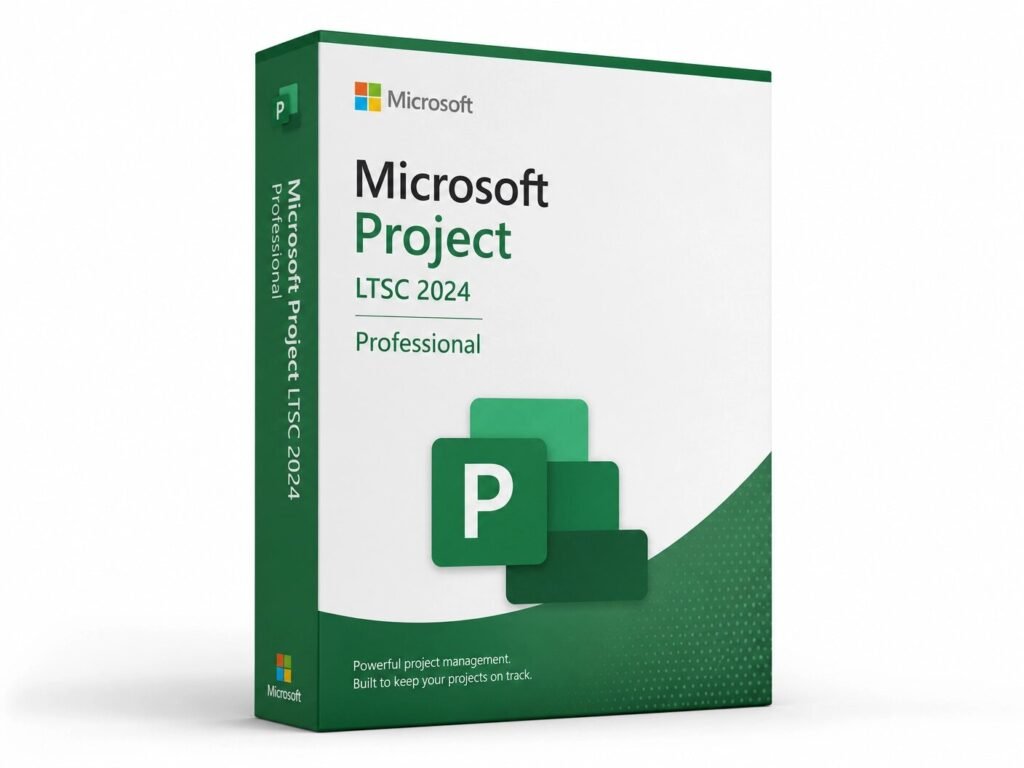
MMKeys delivers genuine Microsoft product keys to customers across the USA and Canada Office, Windows, Visio, Project and more. One or multiples device. Lifetime activation. No Subscription Required, with instant email delivery the moment you pay.
Direct Microsoft activation
Email in under 5 minutes
Real humans, any time zone
Full money-back guarantee
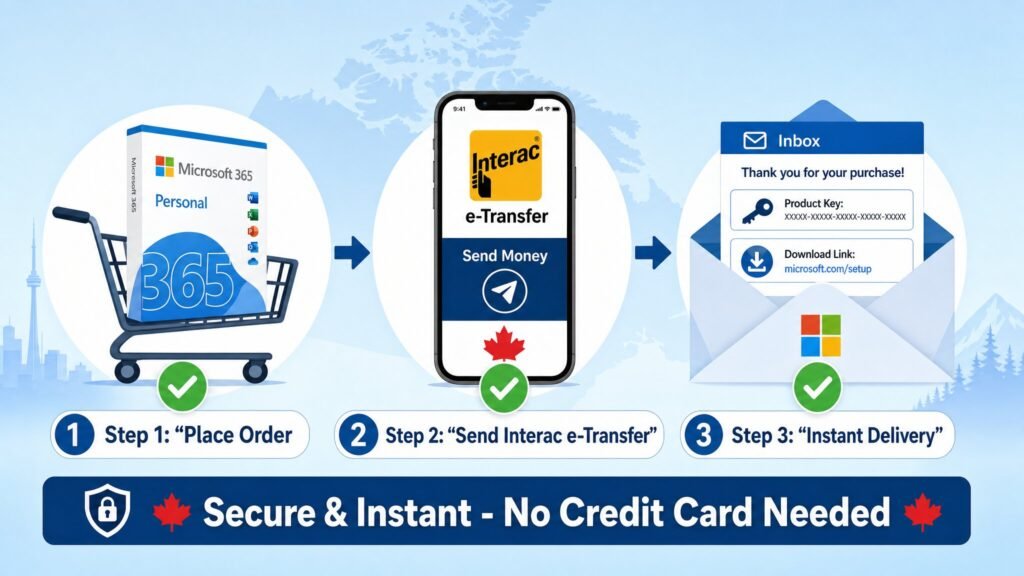
Pick the Microsoft software you need — Office, Windows, Visio, Project, or a bundle.
Pay securely with card, PayPal, or Apple Pay. Encrypted at every step.
Your product key and download link arrive by email within 5 minutes.
Follow the simple instructions. You’re up and running for life.
Every key we sell is a genuine, un-used Microsoft license sourced through authorized supply chains. They activate directly on Microsoft's servers — no workarounds, no grey-market shortcuts.
Orders ship in under five minutes. Your license key, download link and a one-page activation guide all land in your inbox before the kettle boils — no waiting, no shipping windows.
Our team is based across three time zones and answers in plain English. Whether your activation hits a snag or you just want to confirm your edition before you buy, we're a click away.
Yes. MMKEYS.COM is a trusted online store specializing in digital software product keys, including Microsoft software licenses for home users, students, and businesses. All keys sold on MMKEYS.COM are genuine and delivered instantly via digital delivery no physical shipping required.
MMKEYS.COM makes buying Microsoft software simple and fast:
Purchasing from MMKEYS.COM helps ensure:
A Microsoft product key is a 25-character alphanumeric code used to activate genuine Microsoft software on your device. After downloading and installing the software directly from Microsoft, you enter the product key when prompted to verify your license and unlock the full version of the product.
To activate Microsoft software with a product key:
For step-by-step instructions on specific products, visit our Download Guides for detailed activation walkthroughs.
Microsoft software including Windows and Microsoft Office can be downloaded from microsoft.com. After downloading and installing, activate your copy by entering the product key you purchased. Brytesoft sellers provide product keys that are used to activate software downloaded directly from Microsoft.
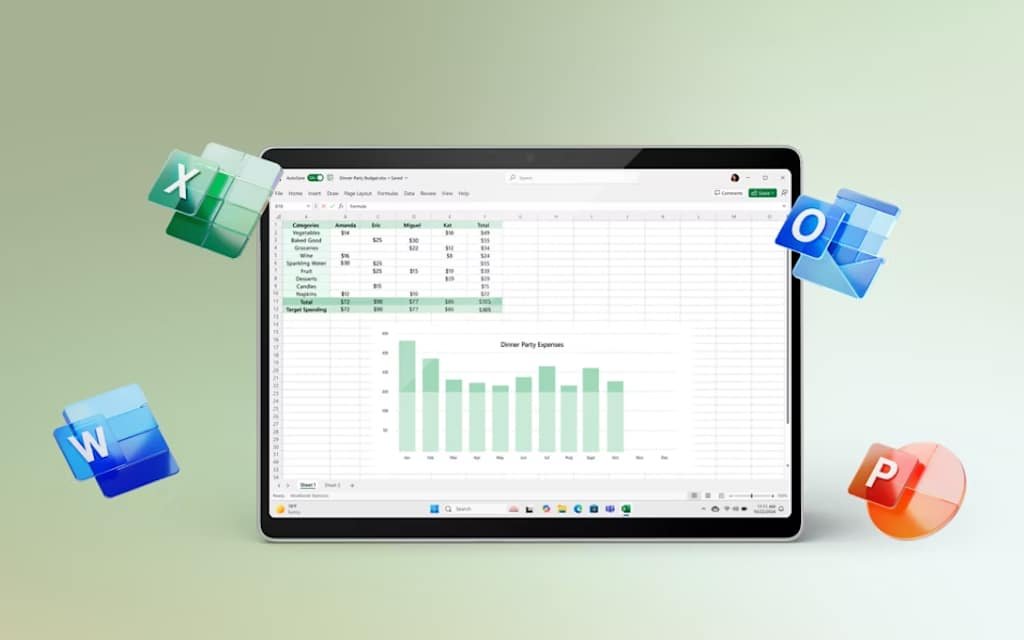
Yes. Microsoft Office keys activate your Office installation after setup is complete. Once your key is verified, you can use the full suite of applications including Word, Excel, PowerPoint, and Outlook without restrictions.
Windows 10 Pro is the professional edition of Microsoft's Windows 10 operating system. It includes all features of Windows 10 Home plus advanced tools such as BitLocker encryption, Remote Desktop, Hyper-V virtualization, and Group Policy Management making it ideal for business users, developers, and power users.
To find your Windows 10 Pro key:
Windows 11 Pro includes everything in Windows 11 Home plus several features designed for professionals and businesses:
| Feature | Windows 11 Home | Windows 11 Pro |
|---|---|---|
| BitLocker Device Encryption | ❌ | ✅ |
| Remote Desktop (host) | ❌ | ✅ |
| Hyper-V Virtualization | ❌ | ✅ |
| Group Policy Management | ❌ | ✅ |
| Windows Sandbox | ❌ | ✅ |
| Azure Active Directory Join | ❌ | ✅ |
| Microsoft Intune support | ❌ | ✅ |
If you're a developer, IT professional, or small business owner who needs enhanced security, virtualization, or remote access tools, Windows 11 Pro is the right choice. Home users who primarily browse the web, stream content, or use Office apps will find Windows 11 Home sufficient.
Microsoft Office 2024 (also referred to as Office Home 2024) is a one-time purchase version of Microsoft Office — meaning you pay once and own it, with no ongoing subscription required. It includes:
Note: Office Home 2024 does not include Outlook, Access, or Publisher, and does not come with cloud storage or automatic feature updates beyond security patches. If you need the full suite with OneDrive and always-up-to-date features, consider Microsoft 365.
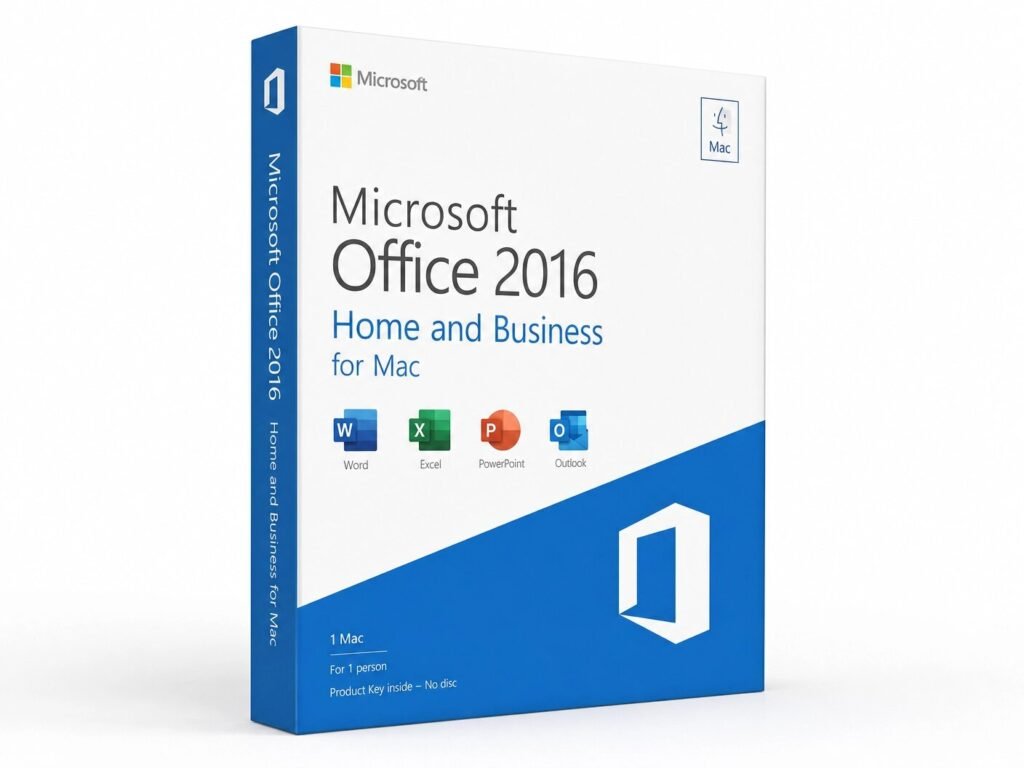
Microsoft Office software is a suite of productivity applications developed by Microsoft, used by businesses, students, and individuals worldwide for document creation, data management, communication, and collaboration. The suite includes applications such as Word, Excel, PowerPoint, Outlook, and more. Microsoft Office is available as a one-time purchase (such as Office 2024) or as a subscription through Microsoft 365.
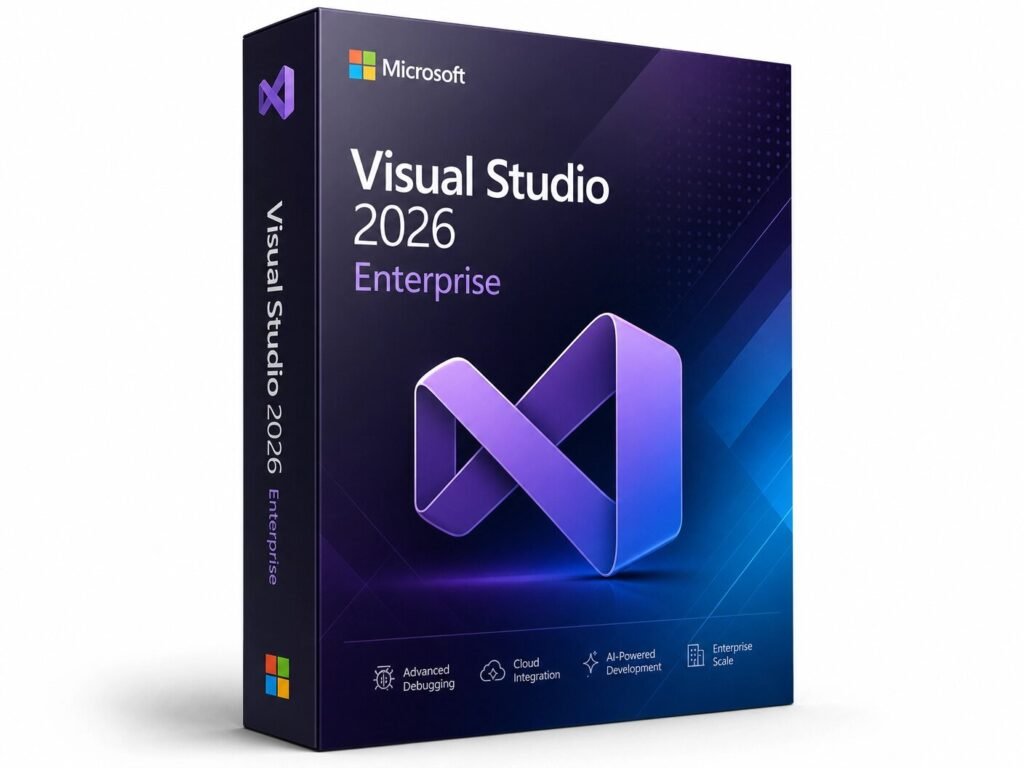
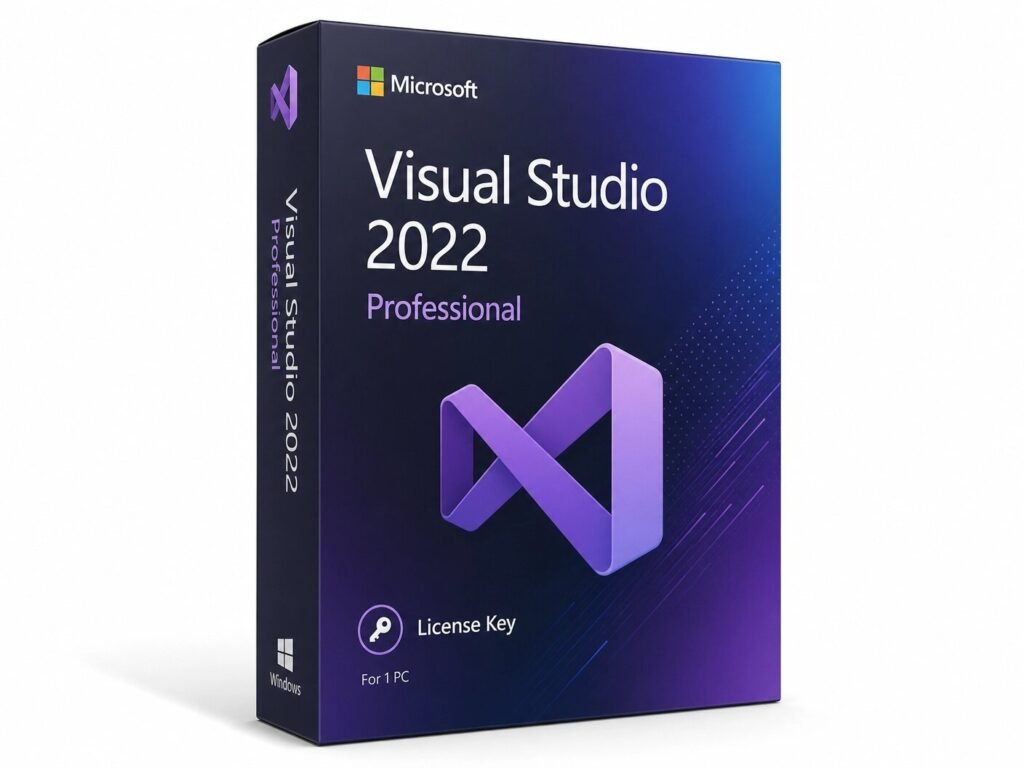
Microsoft Visual Studio refers to both the full Visual Studio IDE (Integrated Development Environment) and the lightweight Visual Studio Code editor. Here's how to get started with Visual Studio Code:
Ctrl+Shift+X) to browse and install language support, debuggers, and tools (e.g., Python, JavaScript, C#).Ctrl+`` to run commands without leaving the editor.Ctrl+Shift+D) to set breakpoints and step through your code.For the full Visual Studio IDE (Community, Professional, or Enterprise editions), visit visualstudio.microsoft.com to download and activate using your product key or Microsoft account.
Windows Server is Microsoft's server operating system, used to manage networks, host applications, and run services like Active Directory and DNS. If you're experiencing DNS issues on Windows Server 2019, follow these steps:
Step 1 – Restart the DNS Server service:
Open Server Manager → Tools → DNSOr via PowerShell:
Restart-Service -Name DNSStep 2 – Check DNS Server configuration: Open the DNS Manager (dnsmgmt.msc), verify your forward and reverse lookup zones are present and correctly configured.
Step 3 – Flush the DNS cache:
Clear-DnsServerCacheOr via Command Prompt:
ipconfig /flushdnsStep 4 – Verify DNS forwarders: In DNS Manager → right-click your server → Properties → Forwarders tab. Confirm your upstream DNS servers (e.g., 8.8.8.8 or your ISP's DNS) are listed.
Step 5 – Run DNS diagnostics:
dcdiag /test:DNS /vReview the output for errors related to DNS registration, delegation, or connectivity.
Step 6 – Reinstall the DNS Server role (last resort):
Uninstall-WindowsFeature -Name DNS
Install-WindowsFeature -Name DNS -IncludeManagementTools
If DNS issues persist after these steps, check your Windows Server event logs (Event Viewer → Windows Logs → System) for error codes that can point to the root cause.
Many people look for affordable Microsoft software keys when setting up a new PC, upgrading their operating system, or equipping a home office or small business. A product key is required to activate Microsoft software after downloading it from Microsoft's official website, and prices can vary significantly between retailers.
Purchasing from a trusted store like MMKEYS.COM ensures you're buying a genuine license from a reliable source so your key activates correctly and you get the support you need if any issues arise.
New buyer’s guides, Microsoft licensing news, and the occasional discount the rest of the internet doesn’t get. 4,200 readers and counting. Unsubscribe in one click.